
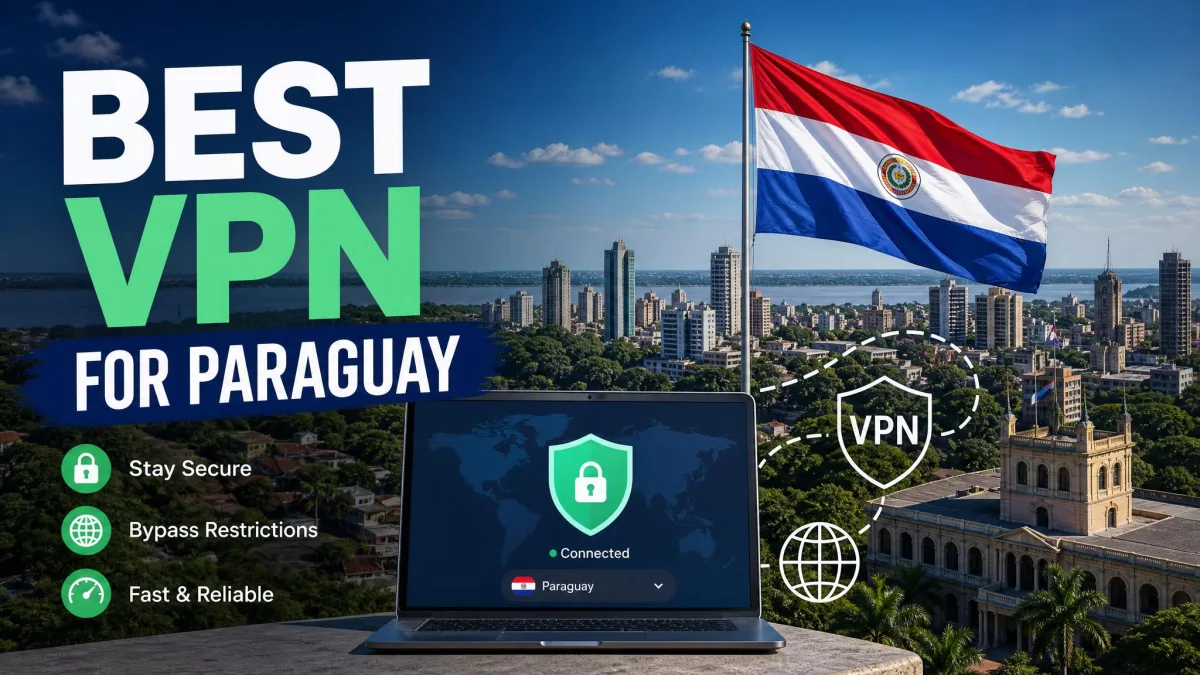
You are on café Wi-Fi in Asunción, checking your bank balance, and you would rather nobody else on the network could read that traffic. A VPN solves that, but "a VPN for Paraguay" can mean three different jobs, and few providers cover all of them. We kept those jobs separate throughout the article so you can see which picks suit your needs.
Best VPNs for Paraguay at a glance
The first job is privacy while you are physically in the country. The second is watching foreign streaming libraries from there. The third is getting a Paraguayan IP address while you are abroad. Most providers handle the first two well, and only some handle the third.
| Product | Buy | Paraguay IP | Nearby locations | Apps and connections | Cost and refund |
|---|---|---|---|---|---|
 |
Check price → | Listed in the official server catalog | Argentina, Brazil, Chile | Windows, Mac, Linux, Android, iOS; unlimited personal-use connections | Starter $67.23 for the first 27 months; 30-day refund |
 |
Check price | Advertised by the vendor, so confirm in the app | Brazil, Argentina | Windows, Mac, Linux, Android, iOS; 10 devices | Basic monthly $14.99; 30-day refund |
 |
Not listed in the official catalog | Brazil, virtual Argentina, Chile | Windows, Mac, Linux, Android, iOS; 10 to 14 devices by tier | Basic $83.72 for 28 months, then $99.95 a year; 30-day refund | |
 |
Not listed in the official catalog | Virtual Argentina, Brazil streaming locations | Windows, Mac, Android, iOS; Linux manual; 7 connections | $61.32 initial offer, then $61.32 a year; 45-day or 14-day refund | |
 |
Not listed in the current app-location list | Argentina, Brazil, Chile | Windows, Mac, Linux, Android, iOS; unlimited connections | Annual $47.88 first year and at renewal; 30-day refund |
Prices are US dollar offers we saw on 2026-11-07. They change with promotions, region and tax, so confirm the total at checkout.
How we choose VPNs for Paraguay
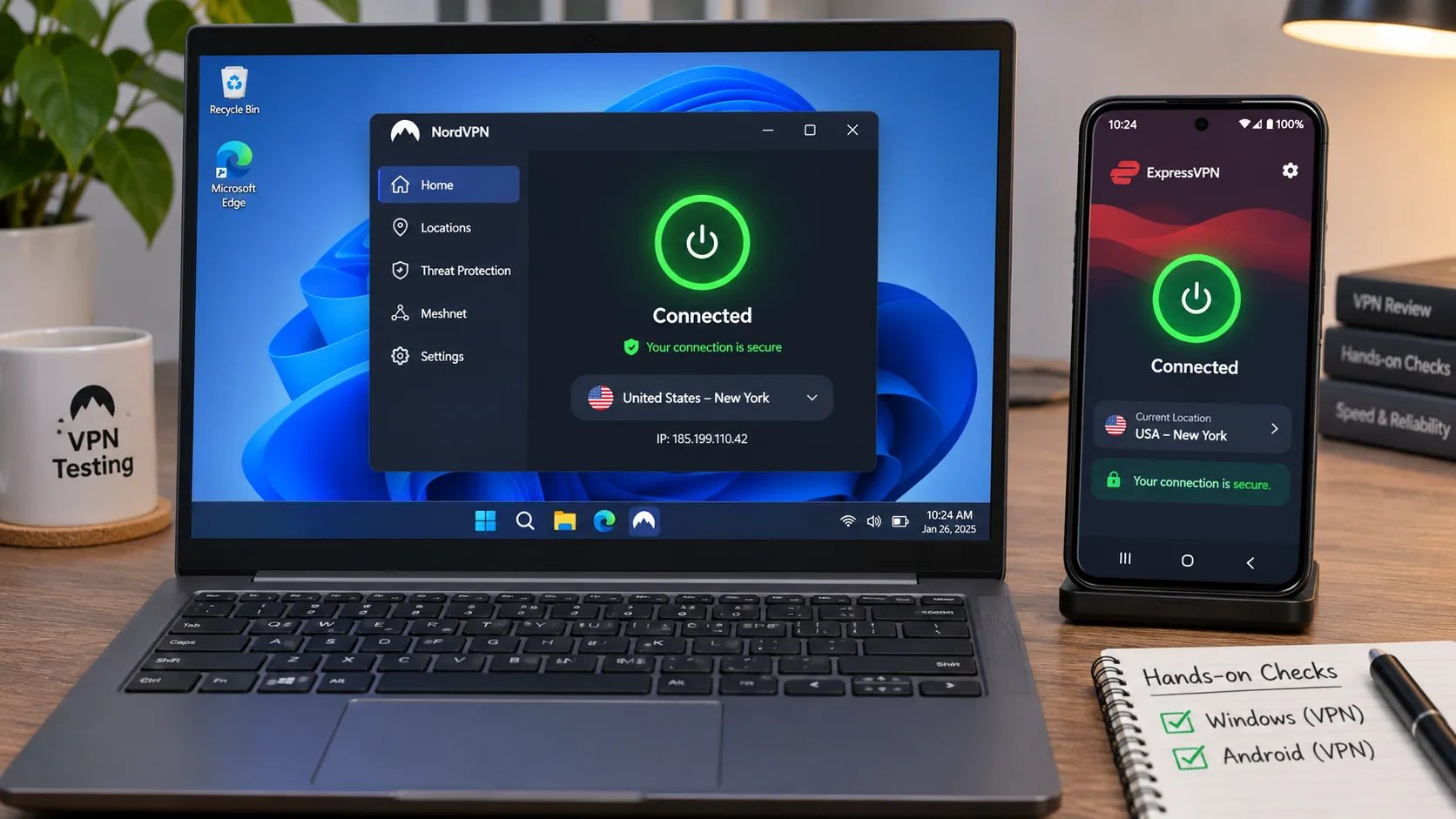
We began with official provider sources for server lists, apps, refund terms and prices, then added our hands-on Windows and Android findings. We compared five well-known providers against the three Paraguay jobs rather than one blended score, and provider order follows the evidence we could confirm, not the size of the brand.
Server locations, speeds and streaming access
Server location comes first, since it decides whether a Paraguayan IP is even possible. Next we looked at nearby servers in Argentina, Brazil and Chile, and how reliably each provider's streaming endpoints unlock foreign catalogs. We did not run same-network speed tests from Paraguay, so we make no Paraguay speed claims.
Privacy protections, apps and total subscription cost
Then we checked kill switches, RAM-only or audited no-logs claims, platform coverage and device limits. Cost is the full term price plus the renewal, not the first-month teaser. Where an official page left the renewal unclear, we say so and do not guess.
If we were setting up a household in Paraguay ourselves, we would pair a Paraguay-capable pick with a streaming-first one rather than ask a single app to do everything. The reviews below show where each provider fits that kind of split.
The 5 best VPNs for Paraguay
1. Surfshark
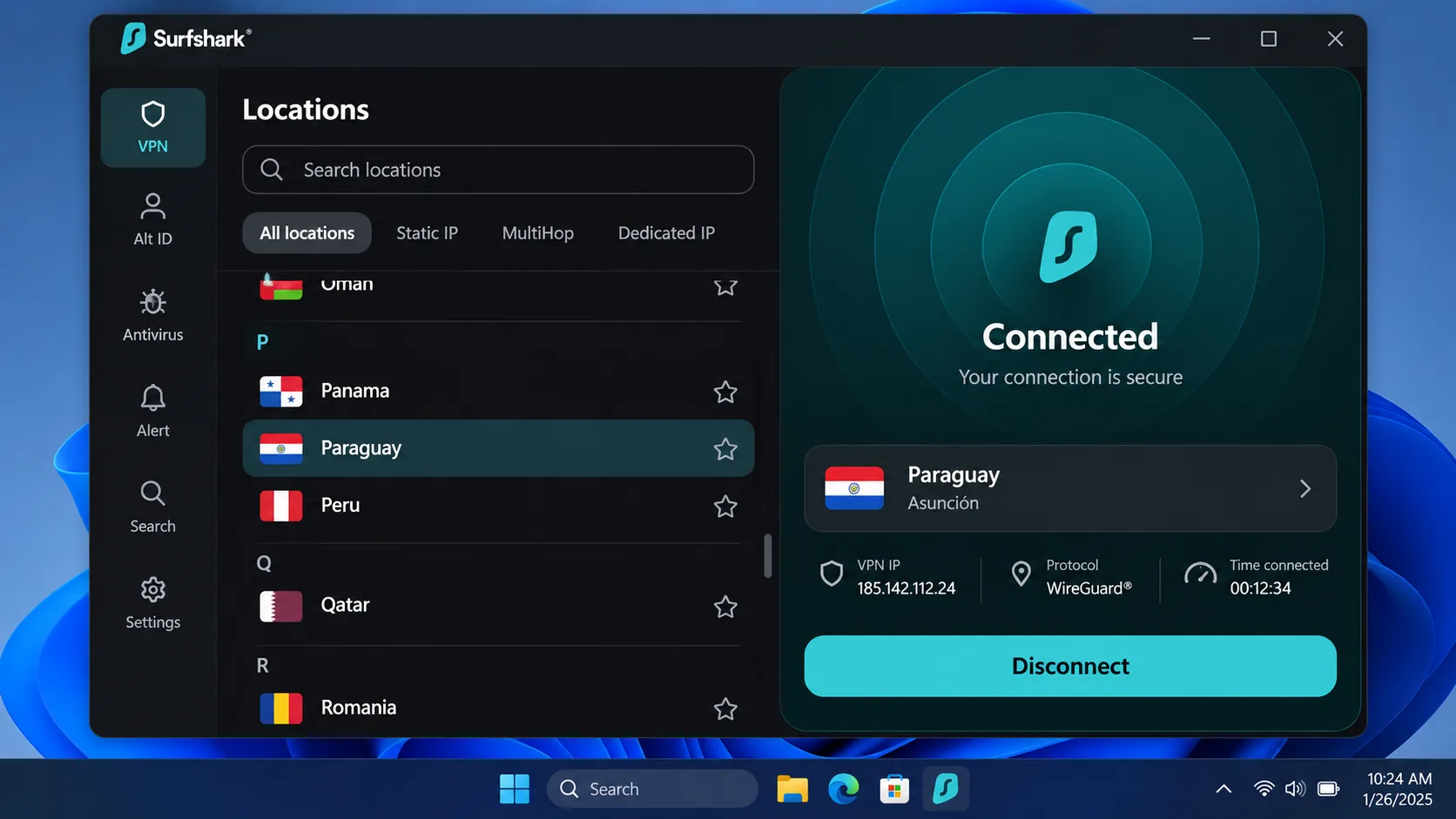
Surfshark is our top choice for Paraguay because its official server catalog lists Paraguay, alongside Argentina, Brazil and Chile. We could not establish where the Paraguay servers are physically hosted, so treat the listing as a Paraguay IP option rather than confirmation of hardware location.
It also suits households. Surfshark allows unlimited simultaneous connections for personal use, and apps cover Android, Windows, iOS, macOS and Linux. Browser extensions only cover browser traffic, not the whole device.
In use, Surfshark's server speeds vary by endpoint, so switching location can improve performance when a connection feels slow. It reaches Netflix US and BBC iPlayer without a specialist streaming-server workflow. The Android widgets make it easy to jump back to a recent or fastest location. The everyday interface can feel crowded, and connections can take longer than expected. The Windows app also does not always show status changes clearly enough.
Extras include Dynamic MultiHop, obfuscation, Bypasser split tunneling, a kill switch, CleanWeb filtering and a dedicated IP option, though availability differs by platform. The Starter offer was listed at the equivalent of $2.49 a month, or $67.23 for the first 27 months, with VAT possibly applying. We could not confirm the renewal amount. A 30-day refund window applies to purchases made through the Surfshark website.
Pros
- Paraguay listed in the official server catalog
- Unlimited simultaneous connections for personal use
- Handles Netflix US and BBC iPlayer without special servers
Cons
- Crowded interface and slower connection starts
- Renewal price not confirmed on the pricing page
Best for: Households with many devices that also want a Paraguay option. Skip if: You want the simplest possible interface.
2. NordVPN
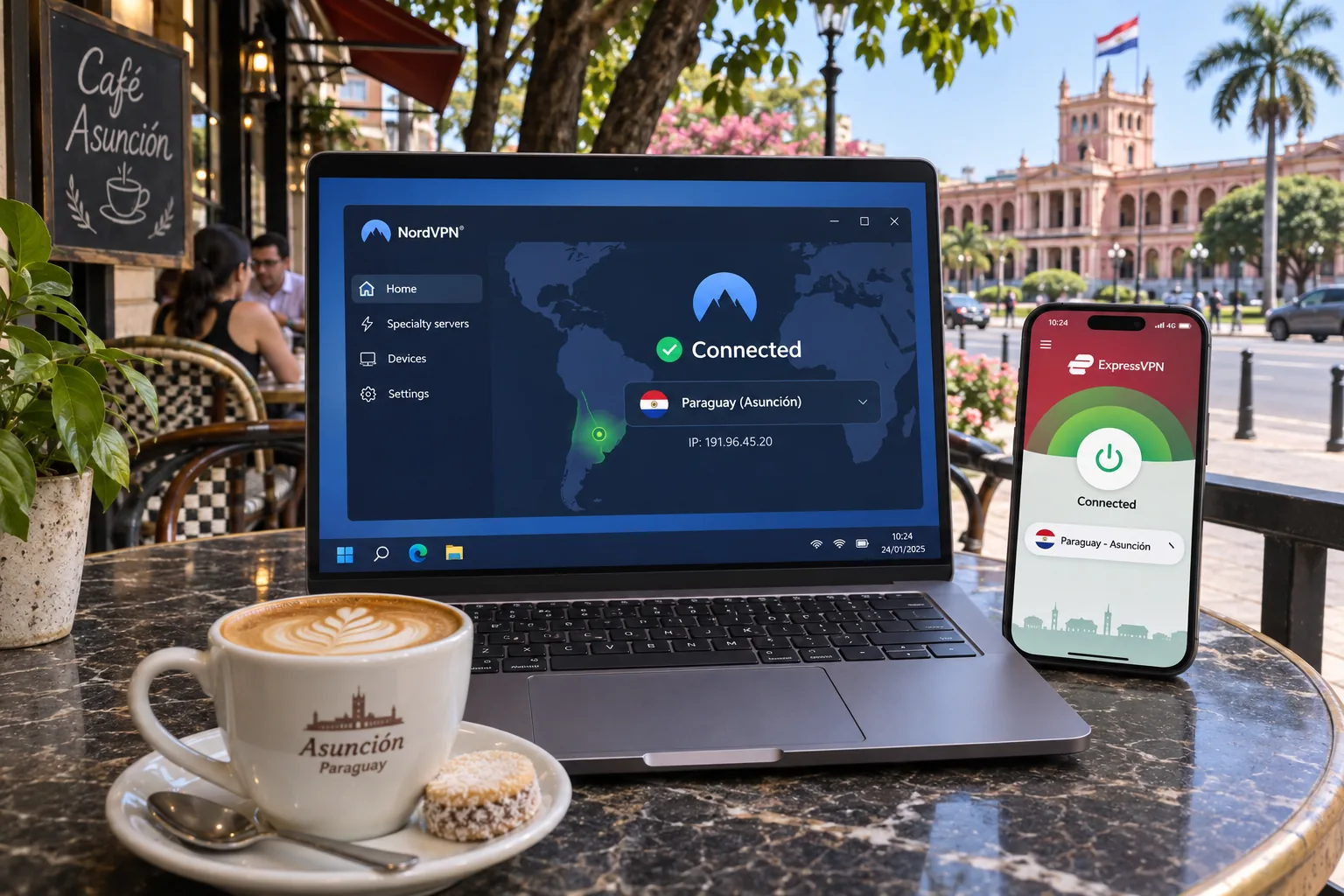
Where Surfshark leads on Paraguay, NordVPN leads on streaming. We found it handles Netflix US, Hulu and Max access well, and its NordLynx protocol suits high-bandwidth streaming. NordVPN's own Paraguay page advertises a virtual Paraguay location, with Brazil and Argentina as regional alternatives. An older country guide says NordVPN lacks Paraguay, so open the app and check the server list before you buy if the local IP matters to you.
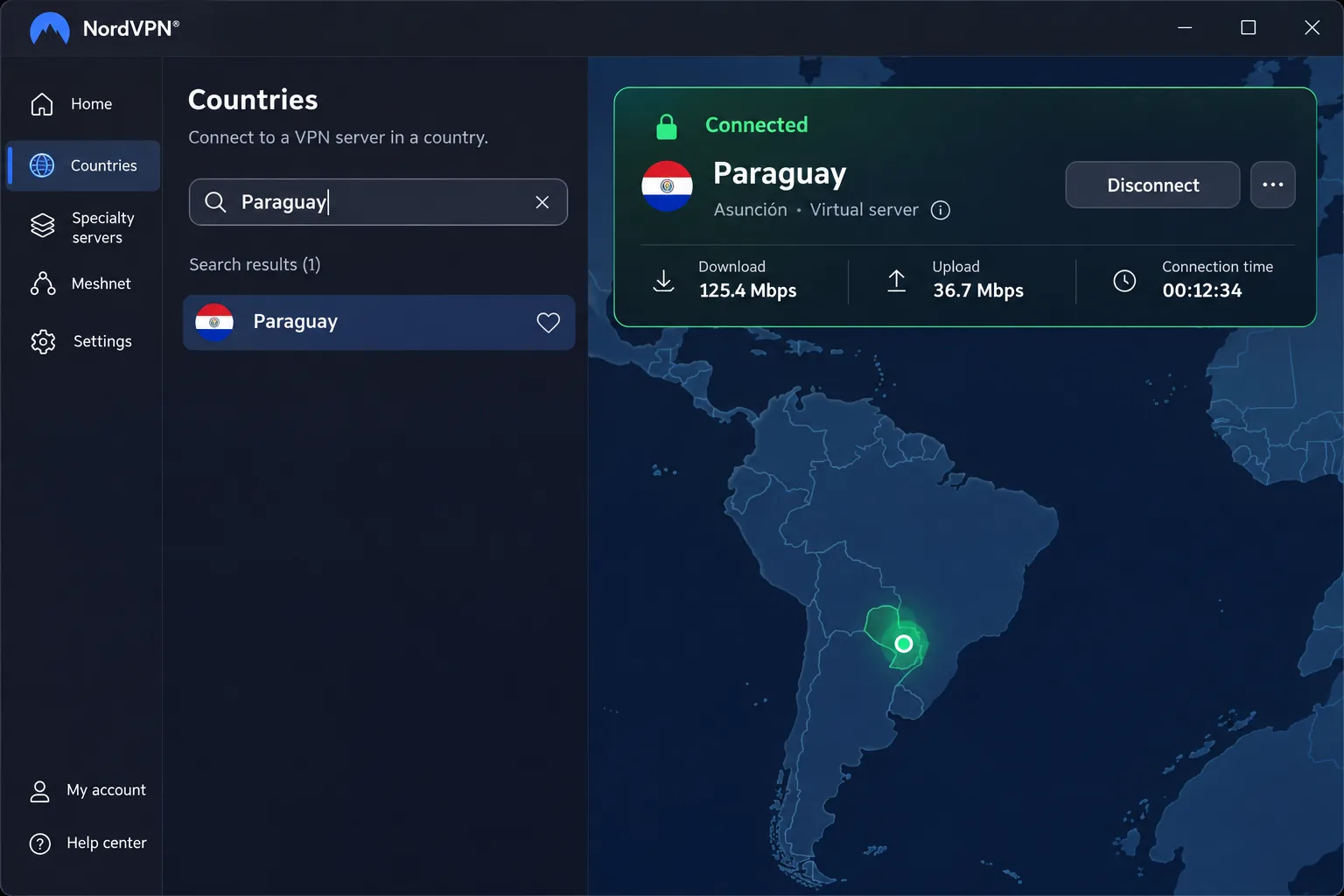
On Windows, NordVPN connects quickly without noticeable strain on a laptop, and suggested servers and recent connections make repeat use straightforward. The friction showed up at the end of a session. When we tried to disconnect, there was no obvious Disconnect button. We had to open Pause to find it. It is a small extra step, but you repeat it every time you finish. On mobile, the map takes more swiping than the server list when choosing a distant country, and connection notifications cannot be separated from marketing notifications.
Each account covers 10 simultaneous devices. The standard Android app needs Android 9 or later, with a sideloaded version for Android 7 and 8, and the iPhone and iPad app needs iOS 17.0 or later. Features include a kill switch, split tunneling, Double VPN, private DNS and a no-activity-tracking policy. A 30-day money-back guarantee applies, and the Basic monthly plan displayed at $14.99, though we could not confirm a long-term renewal total.
Pros
- Strong Netflix US, Hulu and Max access
- NordLynx suits high-bandwidth streaming
- Quick Windows connections and clear advanced controls
Cons
- Paraguay availability should be confirmed in the app
- Disconnect buried under Pause; marketing mixed into notifications
Best for: Streaming foreign libraries while you are in Paraguay. Skip if: A confirmed Paraguay IP is non-negotiable.
3. ExpressVPN
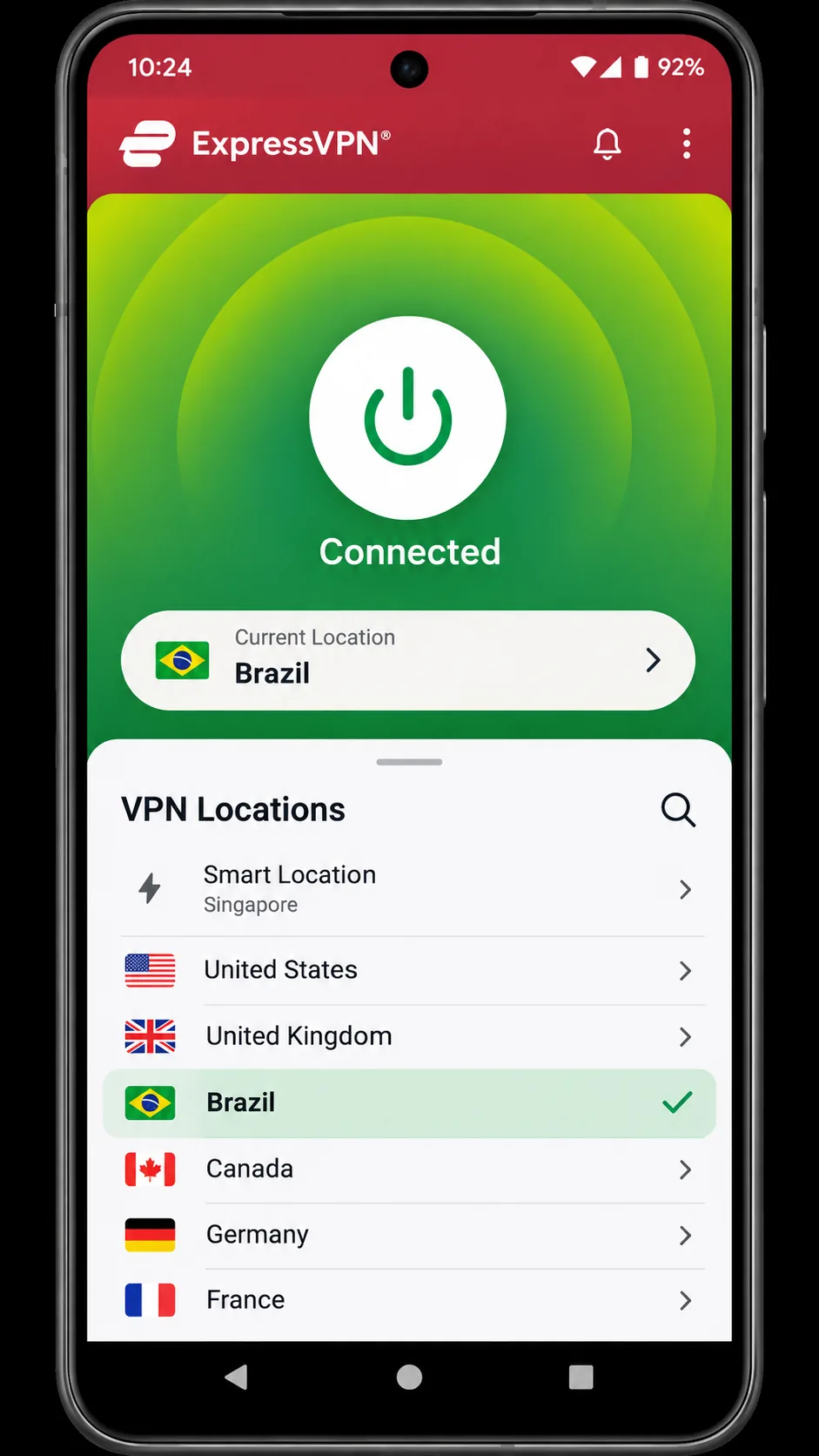
Surfshark and NordVPN both point toward Paraguay, but ExpressVPN is the one we would hand to a beginner. Its official catalog lists Brazil, virtual Argentina and Chile, and we found no Paraguay entry, so it will not give you a Paraguayan IP. Think of it as a strong privacy tool for use inside Paraguay and for nearby-country routing.
Windows Lightway connections start quickly, and the extra wait previously needed for Lightway Turbo has shortened. You may need to restart your laptop after installation before first use. The account activation code makes adding devices convenient, and the setup documentation is unusually clear. The Android interface is simple and easy for beginners, though it offers fewer advanced controls such as MultiHop. Current apps need Android 7 or later and iOS 15 or later.
The device allowance depends on tier: Basic supports 10 devices, Advanced 12 and Pro 14. The Basic offer displayed at $2.99 a month equivalent, $83.72 upfront for 28 months, then $99.95 annually. That is a promotional dollar offer, so regional pricing and taxes may differ. New users get a 30-day money-back guarantee. TrustedServer RAM-only servers, a kill switch and strong encryption cover the privacy basics.
Pros
- Simple setup and clear documentation
- RAM-only servers and Lightway protocol
- Covers Windows, Mac, Linux, Android, iOS and routers
Cons
- No Paraguay entry in the official catalog
- Fewer advanced Android controls
Best for: Beginners who want simple, reliable privacy on public Wi-Fi. Skip if: You need a Paraguayan IP or low renewal pricing.
4. CyberGhost
Labeled servers sound like a shortcut, but on CyberGhost the label does not always deliver. The streaming-optimized, P2P and gaming entries make choosing an endpoint simple, yet we found the named server does not always unlock its intended service. When BBC iPlayer refused to load on the iPlayer endpoint, we switched to the UK Channel 4 endpoint and regained access to iPlayer. The Netflix Australia endpoint likewise restored access to Australian 10 Play. Treat the swap as the first fix.
The swap carries one risk. When we changed servers manually, CyberGhost could expose our real IP for a moment, even though the kill switch engages after an unintended drop. Let one connection finish before starting another.
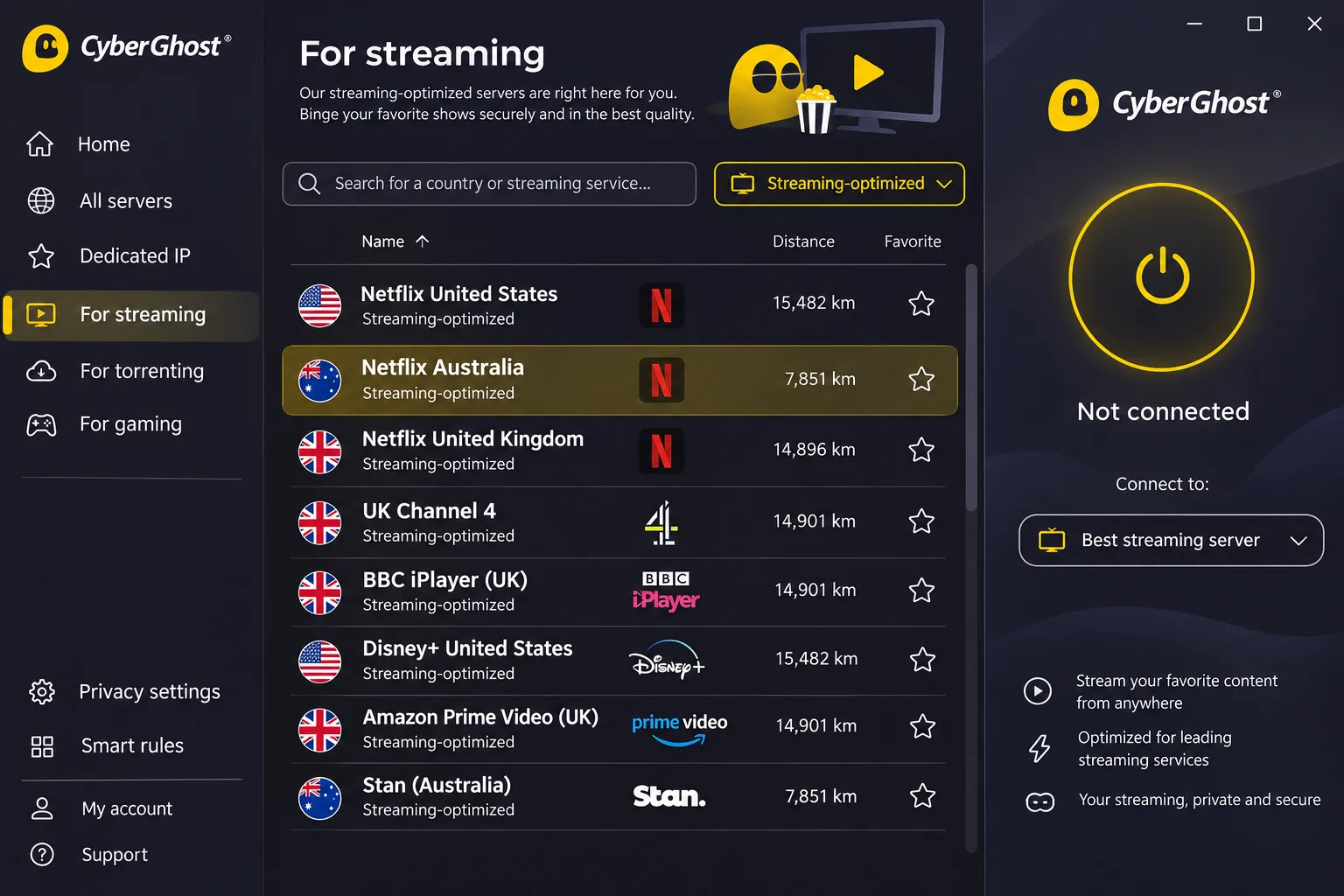
For use in Paraguay, the catalog includes virtual Argentina and Brazil streaming entries, but no Paraguay location. Nearby connections have little noticeable effect on ordinary browsing. Long-distance connections can fluctuate or drop, which leads to buffering and frozen video.
Apps cover Windows, macOS, Android and iOS; Linux requires the command line or manual setup. Mobile requirements are Android 7.0 or later and iOS 15.0 or later. Support lists 7 simultaneous connections, but you may have to remove an old device before adding a new one.
Refund terms are the best here but have conditions. A 45-day guarantee covers website offers of six months or longer, and a 14-day guarantee covers monthly website subscriptions. Purchases through Google Play, the Apple App Store and Amazon Appstore are excluded. The advertised offer is $2.19 a month for the multi-year term, with a $61.32 initial charge and $61.32 annual renewal. The checkout labels the term both 28 months and two years, so confirm the dates before paying.
Pros
- Streaming labels simplify endpoint choice
- 45-day refund on longer website plans
- Low advertised price
Cons
- Named servers do not always unlock their service
- Distant routes can fluctuate or drop
Best for: Budget buyers who like service-labeled servers and a long refund window. Skip if: You need a Paraguayan IP or lean on long-distance streaming.
5. Private Internet Access
Private Internet Access falls short on streaming, while its strengths cater to people who like to tinker. Its streaming-optimized locations are more reliable than its general locations, and it reaches Netflix across several major regions, while Disney Plus Canada can stay inaccessible. Smart DNS fails with streaming apps, and broader global access is patchy.
The current app-location list includes Argentina, Brazil and Chile with streaming-optimized options, but not Paraguay. A single subscription covers unlimited simultaneous connections, with apps for Windows, macOS, Linux, Android, iOS, Fire TV and Apple TV, plus browser extensions.
Its many settings create a learning curve, but the customizable home screen lets experienced users keep the controls they use and drop the distractions. By default it opens in the Windows system tray. To detach the window, you have to find the option under General settings. WireGuard and OpenVPN, an advanced kill switch, network automation, DNS filtering and an audited no-browsing-logs policy sit behind that interface.
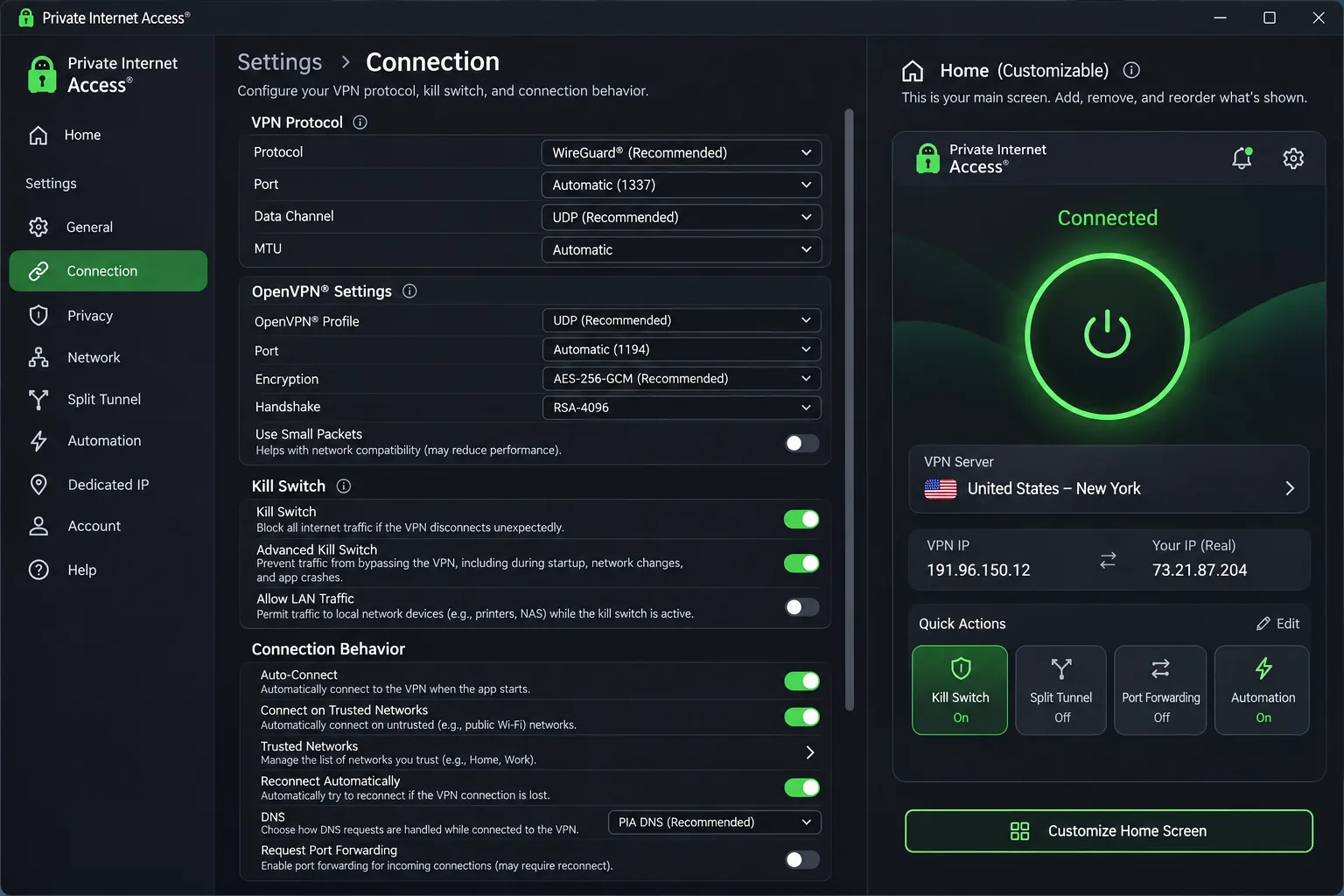
Current apps list Android 7.0 or later and iOS 15.0 or later, though legacy support PDFs still show older iOS requirements. The annual offer was listed at the equivalent of $3.99 a month, costing $47.88 for the first year and the same at renewal. The monthly plan is $11.95. New subscribers get a 30-day money-back guarantee.
Pros
- Unlimited connections and a stable annual renewal price
- Deep settings with a customizable home screen
- Audited no-browsing-logs policy
Cons
- Learning curve for new users
- Patchy streaming outside its optimized locations
Best for: Experienced users who want control and a flat annual price. Skip if: Streaming across many regions is your main goal.
Which Paraguay VPN should you choose?
Match the pick to the job. If you need a Paraguayan IP, start with Surfshark, then check the app before you commit. If you mostly want foreign streaming from inside Paraguay, NordVPN is our first choice, with CyberGhost as the budget alternative. If you want simple privacy on public Wi-Fi, ExpressVPN is the easiest to set up. If you want to tune every setting and keep a flat renewal price, choose Private Internet Access.
Every provider here offers a refund window, so you can test the connection on your own network. We could not establish a same-network speed ranking from Paraguay, so no provider earns a "fastest in Paraguay" label from us.
Why use a VPN in Paraguay?
A VPN encrypts the traffic between your device and the VPN server, and it masks your public IP address from the sites you visit. That helps on shared networks and when you want a different location. It also moves trust from your network to the VPN operator, which is why the provider's policies matter. The EFF's guide to choosing a VPN makes the same point.
Public Wi-Fi, tracking and the limits of VPN protection
Hotels, cafés and airports are the places a VPN earns its keep. On an open network, a VPN stops other users from reading your traffic. It does not remove malware, stop account-based or cookie tracking, or protect you from a government that can compel the VPN operator. A VPN also does not make you anonymous.
A nearby server is not a Paraguayan IP. A Brazil or Argentina endpoint gives you an IP associated with that country, even though it is geographically close to Paraguay. Only a location labeled Paraguay supplies a Paraguayan address.
Internet access and streaming in Paraguay
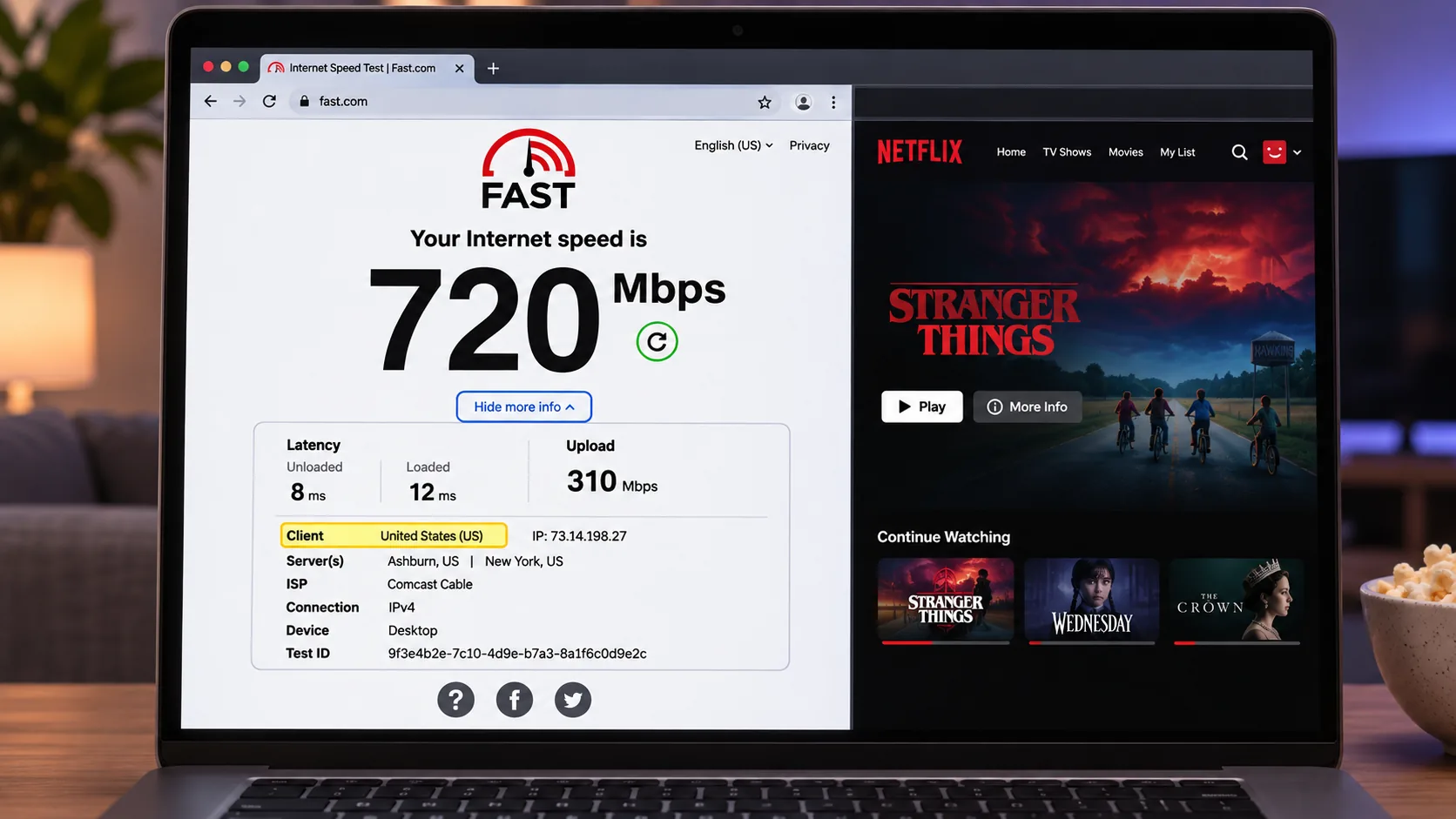
Streaming is where most people reach for a VPN. A VPN can open foreign catalogs such as Netflix US, though Netflix's own help page says it may show only globally licensed titles when it detects one. It also says VPNs are unsupported for live events and ad-supported viewing. Local services such as Tigo Sports, Personal Play and Telefuturo are a different matter. We could not confirm current access to them, and a Paraguay IP alone does not guarantee it.
We also could not verify any present nationwide blocking in Paraguay. The country guides we read make broad and inconsistent restriction claims, so we do not repeat them.
How to use a VPN in Paraguay
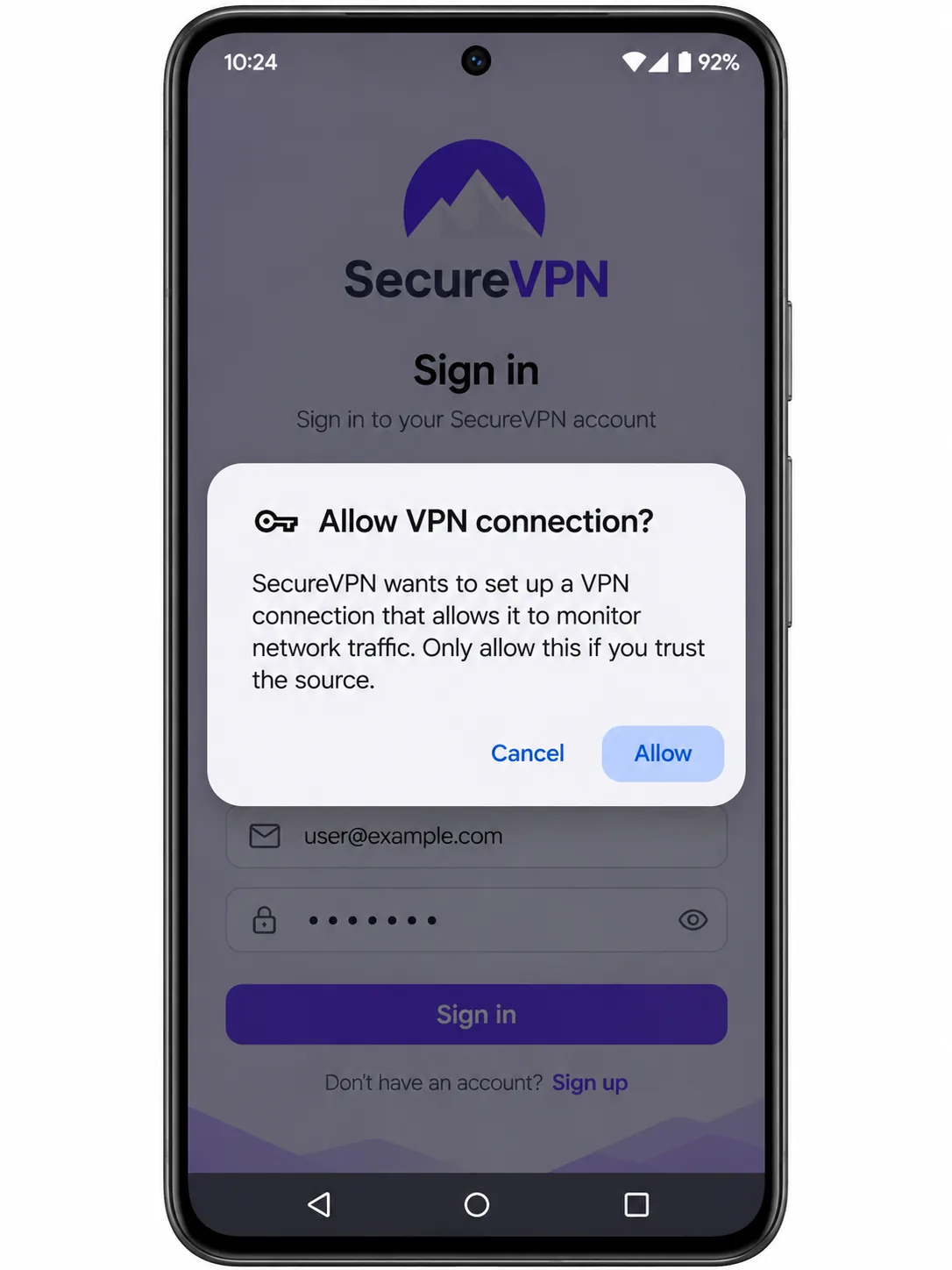
Setup is the same for every provider here. Install the official app, sign in, allow the VPN configuration when your device asks, pick a country and connect.
- Download the app from the provider's site or your device's app store. Confirm your device meets the minimum version requirement, such as Android 7.0 for CyberGhost and PIA, or iOS 15.0 for CyberGhost, ExpressVPN and PIA.
- Sign in and approve the VPN permission prompt.
- Open the server list and choose a location. For NordVPN's Paraguay location, select Paraguay by name.
- Turn on the kill switch in Settings so a dropped connection does not leak traffic.
- Check your IP at a lookup site before you rely on it.
Use the server list rather than a map for distant countries on mobile. Choose the closest server first for browsing, and move to a streaming-labeled endpoint only when you want a foreign catalog.
How to get a Paraguayan IP address abroad
Travelers and expats sometimes want a Paraguayan IP to reach local banking or services. Connect to a location labeled Paraguay. Of our five picks, Surfshark lists it in its official catalog and NordVPN advertises it, with the caveat above. ExpressVPN, CyberGhost and Private Internet Access did not list one when we checked.
Paraguay locations versus nearby servers
A Paraguay location returns a Paraguayan IP. Servers in Argentina, Brazil and Chile can still help with latency, but their IPs come from those countries and will not satisfy a site that checks for Paraguay. After connecting, confirm the result on an IP lookup page. Not every local service accepts VPN traffic, so success is never guaranteed.
Can you use a free VPN in Paraguay?
You can, within limits. Proton VPN Free has no data cap, no ads and no activity logging, and it promotes streaming support and broader country selection as paid features. That suits light browsing on public Wi-Fi. It does not suit a Paraguayan IP or foreign streaming.
Other free apps vary a lot. Free providers still need to fund themselves, so read the privacy policy before you install. All five paid picks above carry a refund window, which makes them a lower-risk test than a random free app.







