
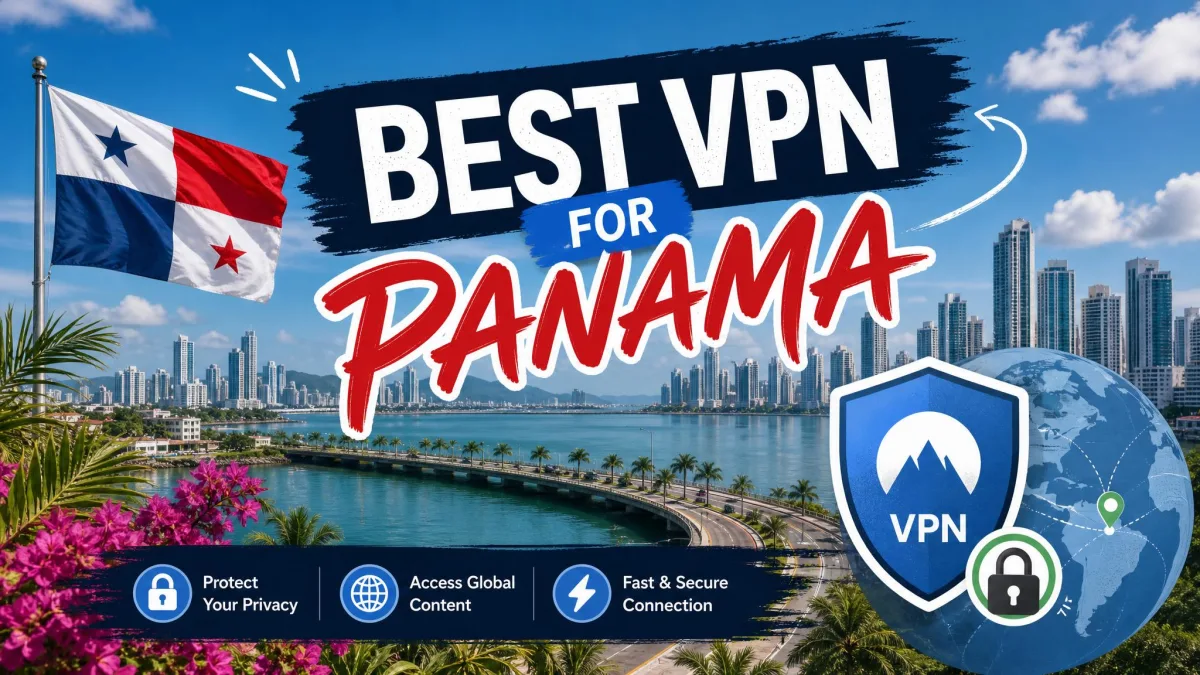
Are you looking for a VPN to use inside Panama, or for a Panama IP address while you are abroad? The two jobs sound alike, but they need different things. Inside Panama, you want strong encryption on public Wi-Fi and quick connections to nearby servers. Abroad, you need a provider that offers a Panama endpoint and apps that work smoothly on your devices.
Our shortlist is NordVPN, Surfshark, ExpressVPN, CyberGhost, and Proton VPN. Each lists a Panama location, though that does not always mean a physical server in the country. We spell out that difference for each provider below, along with app support, cost, and the limits we ran into.
Best VPNs for Panama at a glance
Each provider fits a different job. NordVPN is the all-rounder, Surfshark suits a household with many devices, and ExpressVPN has the simplest app. CyberGhost has the longest refund window on long plans. Proton VPN offers the most privacy controls.
Prices below are the offers each provider displayed on its own site when we checked. Promotional terms, taxes, and renewal rates depend on the plan you pick at checkout.
| Product | Buy | Use case | Panama endpoint | Devices and apps | Cost and refund |
|---|---|---|---|---|---|
 |
Check price → | General privacy and streaming | Virtual | 10 devices; Windows, macOS, Linux, Android, iOS | $94.23 for 27 months, then $139.08/year; 30-day refund |
 |
Check price | Households and value | Virtual | Unlimited devices; Windows, macOS, Linux, Android, iOS | $67.23 for 27 months; renewal not verified; 30-day refund |
 |
Simple apps and streaming | Virtual, routed via Brazil | 10 on Basic; Windows, macOS, Linux, Android, iOS | $84 for 28 months, then $99.95/year; 30-day refund | |
 |
Beginners | Advertised; physical location unconfirmed | 7 devices; Windows, macOS, Linux, Android, iOS | $51.74 for 26 months, then $51.74/year; 45-day refund on long plans | |
 |
Check price | Privacy controls | Paid plan only; physical location unconfirmed | 10 on Plus; Windows, macOS, Linux, Android, iOS | $83.76 for 24 months, then $83.88/year; 30-day refund |
Three things get blurred in most Panama VPN roundups: where a provider is headquartered, where its Panama endpoint appears to be, and where the hardware sits. NordVPN operates under Panama jurisdiction, but that does not tell you its servers are in Panama. ExpressVPN states that its Panama endpoint is virtual and routed through Brazil. For NordVPN, Surfshark, CyberGhost, and Proton VPN, we could not confirm the physical hosting country.
The 5 best VPNs for Panama
How we evaluated them: we checked each provider's Panama endpoint against its own server page, compared app coverage and device limits, and weighed price against renewal terms and refund windows. We then recorded our hands-on impressions of speed, streaming, and app design. Treat every Panama label as an endpoint claim, not proof of hardware location.
1. NordVPN
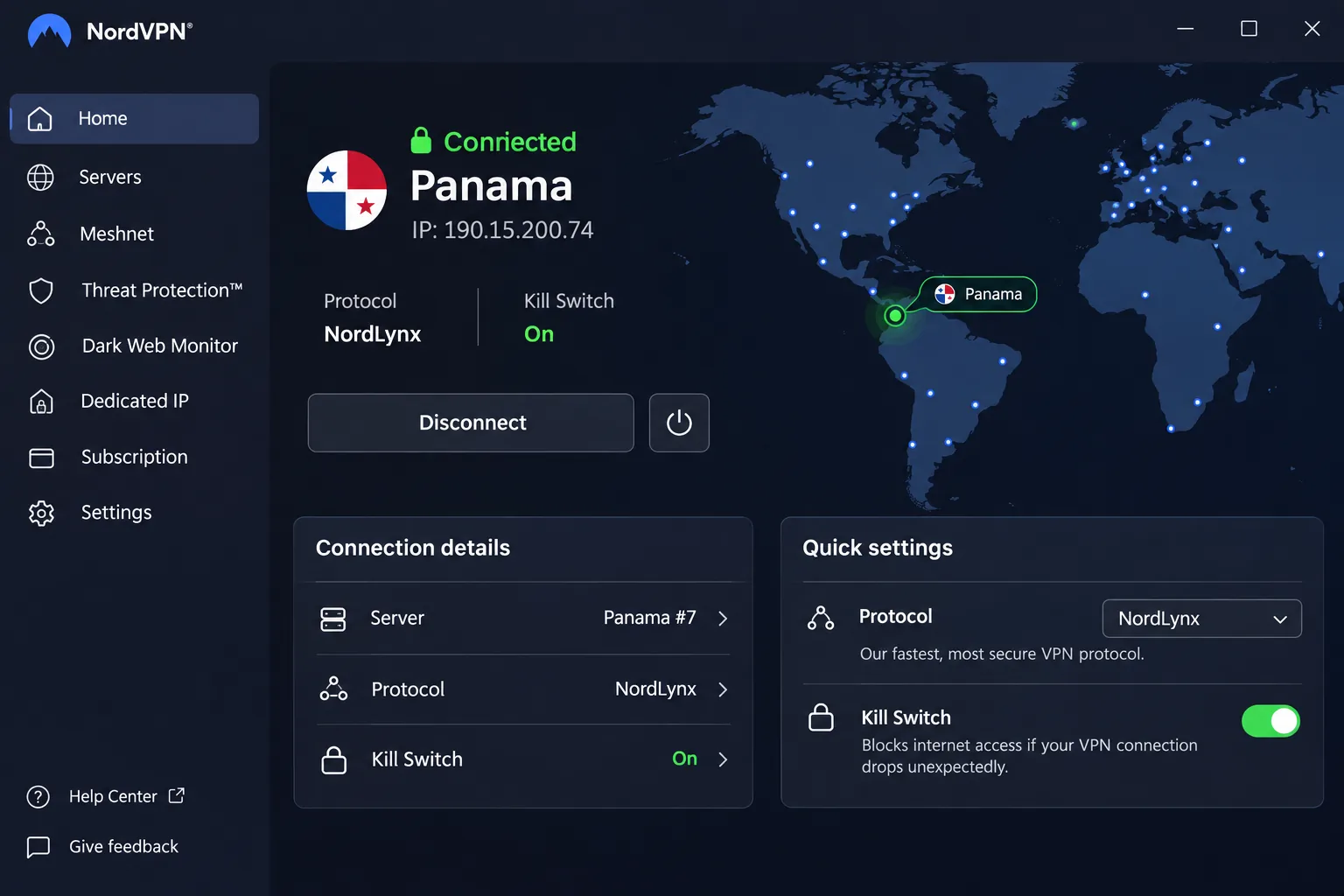
In our testing, NordVPN was quickest over its NordLynx protocol. OpenVPN was less impressive, so switch protocols before you blame the service for slow speeds. NordVPN's Panama page describes the location as virtual, and it officially allows 10 simultaneous devices.
The apps cover Windows, macOS, Linux, Android, and iOS, plus Chrome, Firefox, and Edge extensions. Security tools include a kill switch, DNS leak protection, Double VPN, and Onion Over VPN. Some add-ons depend on your subscription tier. The mobile interface felt crowded to us, and navigating the apps takes more effort than with simpler rivals.
NordVPN backs new subscriptions with a 30-day money-back guarantee, which covers initial purchases and not renewals. The displayed Basic offer is $94.23 prepaid for 27 months, with renewal at $139.08 per year, and sales tax may apply. We hit a snag when we tried DAZN Canada. We could not unblock DAZN Canada even though other major platforms loaded normally. That is a reminder that one working streaming app does not guarantee the next. Check the service you care about during the refund window.
Pros
- Fast NordLynx connections for everyday browsing
- Reliable access to mainstream streaming services
- Ten simultaneous devices on the current plan
Cons
- Crowded mobile interface and extra protection tools that need a pricier tier
- Renewal price is noticeably higher than the first-term price
2. Surfshark
Surfshark suits a whole household sharing one account, and it allows unlimited simultaneous connections. Its Panama server page lists a virtual Panama endpoint. A Panama IP does not mean the hardware sits in Panama.
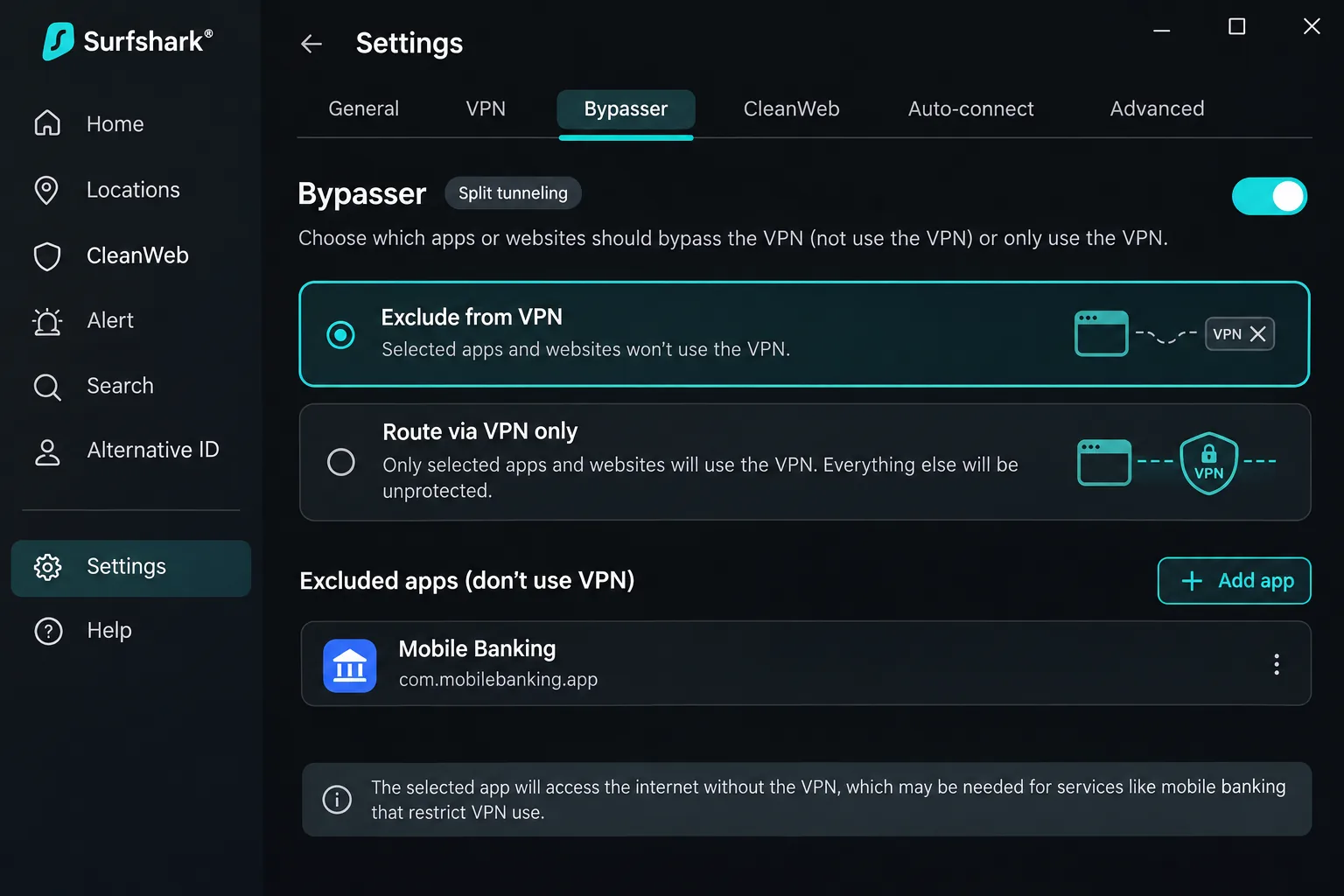
Its apps were generally intuitive. Split tunneling helps when a banking app objects to a VPN address. Starter includes a kill switch and ad blocking, and Quick Connect chooses a server for you. Apps are available for Windows, macOS, Linux, Android, and iOS, with browser extensions and manual router setups as extras.
Surfshark has weak spots. Long-distance connections ran slower than nearby ones, and we found the mobile interface awkward to use. The kill switch is the bigger worry. When we forced a connection failure on macOS, the kill switch let traffic leak. Other test configurations did not always show the same leak. The lesson is simple: test the kill switch on every device you own before you rely on it. A 30-day money-back guarantee is advertised, and the displayed offer is $2.49 per month equivalent, or $67.23 prepaid for 27 months. We could not verify the exact renewal amount.
Pros
- Unlimited simultaneous device connections
- Bypasser lets you exclude chosen apps or websites
- Lowest displayed prepaid price of the premium picks
Cons
- Distant servers were slower than nearby ones
- Kill-switch behavior varied in failure tests, including a macOS leak
- Renewal amount not exposed on the pricing page
3. ExpressVPN
Compared with the testing Surfshark requires, ExpressVPN takes very little effort to use. It was the simplest app to use in our testing. Choosing a location and starting a connection took a couple of taps. Support was helpful too. Streaming performance was strong, although the fastest Lightway Turbo mode is limited to Windows.
The Panama endpoint is virtual and physically routed through Brazil. That disclosure is useful and candid: traffic using the Panama IP you get abroad still passes through hardware elsewhere. Apps cover Windows, macOS, Linux, iOS, Android, and Chrome OS. The Windows app needs Windows 10 or 11 (64-bit), the Android app needs Android 7 or later, and the iOS app needs iOS 15 or later.
Basic supports 10 simultaneous connections, Advanced 12, and Pro 14. The displayed Basic offer is $84 prepaid for 28 months, then $99.95 annually, and the checkout offer you choose controls the final price. A 30-day money-back guarantee is advertised for new users. Expect fewer advanced controls than feature-heavy rivals: multi-hop and port forwarding are absent.
Pros
- Clean app that makes picking a location quick
- Strong streaming performance
- Helpful customer support
Cons
- No multi-hop or port forwarding
- Fastest Lightway Turbo mode only on Windows
- Panama endpoint is virtual and routed via Brazil
4. CyberGhost
CyberGhost suits beginners, and its apps are approachable. Live chat answered quickly in our testing, though the support website was harder to navigate. Streaming was mixed. US Netflix, BBC iPlayer, and Amazon Prime Video all loaded for us. 10 Play did not always work. If an Australian channel matters to you, test it before the refund window closes.
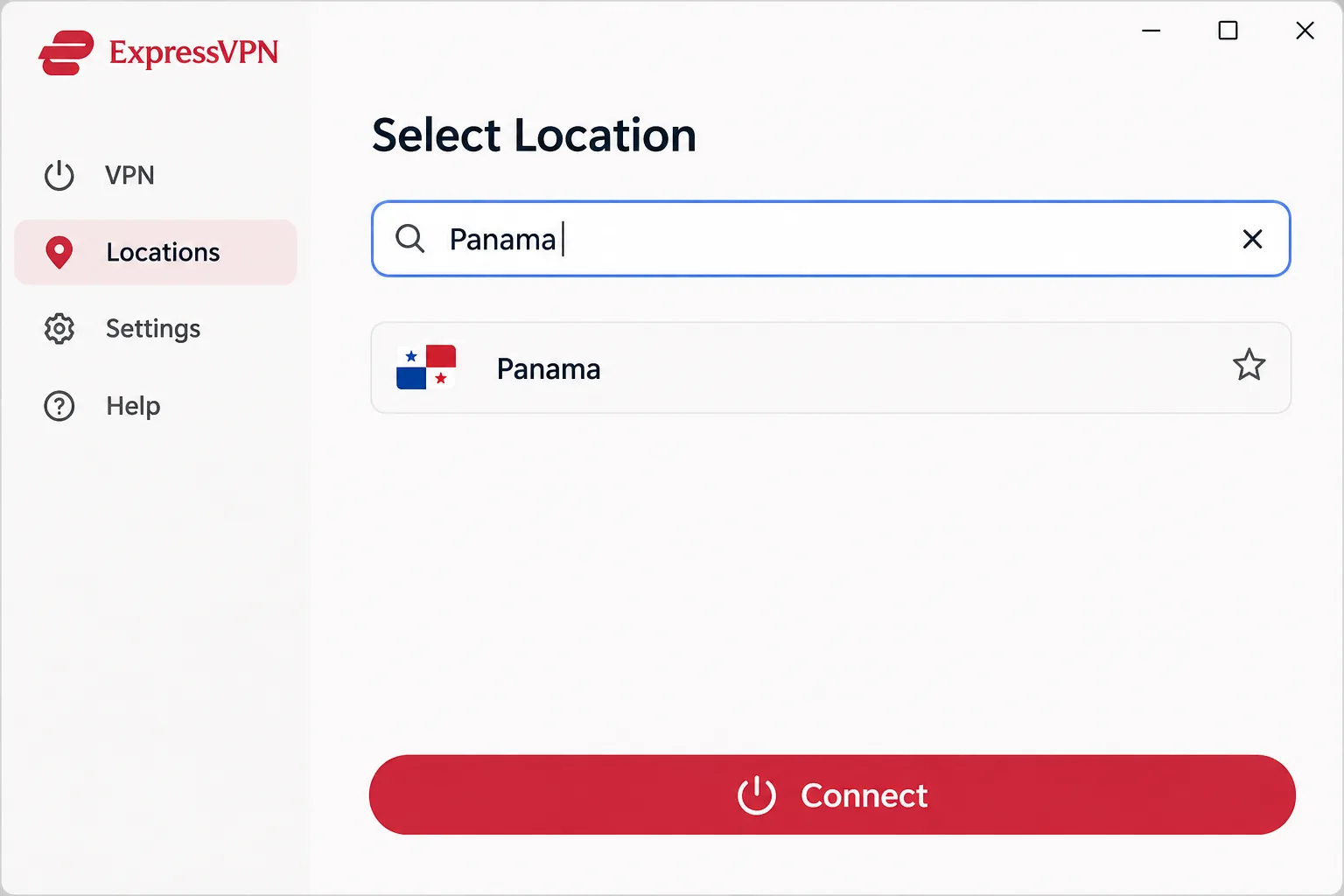
There is a Panama endpoint, but we could not confirm which country hosts it. The service offers OpenVPN, IKEv2, and WireGuard, an automatic kill switch, DNS and IP leak protection, a no-logs policy, and unlimited bandwidth. Native Windows support covers Windows 10 and 11, and there are apps for macOS, Android, and iOS. Support is also advertised for Linux, Android TV, and Fire TV.
Long plans get a 45-day money-back guarantee, while the monthly plan gets 14 days. The displayed long plan is $1.99 per month equivalent, or $51.74 prepaid for 26 months, then $51.74 annually. Read the device limits closely: support describes seven simultaneous connections, but other documentation refers to registered-device slots. You may need to remove an old device to free a slot.
The weak points are the dated interface, a limited iOS app, an ad blocker that can miss ads, and noticeably variable download speeds on distant connections.
Pros
- Longest refund window on long plans
- Approachable apps and quick live chat
- Lowest displayed long-term price
Cons
- Limited iOS app and dated interface
- Distant download speeds vary noticeably
- Device-slot rules can be confusing
5. Proton VPN
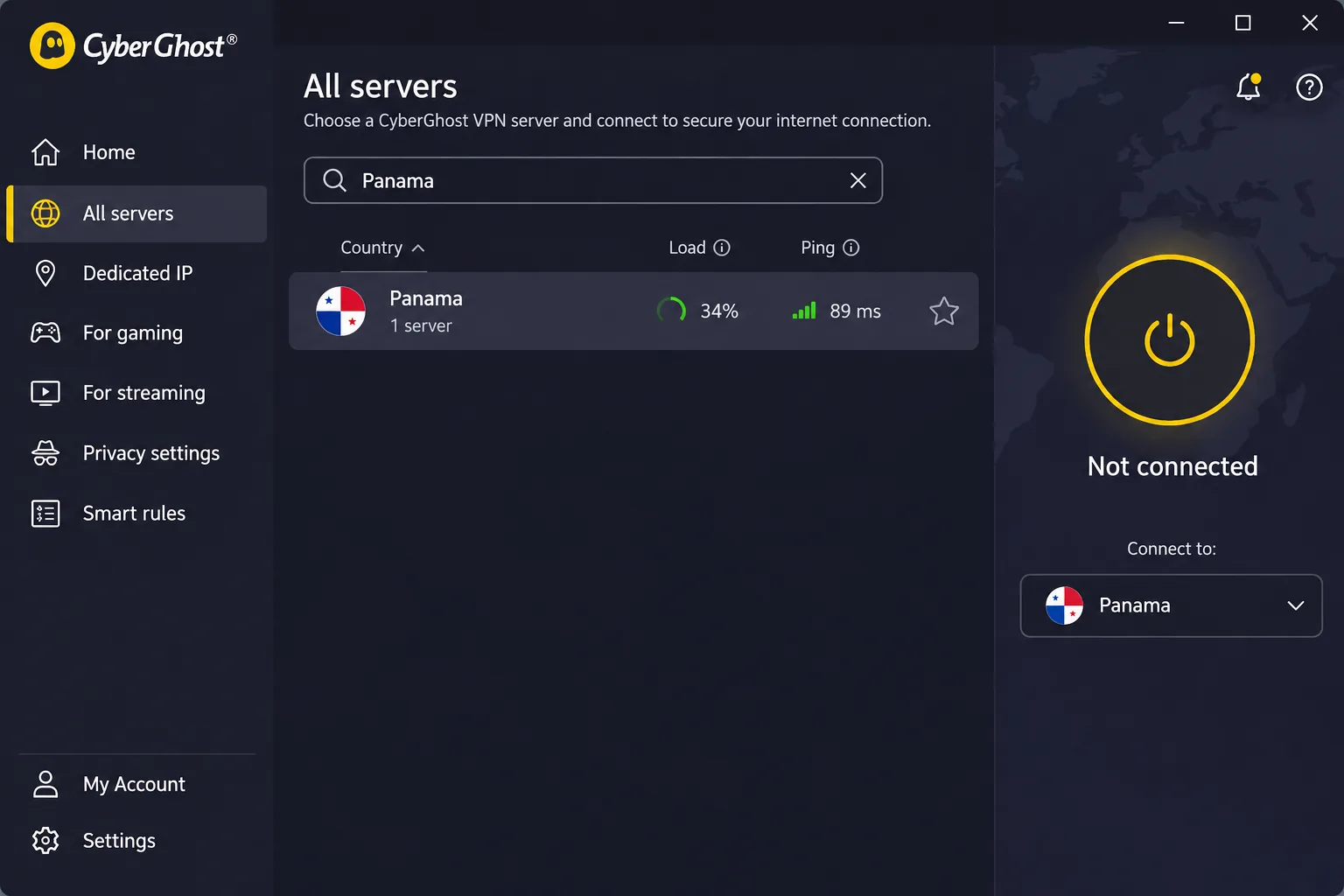
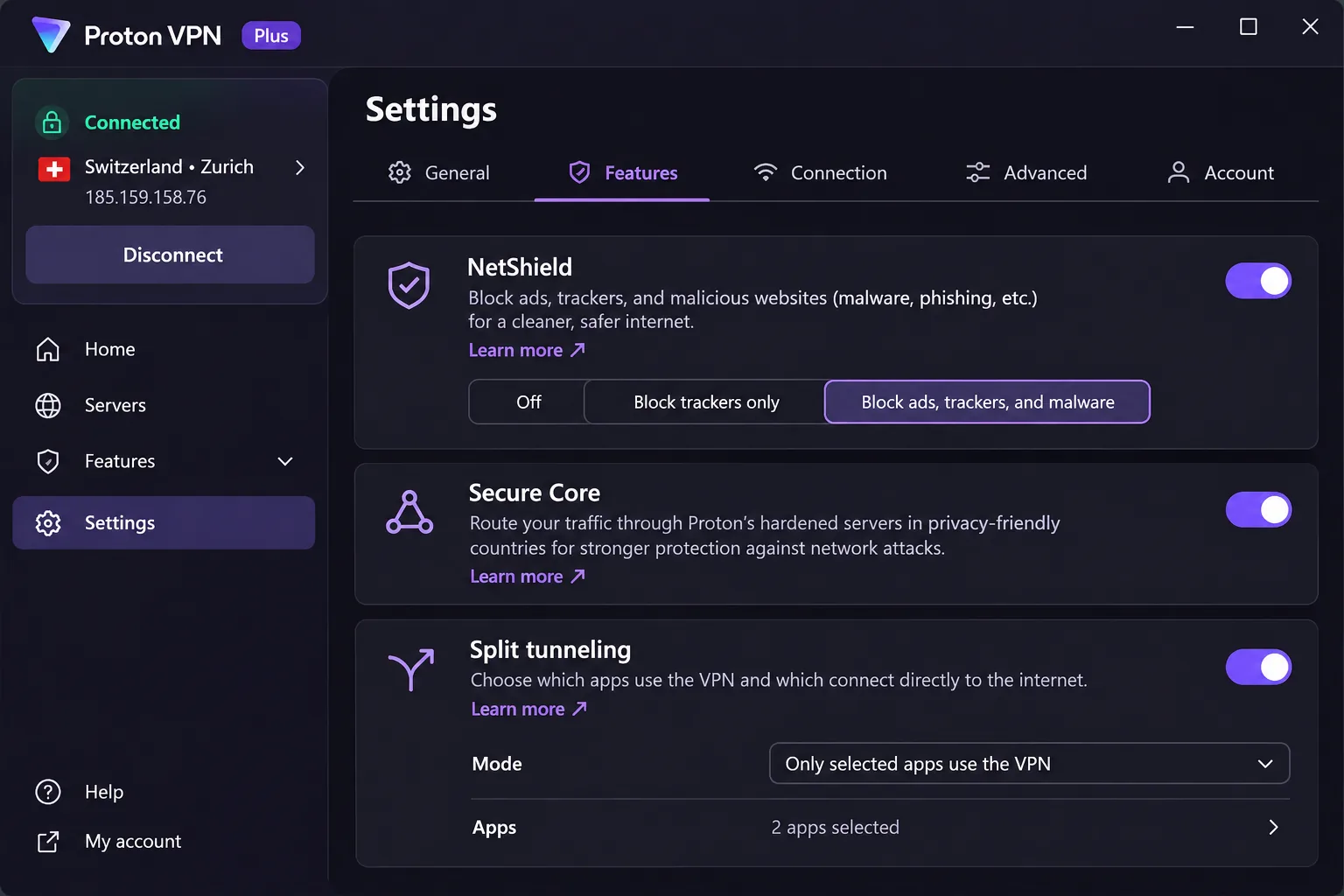
Proton VPN Plus is for people who want to tune their connection, not just switch it on. It gave us strong mainstream streaming access and detailed controls, including NetShield, Secure Core, split tunneling, and P2P support. Its apps are open source and audited, and they cover Windows, macOS, Linux, Android, iOS, Chrome and Firefox, Android TV, Apple TV, and Fire TV.
Proton's Panama server page lists a Panama endpoint on paid plans, though we could not resolve where that hardware sits. The latest Windows app supports Windows 11 and Windows 10 64-bit build 19045. Plus allows 10 simultaneous devices and carries a 30-day money-back guarantee. The displayed offer is $83.76 for 24 months, renewing at $83.88 per 12 months. A different official signup page showed $71.76, so confirm the price at checkout.
The settings can overwhelm beginners, and the Mac interface looks older than the refreshed apps. Downloads fluctuated, and streaming suffered frame-rate drops despite broad compatibility.
Pros
- Detailed controls and open-source audited apps
- Panama endpoint on Plus, with 10 devices
- Free tier with unlimited data
Cons
- Settings can overwhelm beginners
- Downloads fluctuated and streaming dropped frames
- Free plan has no Panama endpoint
Why use a VPN in Panama?
A VPN encrypts traffic between your device and the VPN server, which keeps prying eyes on shared networks from reading what you send. In Panama, the most common reasons are public Wi-Fi protection, remote work, and reaching accounts or services from outside the country.
Public Wi-Fi, privacy, and remote work
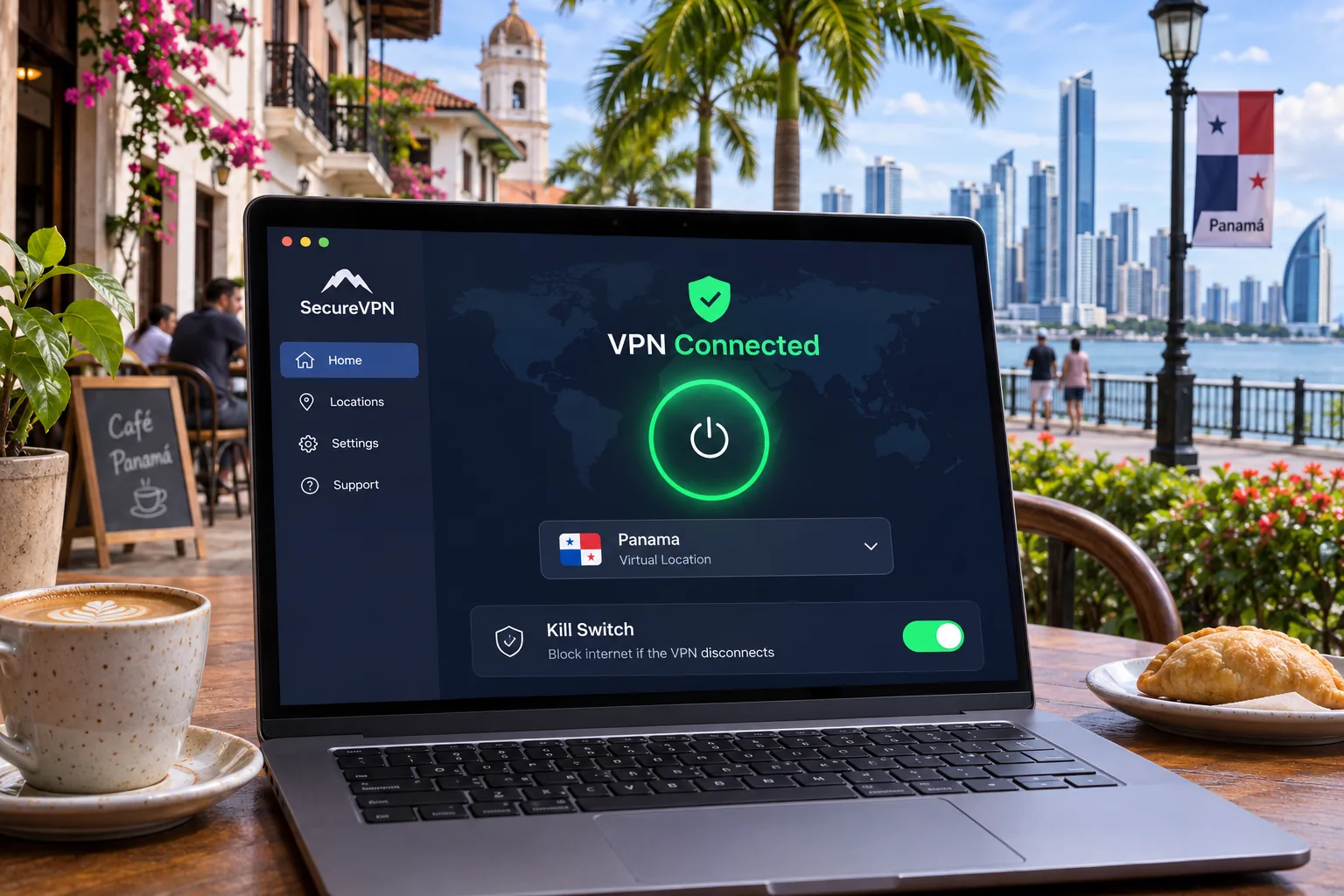
Public Wi-Fi is the obvious risk. Hotels, airports, cafes, and coworking spaces all run shared networks. Panama's national cybersecurity guidance tells people to verify that a public hotspot is legitimate, use HTTPS, consider a VPN, and prefer a trusted network for financial transactions. For remote work, an always-on kill switch matters more than raw speed, because a dropped tunnel can briefly expose company traffic.
Streaming and accessing accounts from abroad
If you are a Panamanian traveler or expat, a Panama endpoint can make your home IP address appear local when you are outside the country. That helps with local accounts and services. It does not guarantee access, because streaming platforms block VPN addresses unevenly. Check specific services during the refund window.
How to choose a VPN for Panama
Start with the job. Public Wi-Fi protection inside Panama needs a strong kill switch and dependable apps. To get a Panama IP abroad, you need a confirmed Panama endpoint on your plan.
Panama IP addresses, nearby servers, and provider headquarters
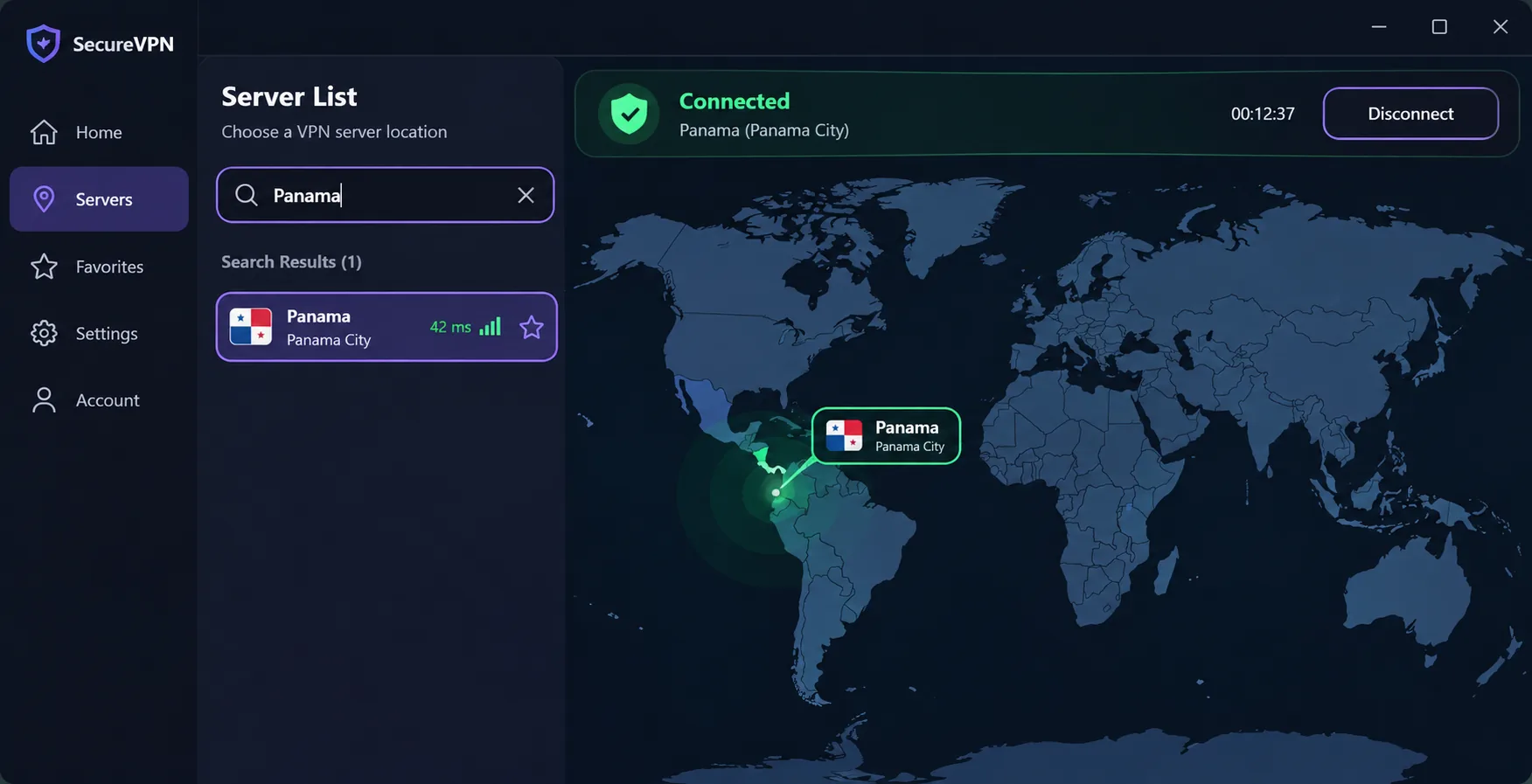
All five providers list Panama, but Proton VPN restricts it to paid plans. The label on the server list tells you what IP address websites see. It does not tell you where the hardware is. We found no comparable controlled dataset of Panama-origin speeds or latency, so we avoid claiming one provider is fastest from Panama. Test the nearest options during the refund window instead.
Speed, security features, and total subscription cost
For speed, use the fastest protocol your provider offers: NordLynx for NordVPN, Lightway for ExpressVPN, and WireGuard for CyberGhost. For security, look for a kill switch, DNS leak protection, and a no-logs policy. For cost, compare the renewal price with the price of the first term. Surfshark and CyberGhost look cheapest up front, but CyberGhost renews annually at the same displayed rate while Surfshark's renewal was not verifiable.
How to set up a VPN in Panama
Setup takes a few minutes on any of the five. Sign up, install the official app for your device, sign in, and choose your server.
Connect to a server for your intended location
Choose Panama if you want a Panama exit IP. Choose another country if you want that country's advertised exit location. For protection on public Wi-Fi inside Panama, a nearby server usually gives you quicker connections. Surfshark's setup steps follow the same flow as the others. Check your IP address afterward to confirm the location you picked.
Fix connection, streaming, and speed problems
Provider support pages agree on the basics. Try another server or protocol, confirm your paid plan is active, and check your system time. Make sure the underlying internet connection works, since a VPN cannot connect without one. If a streaming service blocks you, switch servers before contacting support. On CyberGhost, a "maximum devices" error usually means removing an old device.
Can you use a free VPN in Panama?
Yes, but the options are narrow. Proton VPN Free offers unlimited data, a no-logs policy, and a kill switch. It allows one device and randomly assigns servers from a limited country list. Panama is absent from that list, so it will not give you a Panama IP. It also cannot reliably replace Plus for streaming or torrenting.
Free VPNs differ widely, and a blanket claim about all of them would be unsupported. We would stay with a free plan from a provider that documents how it is funded, and move to a paid plan if you need Panama specifically.
Panama VPN FAQs
Is it legal to use a VPN in Panama?
Ordinary VPN use appears to be permitted, and Panama's own cybersecurity guidance suggests considering one on public Wi-Fi. Illegal activity stays illegal with or without a VPN.







