
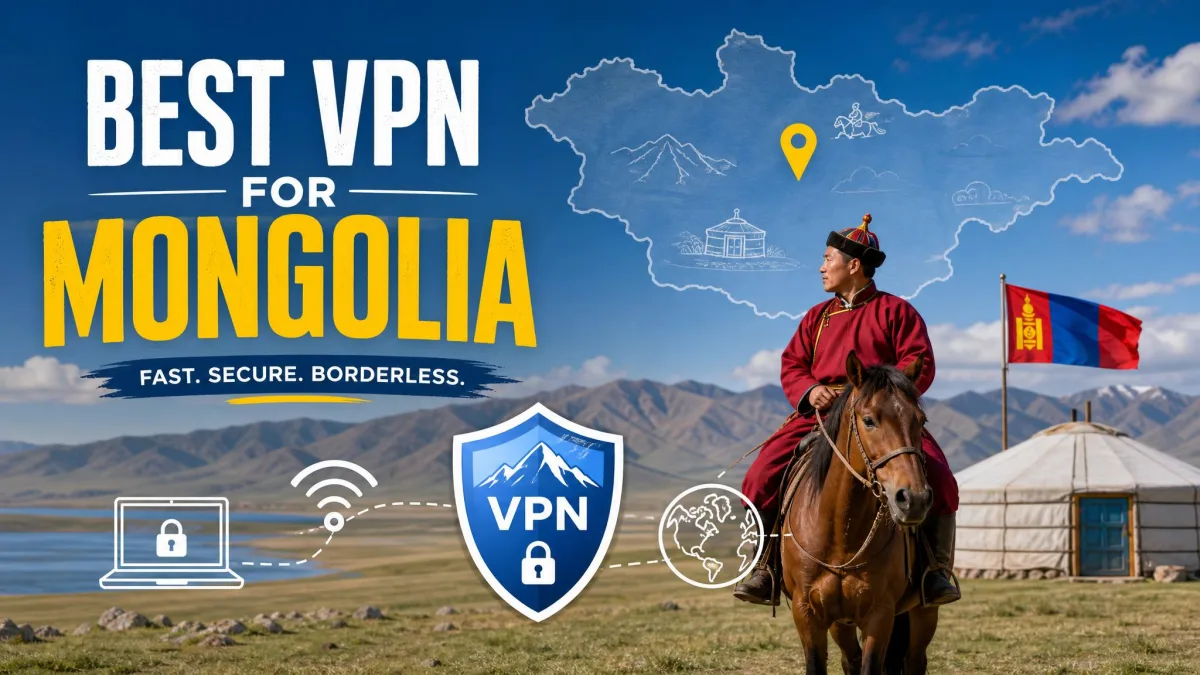
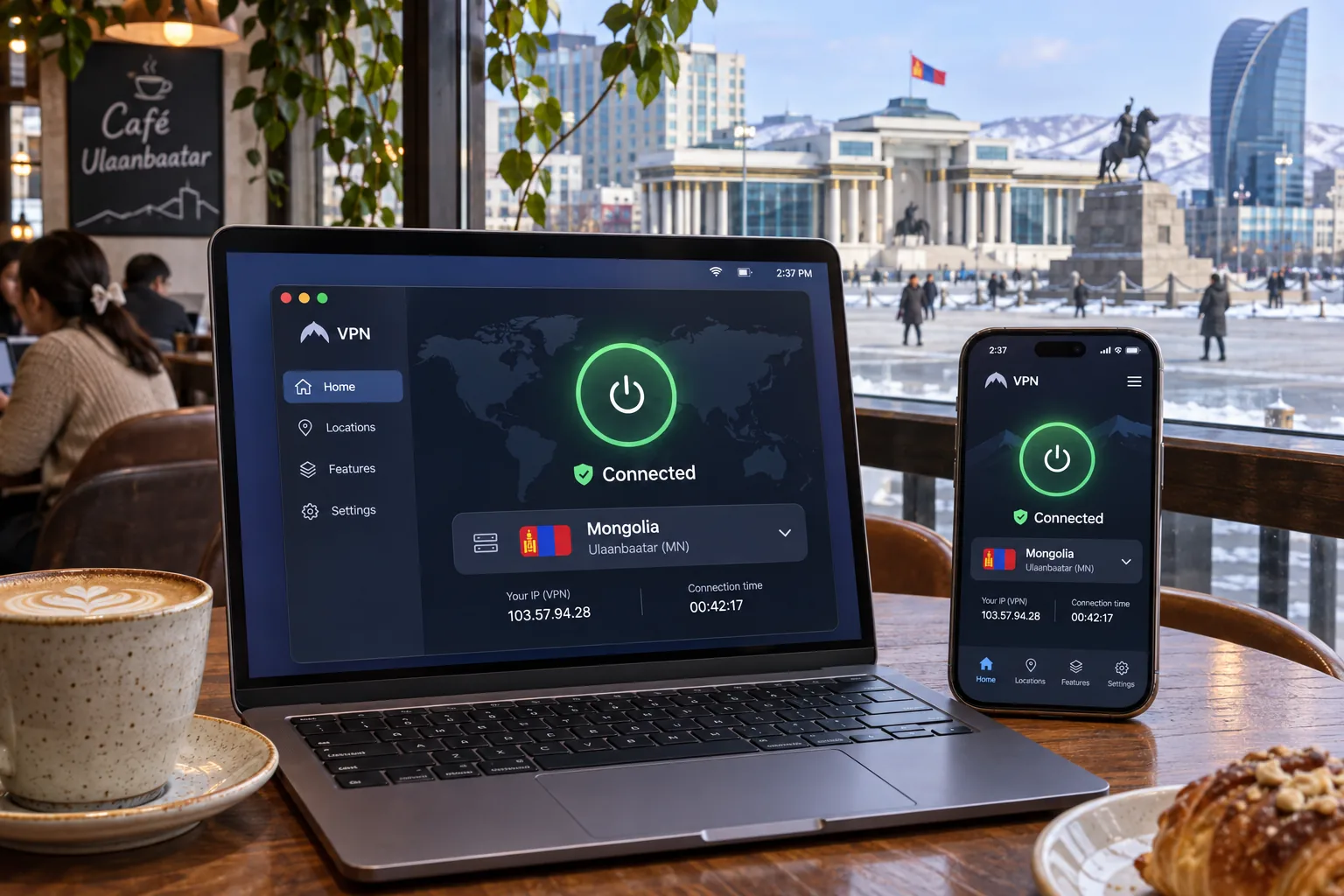
A VPN encrypts your traffic and swaps your public IP address for one of the provider's. In Mongolia, it can serve two very different purposes. If you are physically in the country, you want protection on hotel, café and coworking Wi-Fi plus reliable access to international services. If you are abroad, you may want a Mongolian IP address to reach home content. We compared five providers on exactly those two jobs, and NordVPN is the one we would start with for most people.
Every provider below sells a Mongolia location, but none of them runs it from inside the country, a detail we explain in the server section. We scored each service on speed and routing, privacy evidence, streaming behavior, device coverage and price terms.
Best VPNs for Mongolia at a glance
The table below shows what separates the five services. Prices are promotional prepaid rates that renew higher, so confirm the checkout total before paying.
| Product | Buy | Best for | Mongolia IP availability | Regional server options | Key limitation |
|---|---|---|---|---|---|
 | Check price → | Everyday and streaming use | Virtual | Hosted in Singapore | Cramped mobile interface, some streaming-region failures |
 | Simple connection workflow | Virtual | Hosted in Singapore | Fewer advanced controls | |
 | Many personal devices | Virtual | Host country not stated | Kill switch needs enabling, macOS concern | |
 | Streaming profiles, longest refund | Virtual, Ulaanbaatar IPs | Host country not established | Inconsistent long-distance speed | |
 | Configurable privacy and P2P | Virtual, Ulaanbaatar | Hosted in Tokyo, Japan | Learning curve, patchier streaming |
How we evaluate VPNs for Mongolia
We looked at speed, server coverage, streaming access, security, ease of use and value, and rankings shift depending on how those attributes are weighted. We treat vendor claims as claims, and we only call a finding ours when it describes how an app behaved when we used it. We have no reproducible benchmark from inside Mongolia, so we do not publish a Mongolia-origin speed score. The order below is our recommended sequence for most readers, not a measured speed ranking.
Connection speed, regional routing and mobile reliability
A virtual Mongolia location does not shorten the path your traffic takes. A connection labeled Mongolia may actually exit in Singapore or Tokyo, so the label tells you about the IP address, not the route. We cannot name Japan, South Korea, Hong Kong or Singapore as universally fastest from Mongolia, so test a few nearby locations during your refund window. Mobile matters here because most visitors lean on phones, and cramped or fiddly apps cost time.
Privacy, security and streaming checks
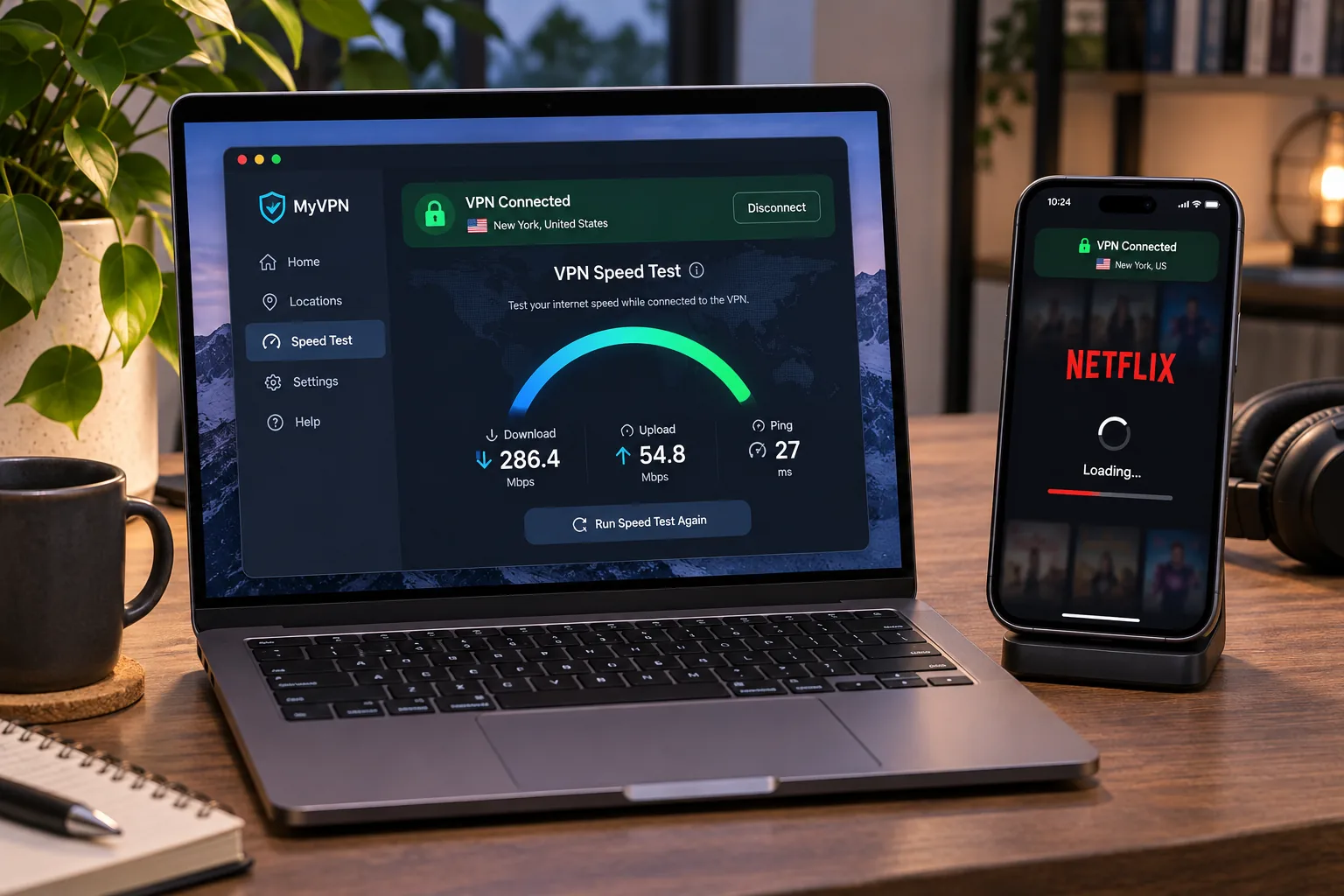
For privacy we look for independent assessments of the no-logs policy, such as the Deloitte and KPMG work covered in the reviews, and we note their scope. We check kill switch behavior and encryption options, then try mainstream streaming services such as Netflix and Prime Video, since streaming results change between rounds.
The 5 best VPNs for Mongolia
1. NordVPN
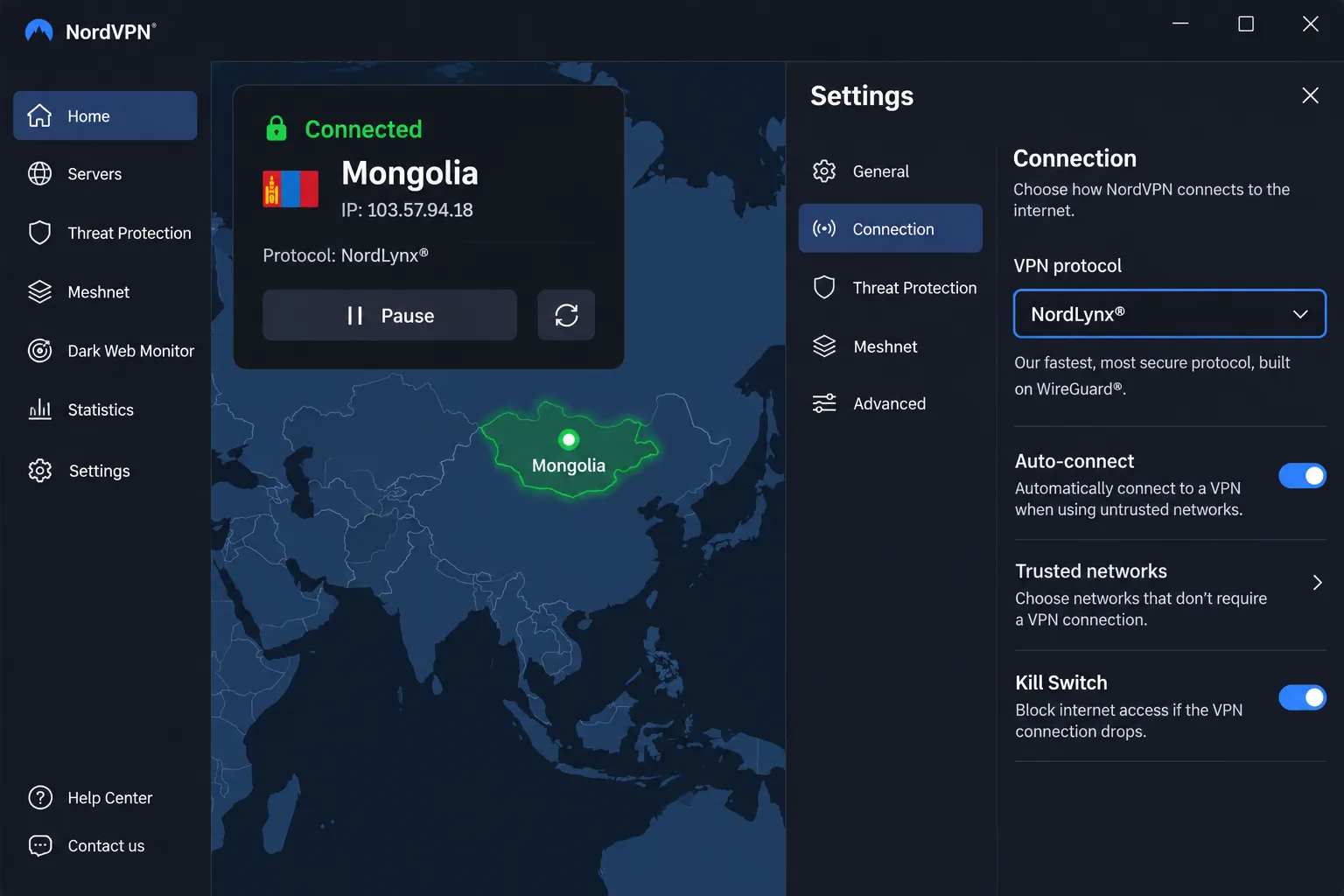
NordVPN is the service we would install first. It is straightforward to start using and generally reliable for streaming. It suits households using a mix of Windows, macOS, Linux, Android and iOS devices, with browser extensions for Chrome, Firefox and Edge too.
The Mongolian IP location is virtual, with the physical server in Singapore, so you get a Mongolian address without the traffic physically leaving Mongolia. The Deloitte assessment of its no-logs statement covers its systems and implementation, but it is not a promise of anonymity on every website.
Streaming results shift between test rounds. NordVPN can struggle with Netflix Japan and Disney Plus Canada while other regional libraries load fine, and it can run into trouble with YouTube US. On a later round it also unblocked the Prime Video regions we tried. Its mobile interface can feel cramped on smaller phones.
The Basic offer works out to $3.49 a month on a 27-month prepaid term, then renews at $139.08 a year. Sales tax may apply. The refund window gives you time to test it on your own connection.
Pros
- 10 simultaneous devices on Basic
- Unlimited bandwidth and the NordLynx protocol
- Deloitte no-logs assessment
- 30-day money-back guarantee
Cons
- Mongolia location is virtual, hosted in Singapore
- Mobile interface can feel cramped
- Streaming access to some regions varies between test rounds
2. ExpressVPN
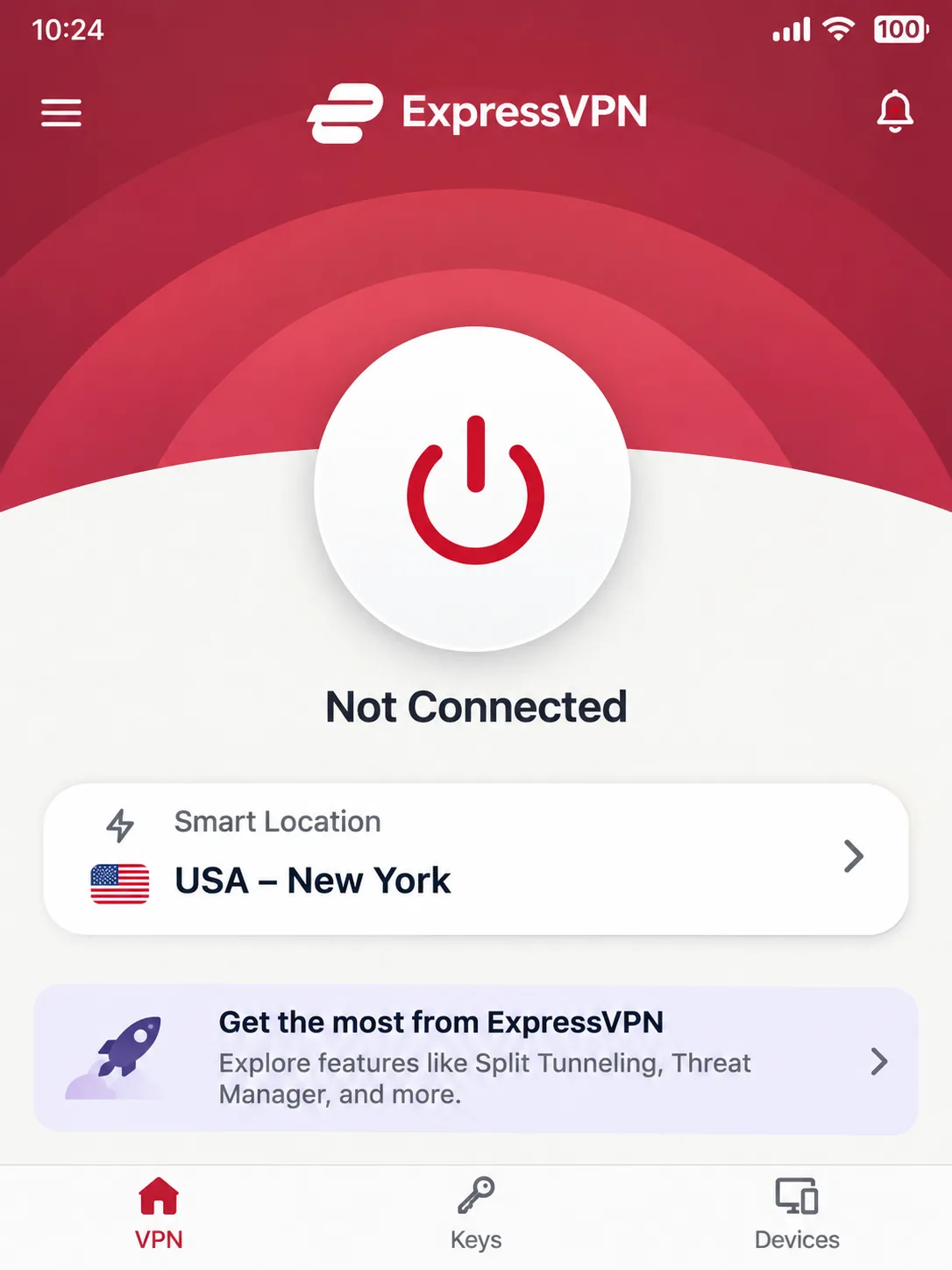
ExpressVPN is the easiest service on this list to connect with. The interface is simple, and the apps feel intuitive across supported devices. In general use it loads ordinary websites promptly and plays HD video without buffering. Smart Location picks a server using speed, latency and distance, which suits people who do not want to browse a server list.
Its Mongolia location is virtual and physically hosted in Singapore. Privacy evidence comes from a KPMG assurance of its TrustedServer controls and no-logs policy, backed by RAM-based servers. Any such examination, though, has a defined scope and date.
The trade-offs are control and price. ExpressVPN has no multi-hop or port-forwarding controls, and its fastest Lightway Turbo performance is limited to Windows in the configuration we reviewed. Basic supports 10 simultaneous devices, with a 30-day refund for new users. The direct pricing page shows Basic at about $3 a month on a 28-month prepaid term, then $99.95 annually, though the displayed offer varies slightly by landing page.
Pros
- Very simple interface across platforms
- KPMG-assured no-logs controls and RAM-based servers
- Smart Location for automatic server choice
Cons
- No multi-hop or port forwarding
- Fastest protocol mode limited to Windows
- Mongolia location hosted in Singapore
3. Surfshark
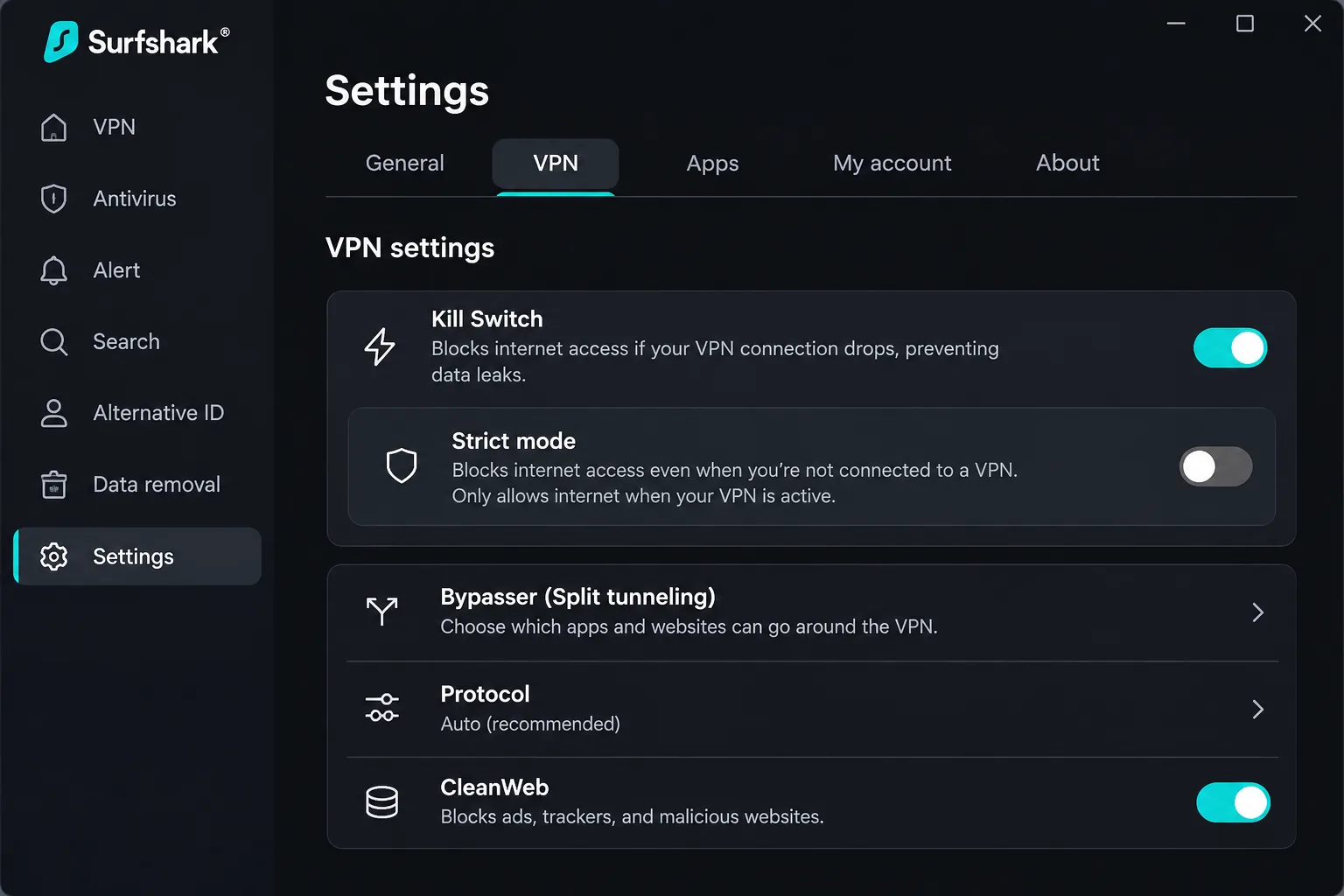
Where ExpressVPN is the simple choice, Surfshark is the one that needs a settings check on day one. The kill switch needs enabling because it is off by default, and strict mode blocks internet access whenever the VPN drops. The macOS version can leak under failure testing, so Mac users should confirm protection before relying on it.
Once that is sorted, it suits households with a lot of gear, because it allows unlimited simultaneous devices. It handles mainstream streaming well, although small interface frustrations are more noticeable on mobile. The Mongolian location is virtual, and the physical host country is not stated on its country page.
Surfshark carries a 30-day money-back guarantee. We could not read a current upfront total or renewal price on its pricing page. Older sources cite long-term offers between $1.99 and $2.49 a month, so confirm the checkout amount and renewal price before you commit.
Pros
- Unlimited simultaneous devices
- MultiHop, obfuscation and split tunneling
- Deloitte no-logs assurance
Cons
- Kill switch needs enabling, with a macOS leak concern
- Current price and renewal terms unclear
- Mongolia host country not stated
4. CyberGhost
While Surfshark's pricing is unclear, CyberGhost has a clear selling point: the strongest refund terms here. It offers a 45-day guarantee on plans of six months or longer, or 14 days on the monthly plan. That makes it the safest service to trial on a real Mongolia trip. It covers 7 devices, though device management may require removing an existing device before adding another.
Pros
- 45-day refund on long-term plans
- Streaming, P2P and gaming server profiles
- Ulaanbaatar IP addresses
Cons
- Long-distance speeds can be inconsistent
- Dated interface and weak ad blocker
- Offer pages show conflicting terms
It offers a Mongolia location with Ulaanbaatar IP addresses, though the location is virtual and we could not establish where it is physically hosted. Its Windows app has more automation than its Apple apps, including connection rules tied to a network or an app launch. Our main reservations are speed and polish, with an interface that feels dated beside newer competitors. Its ad blocker lets most advertising through, making it a weak substitute for a dedicated browser ad blocker. A Deloitte assurance report examines its server configurations against the stated privacy controls.
Pricing pages disagree: one advertises $2.19 a month and $61.32 upfront, while another shows $56.94 for 26 months. Rely on the final checkout term.
5. Private Internet Access
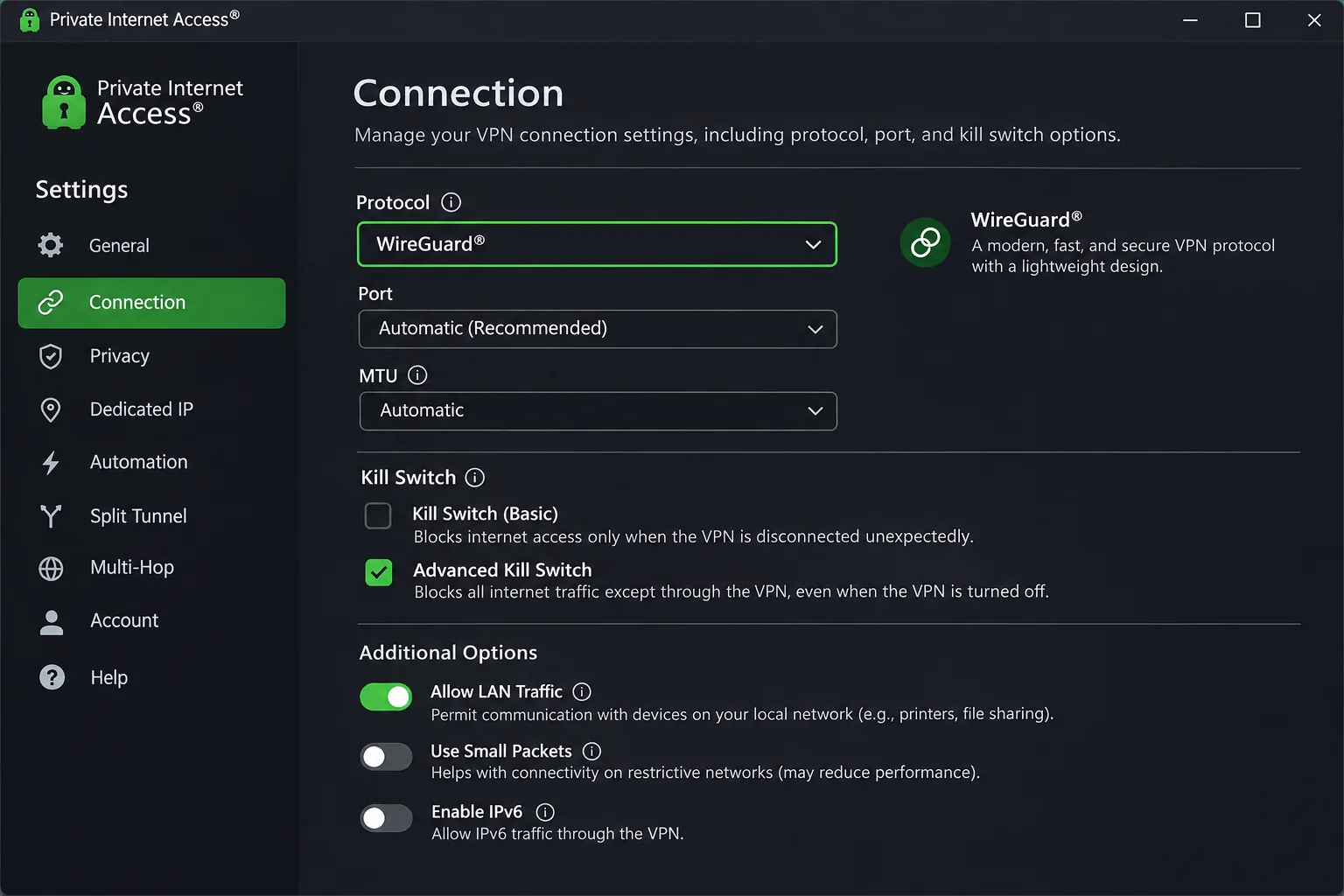
Private Internet Access (PIA) suits people who like to tune things, which sets it apart from the more automated services above. Its Mongolia location is virtual and physically hosted in Tokyo, Japan, which is the only confirmed host outside Singapore in this list.
Learning to use all those settings takes time, because the app presents more options than the others. Streaming is the weak spot. Smart DNS can fail with streaming apps, and international coverage is less consistent than the leading streaming VPNs. Dedicated streaming servers do work with popular apps, but with less flexibility than ExpressVPN. Its MACE feature can strip ads from news and social pages and block known malicious pages, and Deloitte has assessed the no-logs policy.
The 30-day guarantee applies to new subscribers. An official offer lists $2.03 a month on a three-year-plus-four-month term, renewing at $81.20 every three years, while reviews tie that same $2.03 to different terms, so compare included months and the renewal interval together.
Pros
- Unlimited personal devices and bandwidth
- WireGuard, OpenVPN, split tunneling and kill switch
- Confirmed Tokyo hosting for the Mongolia location
Cons
- Steeper learning curve
- Streaming coverage is patchier
- Promotional terms differ between sources
Why use a VPN in Mongolia?
The practical reasons are protection and access. Encryption limits what a hotspot operator or internet provider can see of your traffic, and the VPN changes the public IP address that destination services see. Those same services decide whether to block a given VPN, so access is never guaranteed.
Public Wi-Fi, remote work and internet access
Hotels, cafés and coworking spaces are where a VPN earns its place. Remote workers can keep a protected connection to company tools, and travelers can reach their usual apps and content. Check your employer's rules before you connect, since a workplace network may restrict VPN use even when the law does not.
Before connecting to any public network, turn on the kill switch. With Surfshark, confirm it is enabled rather than assuming it is on by default.
Choosing a server: Mongolia IP addresses versus nearby locations
Protecting traffic while you are in Mongolia and getting a Mongolian IP from abroad are different goals. A Mongolian exit serves one purpose, and an overseas exit used while you are physically in Mongolia serves another.
If your main goal is a Mongolian IP address, check where the server is physically hosted. NordVPN and ExpressVPN route through Singapore and PIA through Tokyo, while Surfshark and CyberGhost do not tell us.
Getting a Mongolian IP address from abroad
If you are outside the country and want a Mongolian address, select Mongolia in the app. All five providers list it, and all of them are virtual locations, so the IP appears Mongolian while the hardware sits elsewhere. A Mongolian IP is not a guarantee of access to local services.
Connecting from Mongolia to international services
If you are in Mongolia and want overseas content, pick a country that matches the service, such as a United States location for US streaming. Automatic selection prioritizes connection conditions and not the library you want, so choose manually when content matters.
Are VPNs legal in Mongolia?
Both vendor country guides we checked describe consumer VPN use as legal in Mongolia, and illegal online activity stays illegal. We did not find a Mongolian statute or regulator statement that explicitly addresses personal VPN use, so this rests on those vendor guides and not on primary law. Legality of the tool does not override your employer's rules, a network's policy or a streaming service's terms.
Are free VPNs worth using in Mongolia?
Mostly no, with one qualified exception. A free plan is fine for a quick check on a hotel network, but it limits your choice of countries. Proton VPN's free plan has no data cap and no logs. Its free countries include Japan and Singapore but not Mongolia, so it cannot give you a Mongolian IP. Its free servers do not deliberately block Netflix, but streaming support is guaranteed only on paid plans.
How to set up a VPN in Mongolia
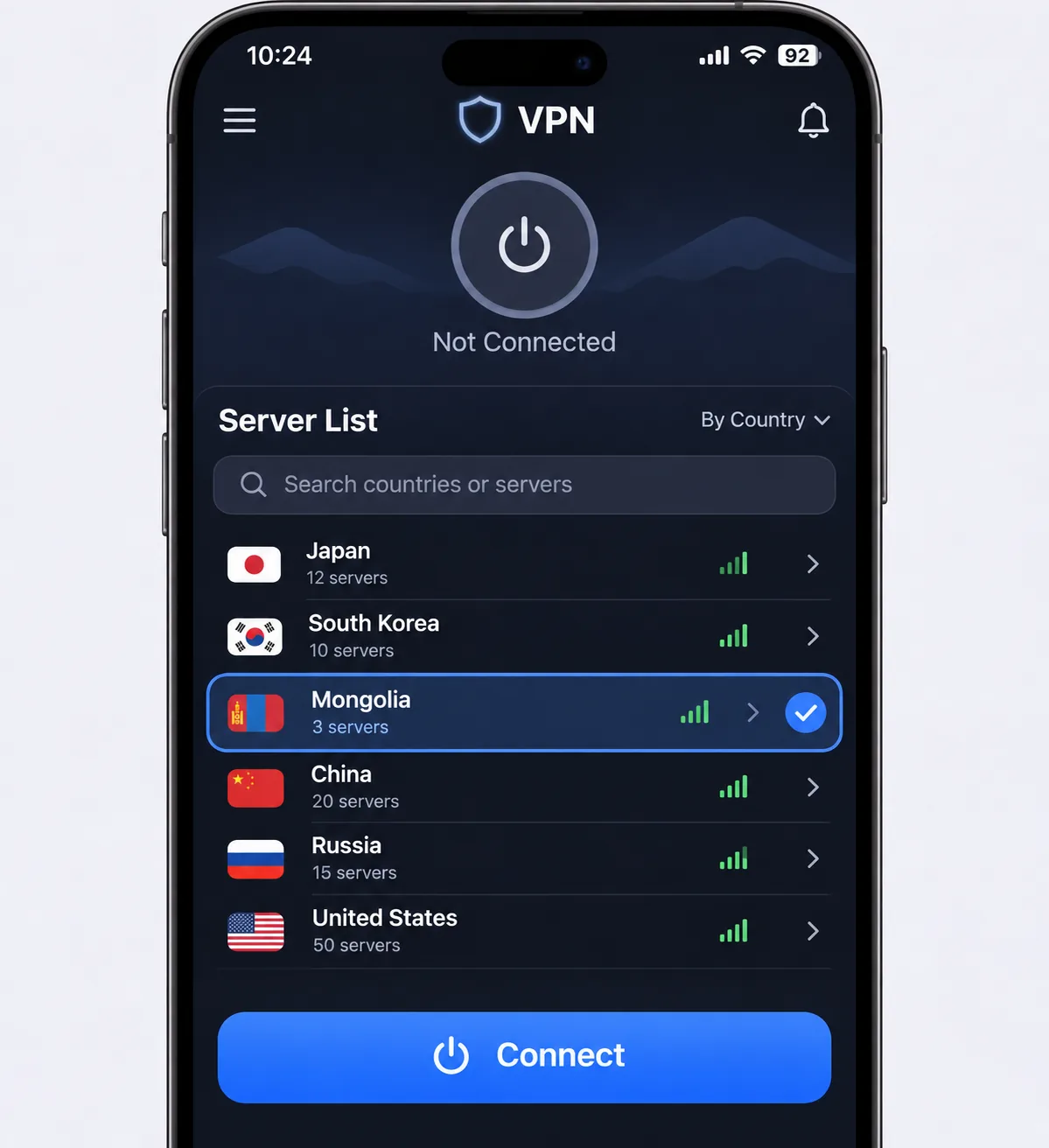
Setup takes a few minutes on any of these services.
- Install the provider's app on your device and sign in.
- Open the server list and select Mongolia if you want a Mongolian IP, or a nearby country otherwise.
- Enable the kill switch in settings.
- Connect and confirm your new IP address in a browser.
A compatible router can extend coverage to devices without a native app, such as some smart TVs.







