
Will your banking app, your home streaming account, and your work email stay safe on a resort's shared Wi-Fi? A VPN is the simplest way to protect that traffic, and it helps with access to home services when you travel. We compared five providers for island travel and everyday use: NordVPN, Surfshark, ExpressVPN, CyberGhost, and IPVanish. NordVPN is our top pick, mainly because it is the only one of the five where we confirmed a Maldives location. We have not measured any of these services on Maldivian networks, so we make clear when our findings concern app and streaming behavior rather than island speeds.

Best VPNs for Maldives at a glance
Every price below is an advertised introductory rate, and promotions, tax and billing term change the final amount. The monthly equivalent is not monthly billing, and renewals cost more, so confirm the total at checkout.
| Product | Buy | Device allowance | Best for | Refund window | Intro price (USD, variable) |
|---|---|---|---|---|---|
|
Check price → | 10 | Maldives location and broad features | 30-day | $3.49/mo equivalent |
 |
Unlimited personal use | Families with many devices | 30-day | $2.49/mo equivalent | |
 |
10 on Basic | Simple everyday use | 30-day for new customers | $2.99/mo equivalent | |
 |
7 | Beginners who want one-click connection | 45-day on six months or longer | $2.19/mo equivalent | |
 |
Unlimited | Fire TV and configurable apps | 30-day on yearly plans | $2.19 advertised deal |
How we choose VPNs for the Maldives
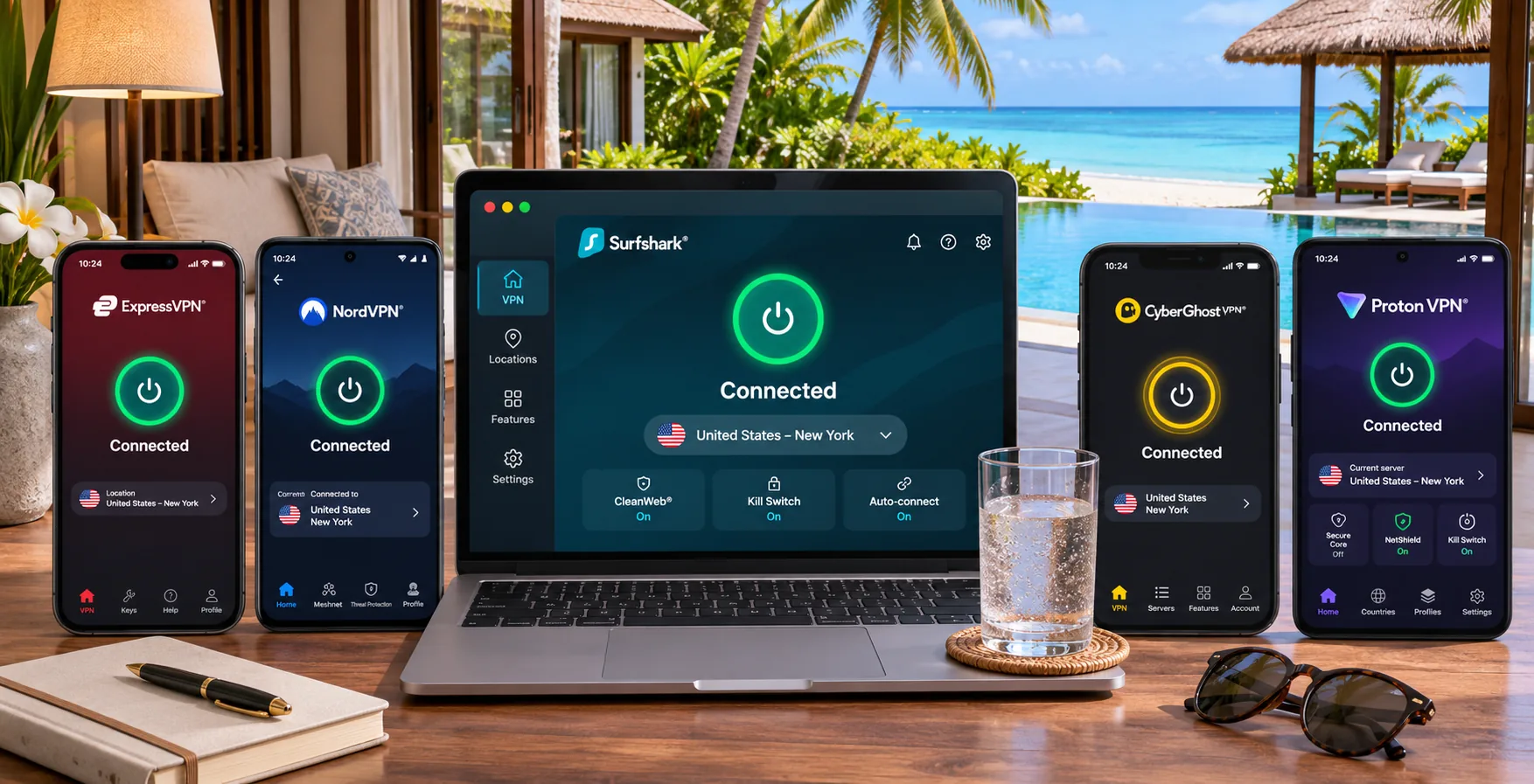
We compared the services on what a traveler can actually verify: official location lists, device allowances, refund terms, minimum Android and iOS versions, and how the apps behaved in independent streaming and kill-switch checks. Our findings come from app behavior, streaming outcomes and interruption tests. We have not run speed, latency or uptime measurements on Maldivian resort Wi-Fi, Dhiraagu or Ooredoo, and we do not publish local figures we do not have.
Server locations, speed and connection reliability
For the Maldives, location matters in two ways. A server in the Maldives gives you a local IP. A nearby server, such as one in Singapore, may be faster. Neither is a promise, since distance alone does not determine the best route from a given resort or carrier. A VPN also adds routing and encryption overhead, so it cannot remove a data cap or fix a congested connection. We looked for fast protocols such as WireGuard, quick connection times, and kill switches that recover cleanly.
Privacy protections, device support and value
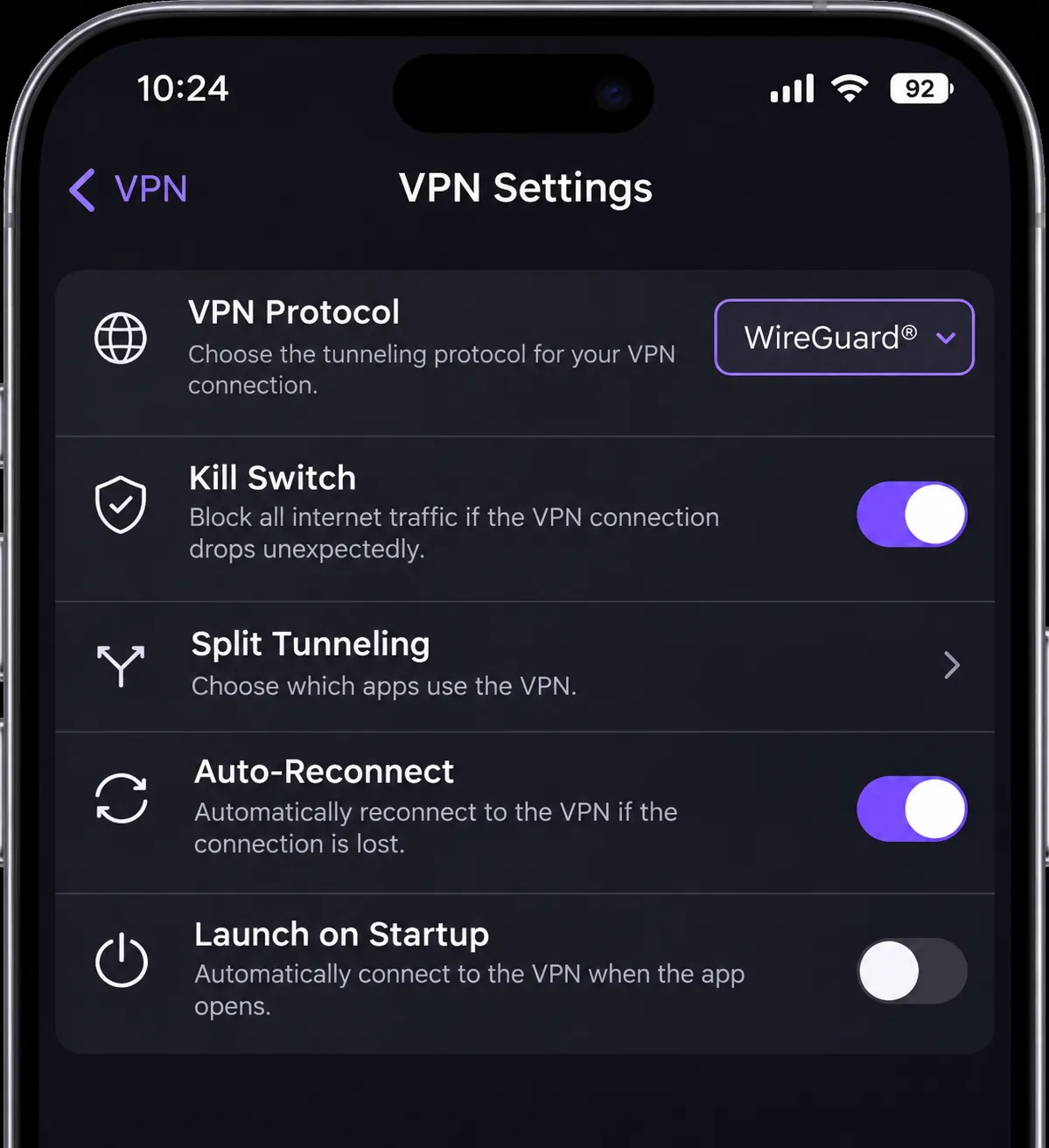
We looked for a kill switch, split tunneling, a clear no-logs position, and apps for the devices you carry. Value meant the advertised intro price, the renewal jump and the refund window, since a long money-back period lets you test the service on the island. Support for multiple simultaneous connections matters because a couple travels with two phones, two laptops and often a tablet. We do not rank on breach history or audit scope, because we could not verify those consistently across all five.
1. NordVPN
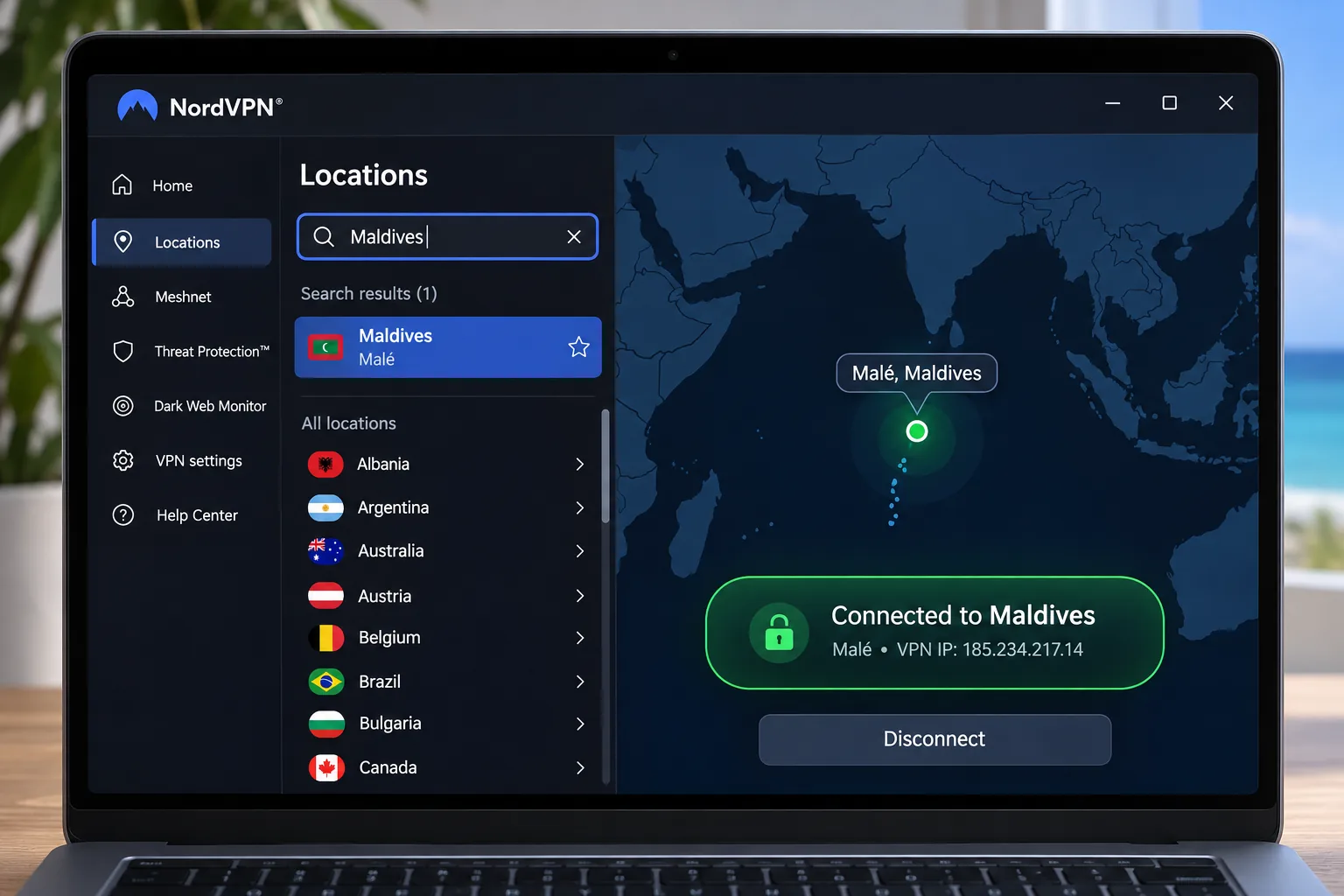
NordVPN earns the top spot for one concrete reason. Its official location list includes Maldives, with 1 city. A Maldives location can hand you a Maldivian IP address, which matters if you want local services to see you as being at home. The server appears to be virtual and based in Male, which means the IP is tied to the country without proof that the hardware sits there. We treat the location as a useful option, not a guarantee.
Beyond the location, the feature set is wide. NordVPN offers a kill switch, split tunneling on supported apps, Double VPN, obfuscated connections, browser extensions, and a dedicated IP add-on. One account covers 10 simultaneous devices, which is enough for a couple's phones, laptops and a tablet. The Android app requires Android 9 or later, and older phones need manual configuration.
In our testing, mainstream streaming ran smoothly, but Prime Video Australia and YouTube US can resist access, and DAZN Canada can fail even when other big services work. The interface is the other trade-off. The mobile app feels cramped, and the feature-heavy layout takes more navigation than simpler apps. We also put it through deliberate interruption tests, and its connection recovery restored protection automatically each time we cut the link. That recovery is what you want when island Wi-Fi drops mid-session. It works best alongside a faster protocol than OpenVPN, which is less impressive here.
Pricing is advertised at $3.49 a month equivalent on a prepaid plan of 27 months for $94.23. Monthly Basic costs $14.99. The intro rate does not continue automatically, so the renewal is higher. All plans carry a 30-day money-back guarantee: you purchase a plan and then request a refund, rather than using a free plan.
Pros
- Offers a Maldives location option
- Kill switch, split tunneling, Double VPN and obfuscated servers
- 10 simultaneous devices and a 30-day money-back guarantee
- Connection recovery restored protection after interruption tests
Cons
- Hardware site behind the Maldives location is unconfirmed
- Cramped mobile interface and feature-heavy navigation
- Some services, such as DAZN Canada, can still fail
2. Surfshark
Where NordVPN wins on location, Surfshark wins on sheer device count. It suits households that carry a lot of hardware. A paid subscription allows unlimited simultaneous personal-use connections, and the apps cover Windows, macOS, Linux, Android, iOS and supported TVs, plus browser extensions and router setup. Surfshark also supports mobile-data protection on Android, which helps if you rely on a local SIM. The direct APK supports Android 6.0 and later, while the Google Play build needs Android 7.0 or later.
We found the apps approachable for beginners. Advanced configuration is more limited than in specialist tools, so a network tinkerer may feel boxed in. The features include CleanWeb blocking, Bypasser split tunneling, rotating IP, Dynamic MultiHop and Alternative ID. The integrated ad blocker can interfere with streaming websites, so switch it off if a page refuses to load.
Our reservations are about the kill switch. We shut down the router, let the Wi-Fi signal drop out of range and interrupted the VPN process. In each case, the kill switch protected us by blocking traffic. It did not always reconnect on its own afterward, so we sat offline until we restarted the app. The strict mode adds friction through CAPTCHAs, blocked pages and incompatible apps, and its macOS kill switch can leak traffic under testing. On a Mac, check your connection status manually.
Surfshark does not show a Maldives location in its published server list, though Singapore is listed. That makes it a nearby-routing choice, not a local-IP choice. Advertised pricing is $2.49 a month equivalent, or $67.23 for the first 27 months, with a 30-day money-back guarantee. A 7-day free trial is also advertised, and eligibility depends on where you sign up. The two-year purchase is charged upfront and renews annually at the applicable rate.
Pros
- Unlimited simultaneous personal-use connections
- Approachable apps and Android mobile-data protection
- Lowest advertised intro price among the mainstream three, plus a 30-day guarantee
Cons
- No Maldives location found in the published list
- Kill switch may stay blocked without reconnecting, and macOS can leak
- Ad blocker can interfere with streaming sites
3. ExpressVPN
Surfshark gives you more connections, but ExpressVPN gives you less to think about. The apps are uncluttered, so routine connection and server selection feel straightforward. Its published features include RAM-only TrustedServer infrastructure, a no-activity-log policy, Lightway, private DNS, a kill switch, and platform-dependent split tunneling. Basic allows 10 simultaneous devices, though higher tiers allow more.
In our testing, it maintains streaming quality and responsive browsing across many server locations. That helps if you plan to use a Singapore or European server for speed. It works well with UK and Australian free-to-watch services. Some subscription services need a different server, and it can struggle with Australian and Japanese Netflix libraries and US Prime Video. The iOS app lacks auto-connect and split tunneling, so iPhone users get less control than on desktop. Android needs Android 7 or later, and iOS needs iOS 15 or later.
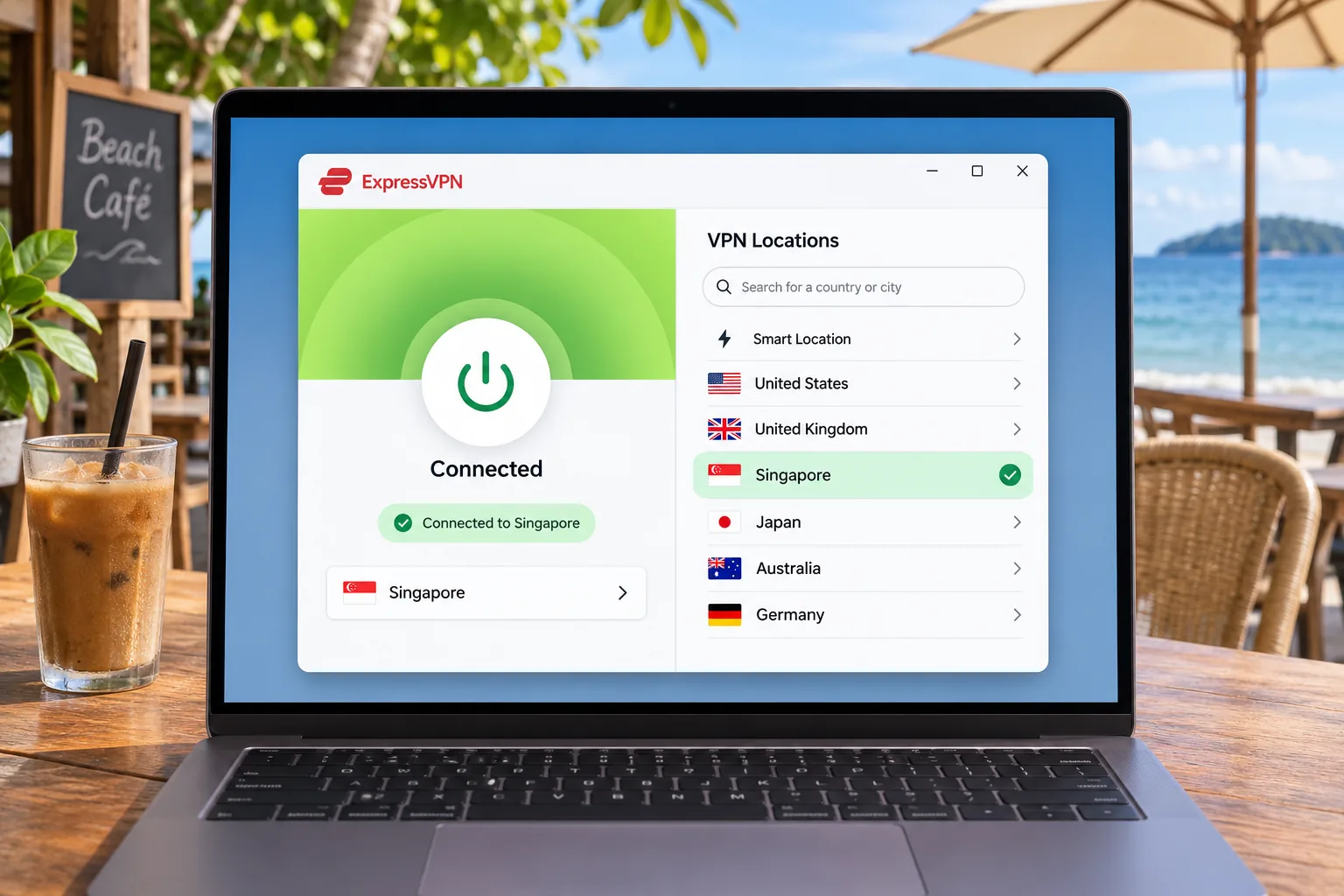
ExpressVPN does not show a Maldives location in its official list, though it publishes Singapore locations and marks virtual ones explicitly. The listed Basic price is $2.99 a month equivalent, or $83.72 for the first 28 months, then $99.95 annually. A 30-day guarantee applies to first-time customers who buy directly. In-app purchases on Android and iOS are excluded and fall under store refund rules, so buy on the website if you want the guarantee.
Pros
- Uncluttered apps that make everyday use easy
- Quality streaming and browsing across many server locations
- RAM-only servers and a no-activity-log policy
Cons
- No Maldives location in the official list
- iOS app lacks auto-connect and split tunneling
- Fails on some Netflix libraries and US Prime Video
4. CyberGhost
If ExpressVPN is the polished option, CyberGhost is the forgiving one. It is the most beginner-friendly option here, and its refund window is the longest. Direct subscriptions of six months or longer carry a 45-day money-back guarantee, and a direct one-month plan carries a 14-day guarantee. Purchases made through Google Play, the Apple App Store and the Amazon Appstore are excluded, so buy direct.
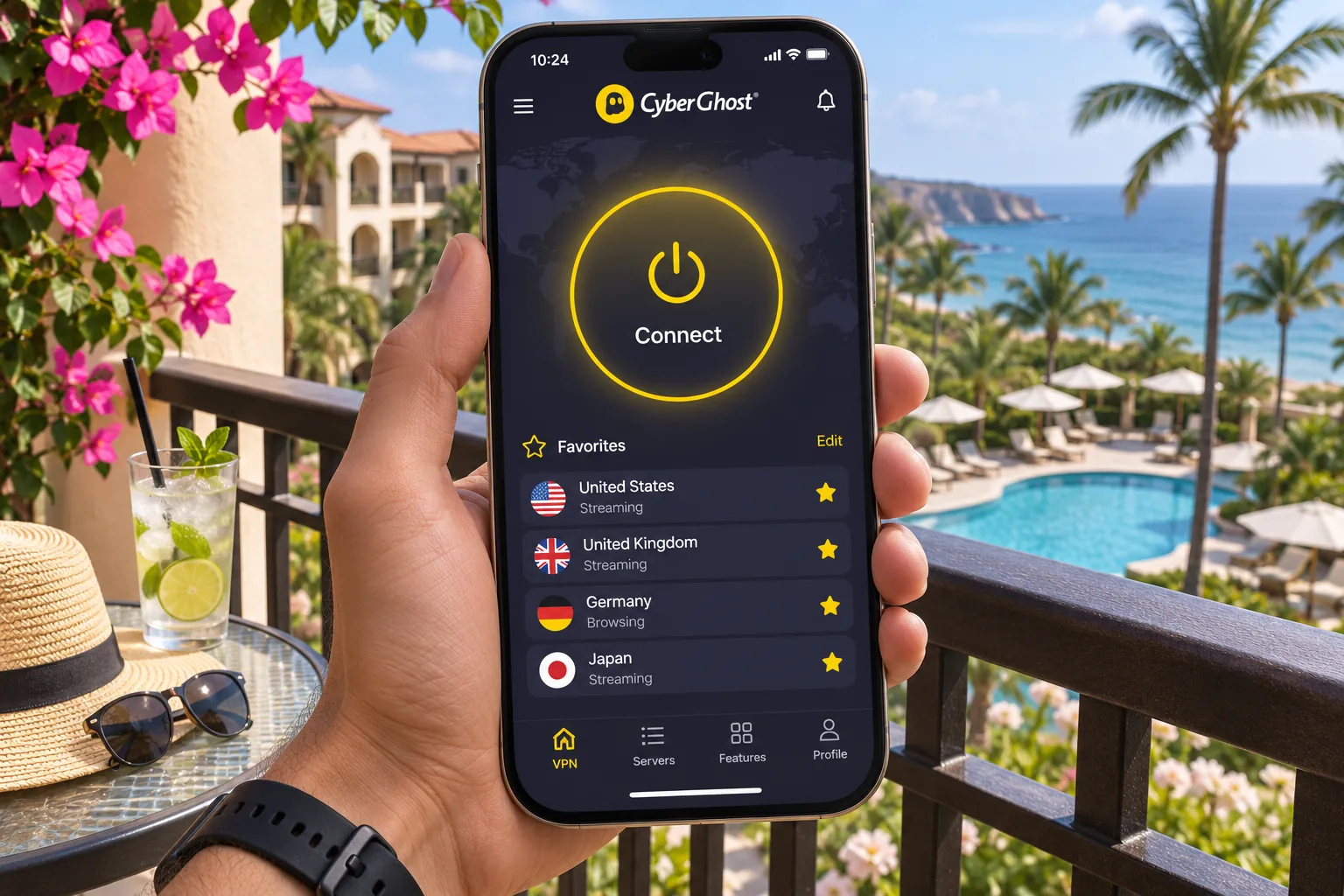
One-click connection and a favorites list simplify routine use. Connections are quick to establish and can stay stable during streaming. The server lists are organized by task, with streaming, gaming and P2P options. In our testing it opens US Netflix, BBC iPlayer and Prime Video, but it fails with 10 Play. The Windows settings are scattered across separate menus and take some hunting. Ad blocking is weak, and the iOS app offers fewer controls than the desktop apps.
Live chat answers promptly, though the support website can make self-service troubleshooting awkward. The device allowance is 7. Official help describes concurrent connections, but the account treats devices as registered slots. If you hit the limit, you may need to remove an old device from your account.
Singapore is listed, and Colombo is marked virtual. Maldives was not found in the location list. The offer page shows $2.19 a month equivalent, or $61.32 upfront, then $61.32 annually. The page mixes several introductory term labels, so confirm the actual term at checkout. Android 7.0 or later and iOS 15.0 or later are required.
Pros
- 45-day money-back guarantee on direct plans of six months or longer
- One-click connection and favorites that simplify routine use
- Task-specific server lists for streaming, gaming and P2P
Cons
- No Maldives location found
- Seven devices, with disputed slot rules
- Weak ad blocking and a limited iOS app
5. IPVanish
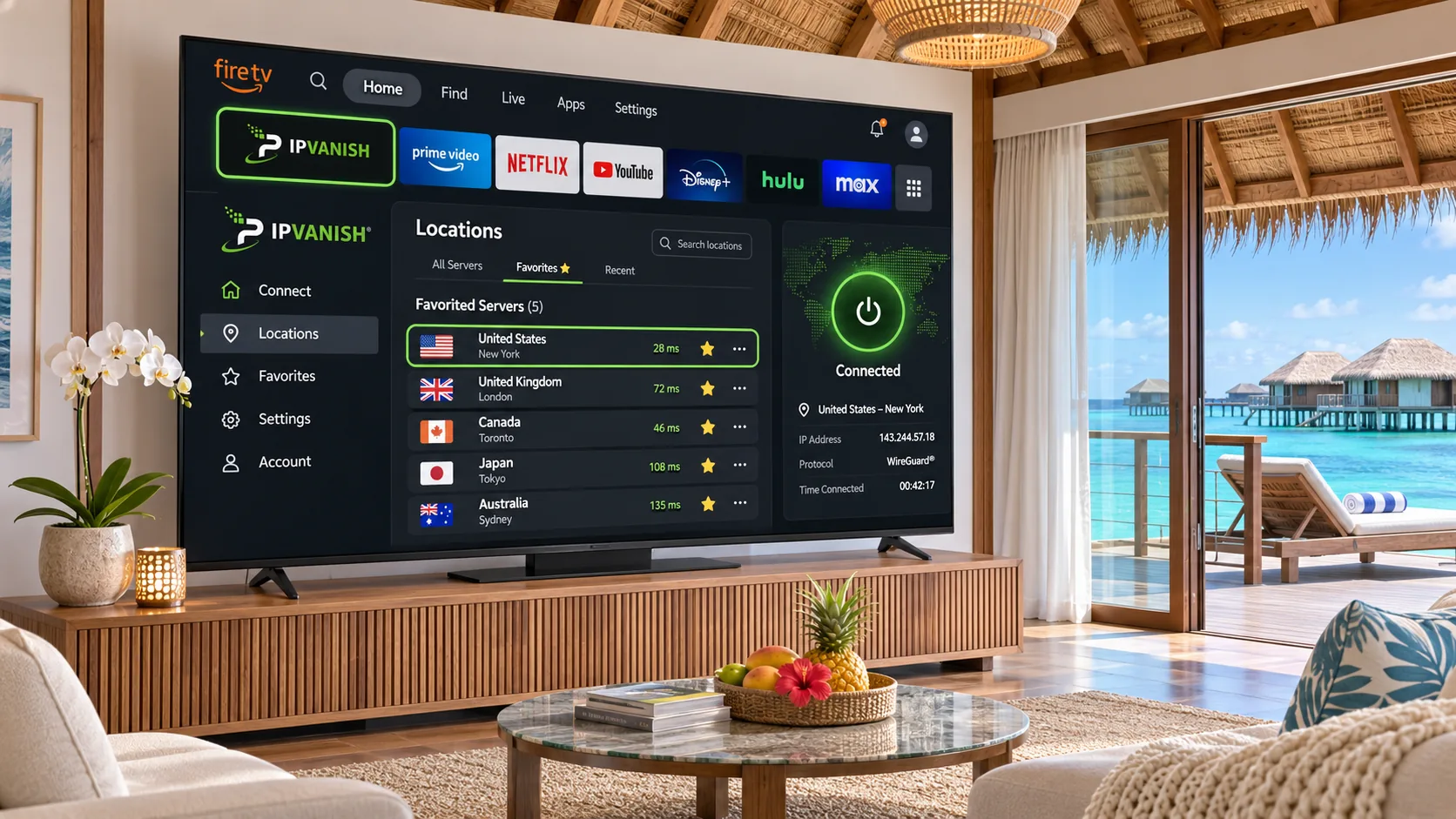
IPVanish cannot promise easy streaming and has neither Smart DNS nor a router app. We also could not access its server list when we checked. What it does give tinkerers is control. It offers WireGuard, OpenVPN, a kill switch, app and domain split tunneling, a SOCKS5 proxy and Double Hop. Connections are unlimited, and apps cover Windows, macOS, Android, iOS, Linux and supported TVs. It works well on Fire TV, which matters if your villa has a streaming stick. Selecting a location you have not favorited can mean cumbersome alphabetical scrolling.
Streaming takes more effort than with the others. Its automatic protocol selection can impede streaming, and choosing WireGuard can restore access. Even then, you may need repeated location changes. WireGuard transfers are consistently quick, while OpenVPN slows down on distant routes. Keep that in mind when connecting to far-off countries from the island. The strict kill switch cannot be customized, and the macOS version can expose the real IP during a server change. The desktop bandwidth graph can distract, though you can collapse it.
IPVanish has no Smart DNS or dedicated router app, so devices without VPN apps need router configuration. We could not verify Maldives availability because we could not access IPVanish's official server list. Singapore appears to be a virtual location. Pricing is also less certain. Deal tables show $2.19 a month on a two-year plan, while some listings show higher figures, so confirm at checkout. A 30-day money-back guarantee applies on yearly and two-year plans, though we could not confirm every detail from official pages.
Pros
- Unlimited simultaneous connections
- Fast, consistent WireGuard transfers
- Strong controls and good Fire TV support
Cons
- Streaming may need repeated server changes
- Strict kill switch and a macOS server-change exposure
- Official pricing and server details unconfirmed
Why use a VPN in the Maldives?
A VPN does three things. It encrypts the path between your device and the VPN server, it hides your original IP from the sites you visit, and it hides outgoing traffic from the local network. Trust shifts to the VPN operator, and EFF's guide to choosing a VPN makes clear that a VPN does not provide anonymity or complete malware protection. HTTPS already protects most web content, so the gain is mainly on shared networks and for hiding your IP.
Resort Wi-Fi, privacy and remote work
Resort and guesthouse Wi-Fi is shared, and you do not control who else is on it. A VPN keeps your traffic out of sight of that local network. We did not find current, established reports of pervasive monitoring in the Maldives. Freedom House's 2020 Maldives report provides historical background, not current information on VPN rules. So we frame the benefit as ordinary travel hygiene, not a response to a known threat.
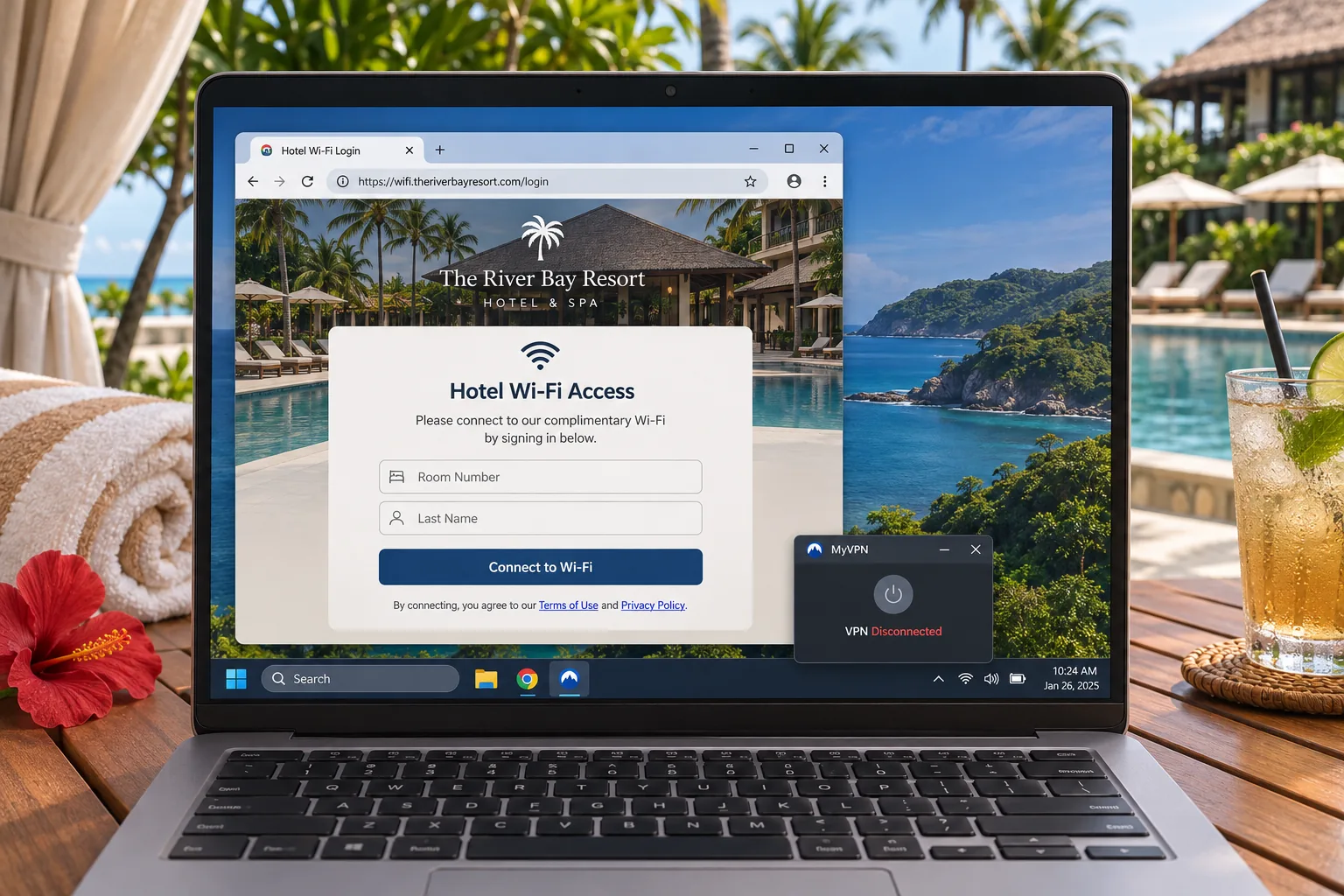
Remote workers should know the difference between a consumer VPN and a corporate one. A work VPN gives you access to an employer's intranet, while a consumer privacy VPN protects your traffic. You may need both. Hotel login pages are the other practical snag. Auto-connect and kill-switch settings can block the login portal. Turn those off, finish the portal login with the VPN disconnected, reconnect the VPN, then restore protection. If the internet fails without the VPN, the problem lies with the network.
Streaming and access to services from home
Home streaming libraries, banking apps and work tools can behave differently when you log in from abroad. A VPN can help you reach them through a server in your home country. Streaming platforms can block VPN connections, though, and geographic access is never guaranteed. Our experience across the five is mixed. Each service handles some platforms and fails on others, so test your must-have apps during the refund window before you travel.
A Maldives IP and a nearby server are different things. Using a VPN while in the Maldives only protects your traffic. A Maldivian IP requires a server in the Maldives. NordVPN is the only one of the five where we confirmed such a server, and it is virtual. A Singapore or Colombo server may seem closer, but a virtual location identifies the IP's advertised country and does not prove that the route is shorter.
How to use a VPN in the Maldives
Install and sign in before you leave home. App stores and vendor sites can be slow or restricted on a trip, and you want to test your streaming apps while you still have your home connection for comparison. Then decide what you want the VPN to do for the day.
Choose a server for speed or your home services
For fast everyday connections and battery efficiency, pick a nearby server and use WireGuard or the vendor's fastest protocol. For your home streaming or banking, pick a server in your home country, and try a second server if the first fails. If you need a Maldivian IP, NordVPN is the one to try. Open the app, search locations for Maldives, and connect.
If one server fails for a streaming service, switch to another city in the same country before you contact support. Streaming on IPVanish may need repeated server changes, so expect to use this tip there.
Troubleshoot slow speeds and connection failures
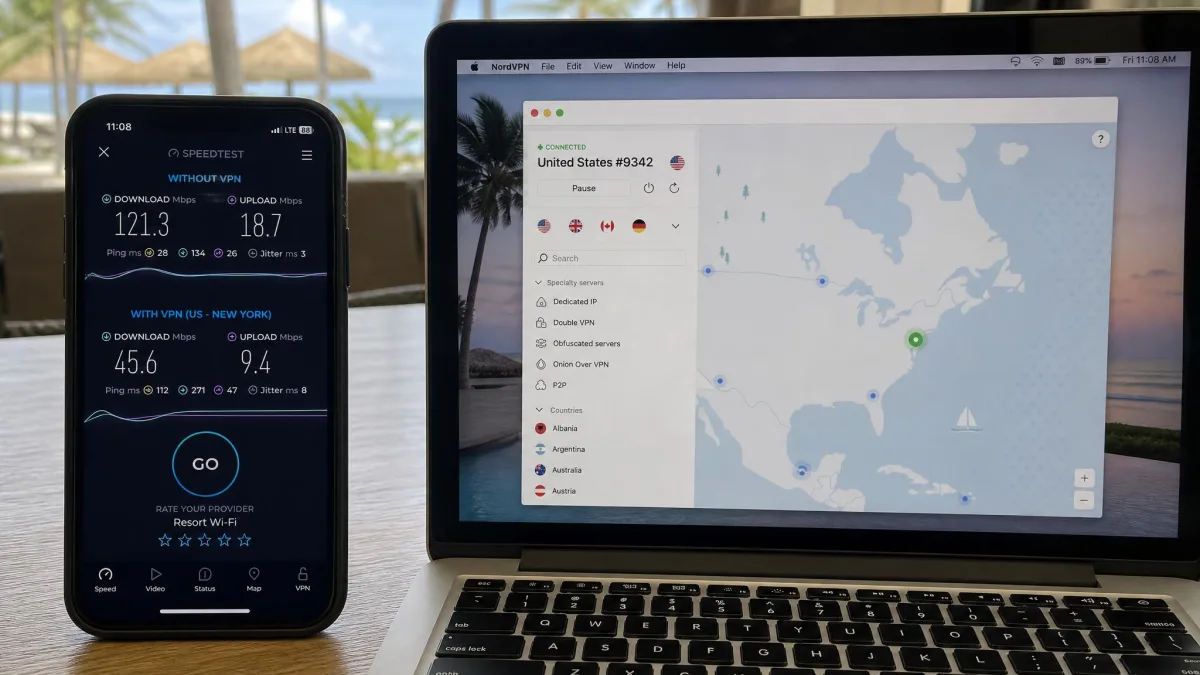
Start by testing the connection without the VPN. If it is slow without the VPN, the problem is the resort network, and no VPN will fix it. If it is fine without the VPN, change protocol, then change server, then restart the app. Disable the ad blocker if a page will not load, particularly on Surfshark. If you cannot reach a login page, follow the captive portal steps above. A mobile hotspot from a local SIM is a useful backup for stubborn Wi-Fi.
Can you use a free VPN in the Maldives?
You can, but expect trade-offs. Free plans usually limit data, speed, locations or devices, and a free provider still has access to your traffic. If you want a free option, Proton VPN Free is the one we would consider. It advertises no data or speed cap, no ads and a no-logs policy, and it supports 1 device. Streaming, wider location choice, P2P and NetShield belong to paid plans, so do not expect it to reach your home streaming libraries.
The better route for a short trip is a paid plan with a refund window. Every service here offers a money-back guarantee; the longest is CyberGhost's 45-day guarantee on plans of six months or longer. NordVPN, Surfshark, ExpressVPN and IPVanish offer 30-day guarantees. Surfshark also advertises a 7-day free trial. Trial and refund terms differ by signup channel, so read the cancellation steps before you pay.
Maldives VPN FAQs
Is it legal to use a VPN in the Maldives?
Can you use a VPN on a smart TV in an overwater villa?
Will a VPN work with a local SIM or eSIM?
How do you pay for a VPN while abroad?
Final verdict
For the Maldives, we recommend NordVPN because it lists a Maldives location and gives you 30 days to test it. Choose it if you want a Maldivian IP and accept a busier interface.
Surfshark is the pick for large families, ExpressVPN for people who want simple apps, CyberGhost for beginners who value a long refund window, and IPVanish for tinkerers and Fire TV users. Whichever you choose, test your streaming and banking apps before you fly.







