
If you are landing in Almaty next week and your favorite messaging app or news site stops loading, a VPN is the usual fix. If you are a local resident who simply wants to keep browsing private from prying eyes, a VPN serves that purpose too. The catch is that the VPN's own website may be blocked before you can install it. After going through each provider's Kazakhstan documentation and the connection features that matter in a restrictive network, our pick for most people is NordVPN. Surfshark, ExpressVPN, CyberGhost and Proton VPN are the other four on the shortlist, and each wins in a different situation.
We approached this list the way a network administrator would: check what each provider publishes, check what independent measurement groups report, and separate both from what we could confirm ourselves. We handled the apps on our own test machines, so the usability notes below come from using them. We did not run ISP-by-ISP speed or outage measurements inside Kazakhstan, and we say so wherever it matters.
Best VPNs for Kazakhstan at a glance
The table below compares the five providers on the points that matter for Kazakhstan. The physical location of every Kazakhstan exit is unverified, and two providers say outright that theirs are virtual. Prices are the offers shown at the time of writing and change often.
| Product | Buy | Kazakhstan exit | Restricted-network option | Devices | Refund | Price |
|---|---|---|---|---|---|---|
 |
Check price → | Listed in current server directory | NordWhisper obfuscated servers | 10 | 30-day | See checkout |
 |
Yes | NoBorders suggestions | Unlimited on paid plans | 30-day | See checkout | |
 |
Yes, virtual | Automatic obfuscation on supported platforms | 10 on Basic, 14 on Pro | 30-day | $3/month equivalent, first 28 months | |
 |
Yes, virtual Astana | Not verified | 7 | 45-day on long plans | $2.19/month equivalent, first 28 months | |
 |
Check price | Yes, paid plans | Stealth | 10 on Plus | 30-day | $3.49/month equivalent, first 24 months |
How we selected the VPNs
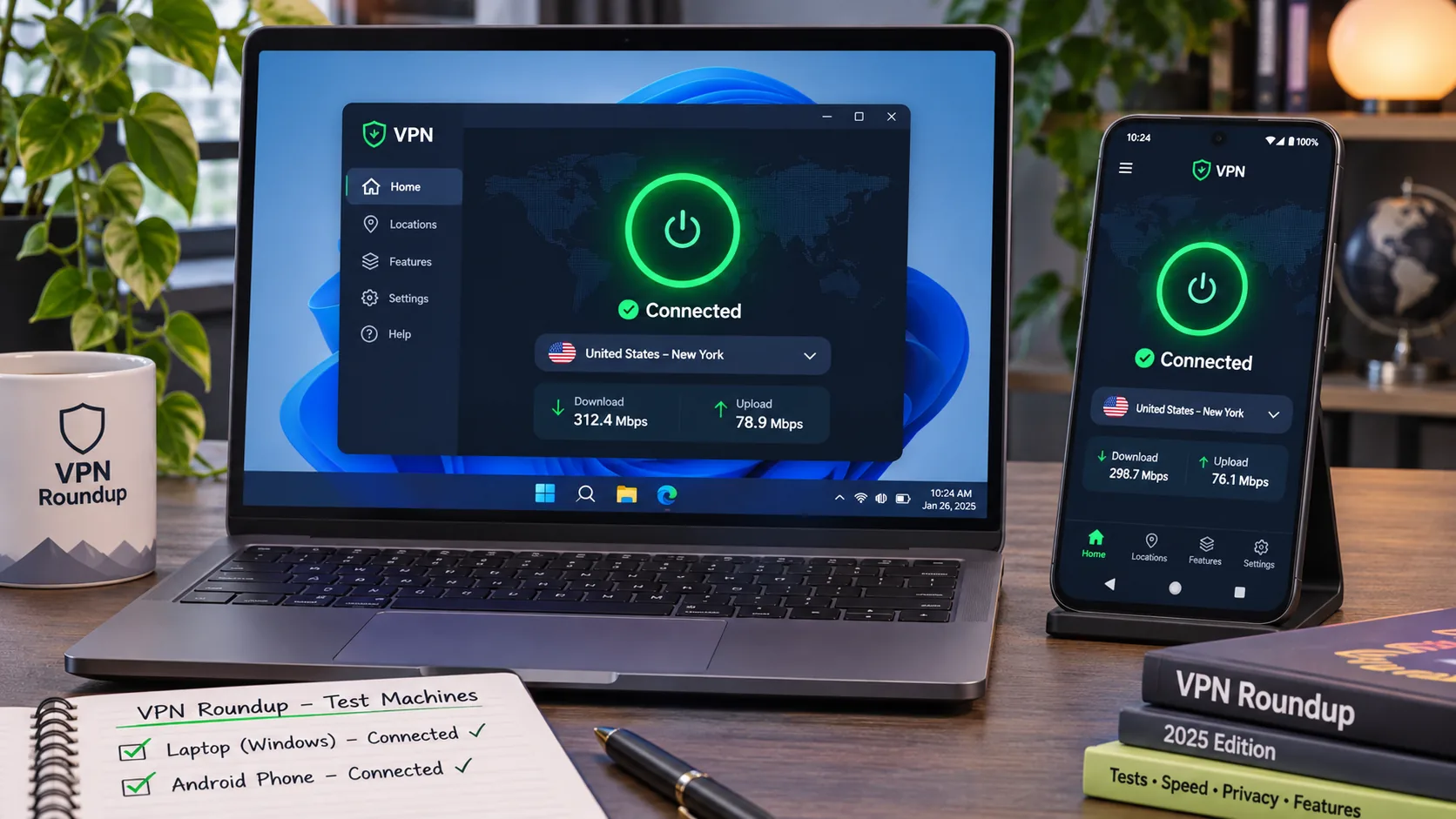
We looked for providers that publish a Kazakhstan exit, ship an option for restrictive networks and document a refund policy. We then used each app on our test machines and noted setup friction, control layout and streaming behavior. Published specifications and measured results are different things, so we keep them apart in the text.
Privacy, security and connection reliability
A VPN is only as private as its controls. We looked for a kill switch, leak protection, a clear no-logs policy and a protocol designed for restrictive networks. Obfuscation helps, but it is not a guarantee of undetectability, and research on obfuscated VPN traffic shows fingerprints can remain in obfuscated configurations. We treat it as an advantage, not a promise.
Kazakhstan IP addresses, server locations and value
We checked whether each provider lists a Kazakhstan exit, whether it is virtual, and how many devices a plan covers. Two providers state that their Kazakhstan locations are virtual. For the others, the physical host country is not established, and marketing language alone does not settle it. To assess value, we compared introductory and renewal prices because every offer we gathered switches to annual billing after a longer first term.
The best VPNs for Kazakhstan
We ordered these by how well each one handles a restrictive network, then by device allowance, then by everyday usability.
1. NordVPN
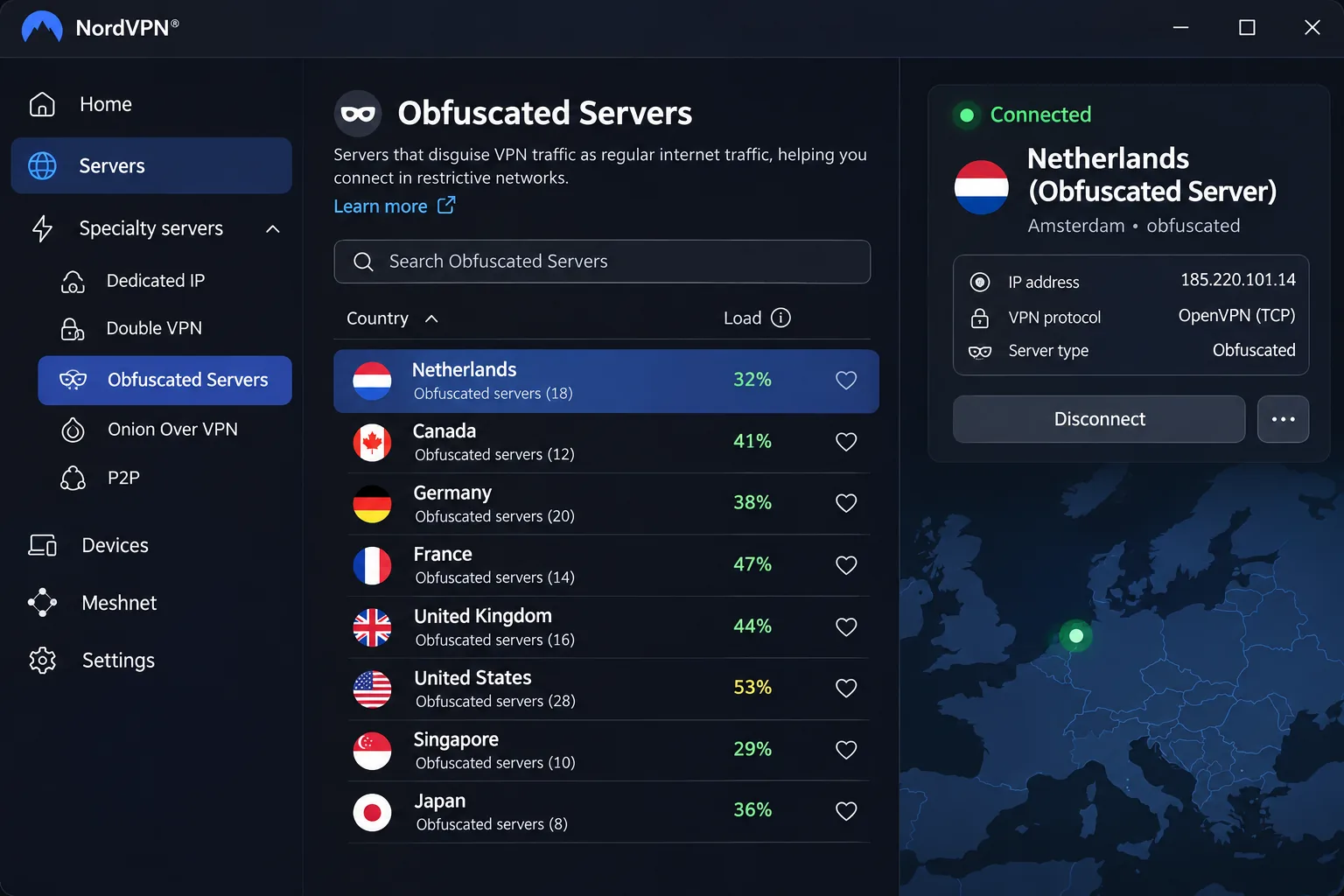
NordVPN is the provider we would install first. Its current server directory lists Kazakhstan, although some older comparison pages still claim it has no servers there. Check the directory when you sign up. Its Obfuscated Servers category is moving from OpenVPN to NordWhisper, a protocol aimed at restrictive networks. That matters because older tutorials that tell you to configure OpenVPN by hand no longer describe the updated setup.
In our testing the revised apps put the common tools within quick reach. The catch is that features differ between platforms, so switching from your laptop to your phone is less consistent than it should be. Streaming was the strong point: major services opened well, and NordLynx kept video and gaming responsive. When we hit a problem, support went straight to system-specific troubleshooting instead of repeating generic restart steps.
The feature list covers a kill switch, split tunneling, Double VPN, private DNS and a dedicated IP option. Current plans allow 10 simultaneous devices, and the initial purchase comes with a 30-day refund window.
Pros
- Obfuscated servers designed for restrictive networks
- 10 simultaneous devices on current plans
- Strong streaming and responsive NordLynx speeds
- Kill switch, Double VPN and private DNS included
Cons
- Feature differences between platforms
- Older guides describe an outdated obfuscation setup
- No verified numeric price to quote for this article
Best for: Travelers and residents who want one dependable all-rounder. Skip if: You want the cheapest long-term plan with a verified price.
2. Surfshark
Where NordVPN leads on obfuscation, Surfshark leads on device count, which makes it the easiest pick for a houseful of gadgets. Paid plans allow unlimited simultaneous connections, and the app lists a Kazakhstan exit, so choosing it gives you a Kazakhstan IP address. Its NoBorders mode suggests servers suited to restricted networks, and the apps run on Android, Windows, iOS, macOS and Linux.
We liked how the app marks virtual locations, letting you see at a glance whether an exit is virtual or physically there. QR-code login made adding a new phone quick. The busy mix of location lists and shortcuts takes more attention to scan than it should. Surfshark opened major streaming and social sites without trouble, though streaming can show occasional jitter and playback dropouts even when general speeds are strong.
The initial purchase comes with a 30-day refund window. One detail to watch: the free trial covers only 3 devices, and the unlimited allowance applies once you pay. We could not extract a current numeric price from the official page, so check the checkout screen before you commit.
Pros
- Unlimited devices on paid plans
- Kazakhstan exit with virtual locations clearly marked
- NoBorders suggestions and CleanWeb blocking
- QR-code login for new devices
Cons
- Busy interface with many shortcuts
- Occasional streaming jitter
- Trial limited to 3 devices
Best for: Households that need to protect many devices.
3. ExpressVPN
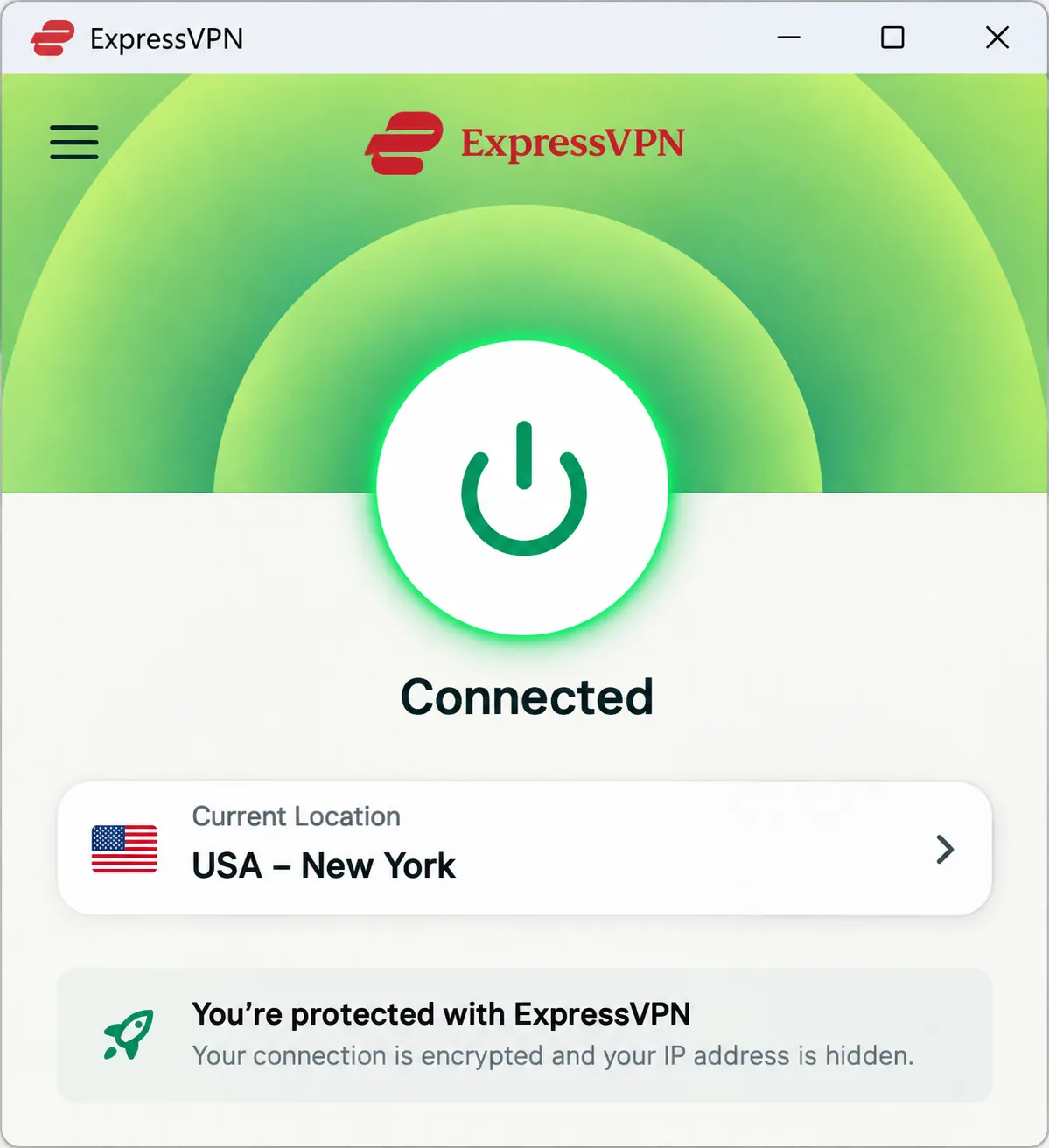
Surfshark's app rewards tinkering, while ExpressVPN is the beginner-friendly choice. Its large connect button and accessible controls make routine connections straightforward, and it offers virtual Kazakhstan exit servers. Those servers give you a Kazakhstan IP address while the hardware sits outside the country. Automatic obfuscation runs on supported platforms, and automatic protocol selection usually settles on Lightway.
Speed depends on where you run it. We saw the strongest download numbers from Lightway Turbo on Windows, while standard Lightway on other platforms was less impressive. Streaming access was reliable across a broad range of services.
The displayed Basic offer is $3/month equivalent, billed as $84 for the first 28 months, then $99.95 annually. Treat that as a promotion, since renewal pricing differs. Basic lists 10 devices and Pro lists 14, with a 30-day refund window for new subscribers.
Pros
- Simple app with a large connect button
- Automatic obfuscation on supported platforms
- Reliable streaming across many services
- Virtual Kazakhstan exit servers
Cons
- Peak speed depends on platform
- Renewal price is higher than the promotion
- Kazakhstan exit is virtual, hosted outside the country
Best for: First-time VPN users who want minimal setup. Skip if: You want the lowest renewal cost.
4. CyberGhost
At the start of our first CyberGhost session, the Windows installer failed to initialize but worked when we tried again. It suits you if you like labeled, specialized server lists and plan to stay on a laptop. Its virtual Astana servers supply Kazakhstan IP addresses, and the country page also lists a Kazakhstan P2P-optimized option. The security set includes an automatic kill switch, DNS and IP leak protection, a no-logs policy and WireGuard, OpenVPN and IKEv2 support.
The desktop controls are clearly labeled and easy to navigate. Rough edges show up elsewhere. The mobile apps offer fewer controls than the desktop software, and the iOS app feels especially limited. The Windows installer needs Windows 10 version 1903 or later. The device system is also fussy, with 7 registered slots. To replace a device, you must free a slot; simply disconnecting a session is not enough.
Its streaming results were mixed: US Netflix and BBC iPlayer worked, but 10 Play did not unblock. On price, the displayed offer is $2.19/month equivalent, $61.32 for the first 28 months and $61.32 annually afterward, with a $12.99 monthly plan. Long plans come with a 45-day refund window, while the monthly plan has a 14-day window.
Pros
- Lowest displayed introductory price
- Clearly labeled desktop controls
- Generous 45-day refund on long plans
- Kill switch and leak protection
Cons
- No verified dedicated obfuscation
- Limited mobile apps
- Device slot management is fiddly
Best for: Budget-minded desktop users.
5. Proton VPN
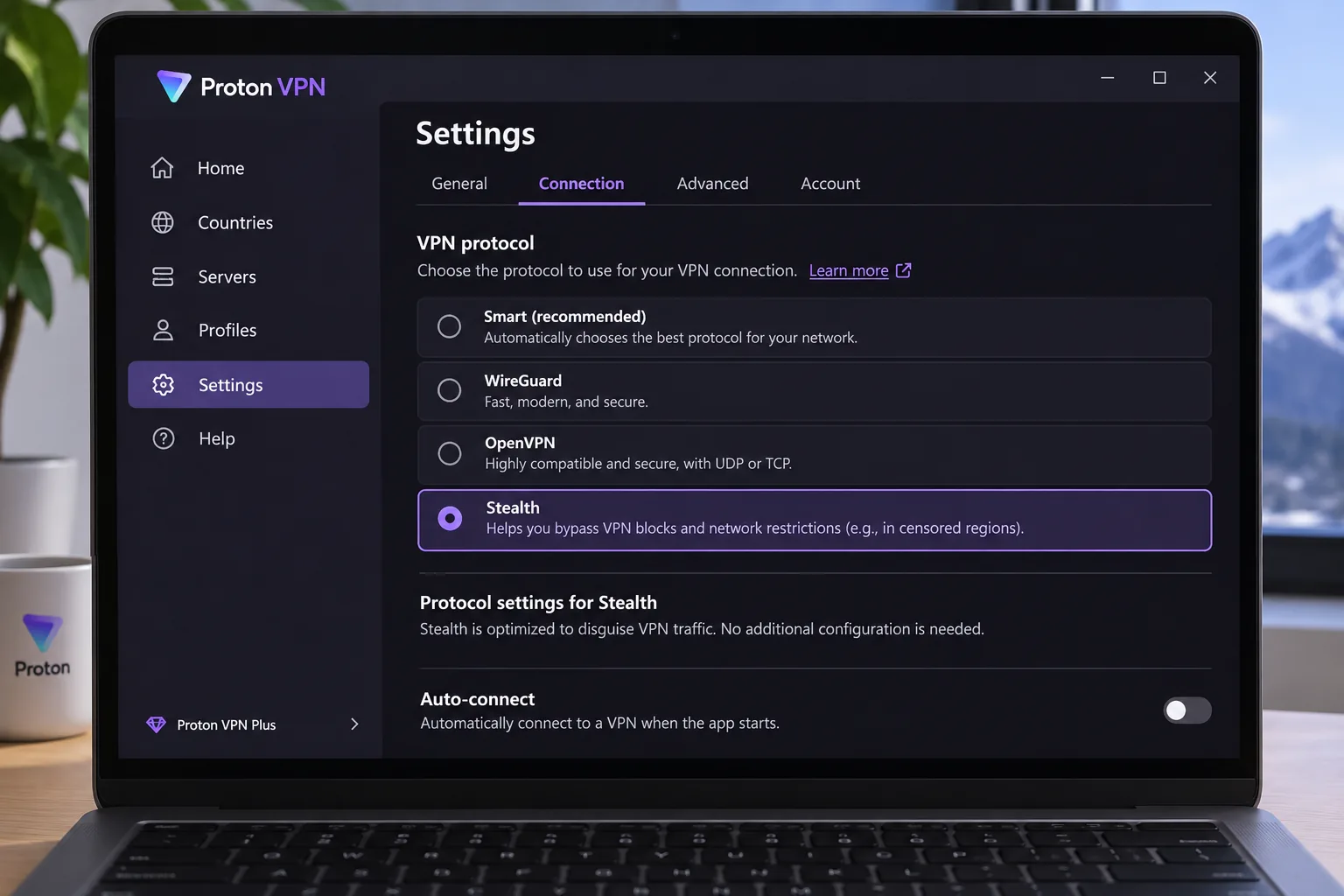
Proton VPN offers no Kazakhstan exit on its free tier, and its apps demand more effort than the others. Even so, it is the pick for privacy-focused users. Paid country selection includes Kazakhstan exits, and Secure Core routes your traffic through an additional privacy-focused jurisdiction before the exit. Stealth is included on both free and paid plans, and Smart Protocol picks a protocol for you. We cover the company in more depth in our Proton VPN review.
The apps give experienced users considerable control, though they take more getting used to than simpler beginner tools. Paid connections were fast in everyday use and streaming access was effective. NetShield removes advertising well, but it can cause streaming compatibility problems. Support guides, issue reporting and debug logs are easy to reach from desktop and mobile apps, which helps when a connection fails.
VPN Plus is displayed at $3.49/month equivalent, $83.76 for the first 24 months, then $83.88 every 12 months, so the renewal period is half the introductory term. VPN Plus protects 10 devices at once, while Proton Free protects 1. The refund window lasts 30 days.
Pros
- No-cost tier available for emergencies
- Stealth on every plan
- Secure Core for extra privacy
- Easy access to support and debug logs
Cons
- More complex interface
- NetShield can interfere with streaming
Best for: Privacy-conscious users who accept a steeper learning curve.
How to set up a VPN for Kazakhstan
Start your setup before you travel, because vendor websites may be blocked once you are inside the country. Install the app, sign in, and confirm it connects while you still have an open network.
Connect from Kazakhstan or choose a Kazakhstan exit IP
These are two separate goals. If you are inside Kazakhstan and want open access to the global internet, choose a foreign exit and keep the kill switch on. If you are abroad and want a Kazakhstan IP address, for example to reach local services, pick a Kazakhstan exit in the app. Surfshark, ExpressVPN, CyberGhost and Proton list one, and NordVPN's directory does too. Because several exits are virtual, an IP that geolocates to Kazakhstan does not guarantee that the server is physically there.
Download the app and a second protocol option on your phone before departure, and enable the kill switch. If a connection drops, the kill switch stops traffic from leaking over your regular network.
Check your connection and troubleshoot VPN blocking
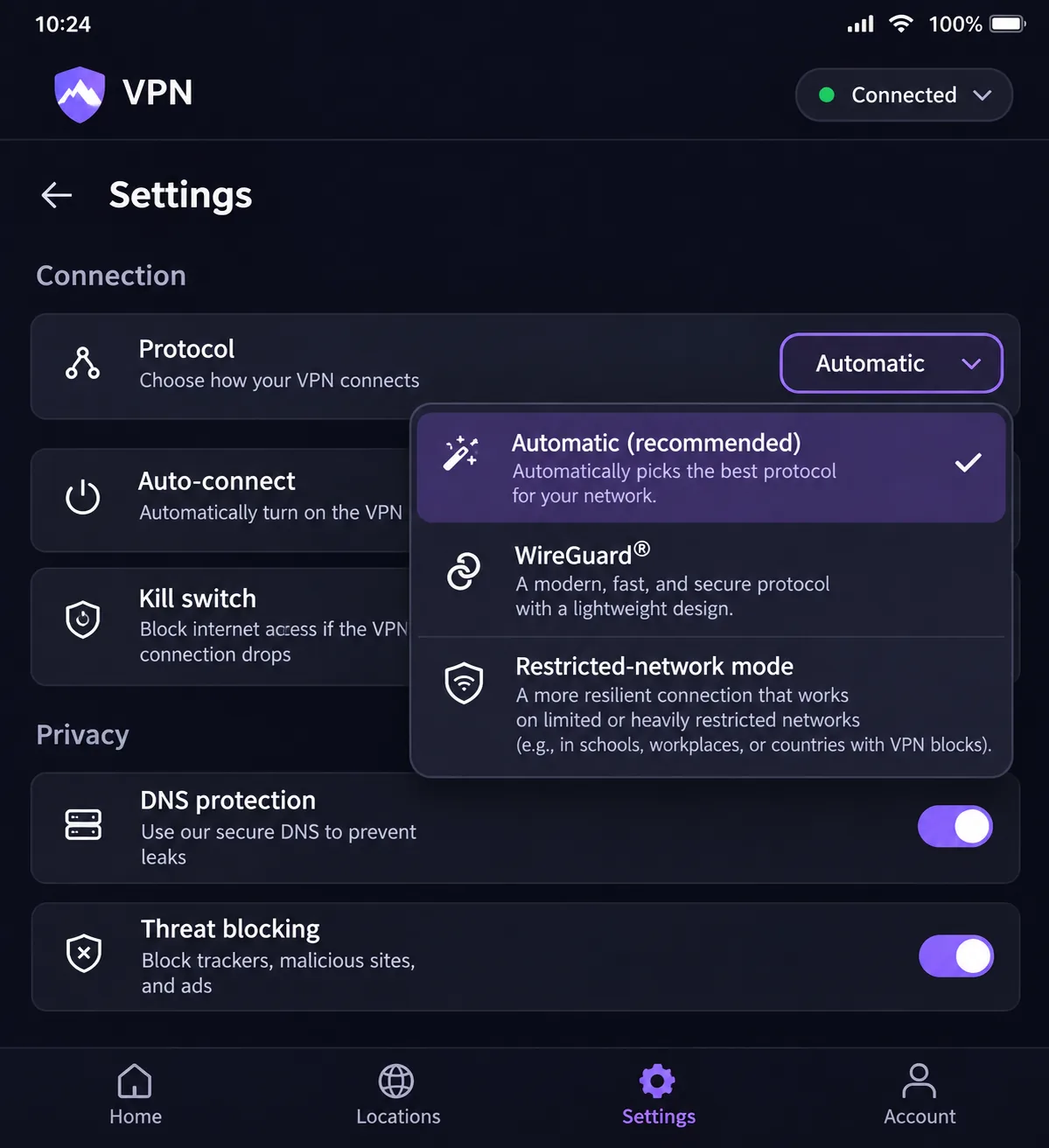
After connecting, check your visible IP and look for DNS leaks. If the connection fails, switch protocol, then switch to the provider's restricted-network mode: NordWhisper on NordVPN, NoBorders on Surfshark, Stealth on Proton, or automatic obfuscation on ExpressVPN. OONI notes that blocking a VPN's website does not necessarily mean the tunnel itself is blocked. If the download page fails to load, the app may still work.
Why use a VPN in Kazakhstan?
Internet freedom is limited. Freedom House's 2025 report scores Kazakhstan 37/100 and classifies it Not Free, noting that websites are blocked and users are arrested. A VPN gives you a private connection that hides your traffic from your network, and it helps you reach sites that are filtered locally.
Blocking also reaches the tools themselves. OONI's 2024 Kazakhstan report identified blocking of at least 73 circumvention-tool websites between June 2023 and June 2024, including the NordVPN, Surfshark, ExpressVPN and Proton VPN domains. That is why preparation matters.
Are VPNs legal in Kazakhstan?
Vendor country guidance describes personal and business VPN use in Kazakhstan as legal, and that matches what we found when we went through each provider's documentation. We could not confirm a current, comprehensive statute on the subject, so we would not present the legal picture as settled.
Permission to use a privacy tool does not cover every activity. It does not cover every workplace network or every category of restricted content, and you remain responsible for what you do through the tunnel. If the stakes are high, such as a business deployment or a sensitive profession, check with a local lawyer before you rely on a VPN.
Can you use a free VPN in Kazakhstan?
Mostly no, with one useful exception. Free services tend to cap speed or data, limit locations and monetize in ways that undercut privacy, which is the opposite of what you need in a restrictive network. Among the five, Proton's free plan is the only permanent one we could verify. It has no data cap, no ads and no activity logs, and it includes Stealth. However, it picks your location at random and protects one device at a time.
That makes it a decent emergency fallback, not a daily driver. You cannot choose a Kazakhstan exit, and streaming and P2P are paid benefits. The other four offer money-back windows instead of free tiers, so you can test them for a month or more and get your money back if they fail on your connection.
Avoid unknown free VPN apps from app stores. They are often the weakest on logging and security, and a blocked-VPN scenario is exactly when you will be tempted to grab whatever installs.
Final thoughts
For most people, NordVPN is the safest first choice, with Surfshark as the best value for large households and ExpressVPN as the easiest to learn. CyberGhost fits desktop users on a budget, and Proton VPN is the choice when privacy and a free fallback matter most. Whichever you choose, install it before you travel, learn which restricted-network mode it offers, and use the refund window to test it on your actual connection.







