You open a site in Jakarta or Bali and it simply will not load, or you are abroad and your Indonesian banking and streaming apps refuse to recognize you. Those are two different problems, and they need two different kinds of VPN connection. One needs a local Indonesian IP address. The other needs a nearby server that keeps your traffic private and fast.
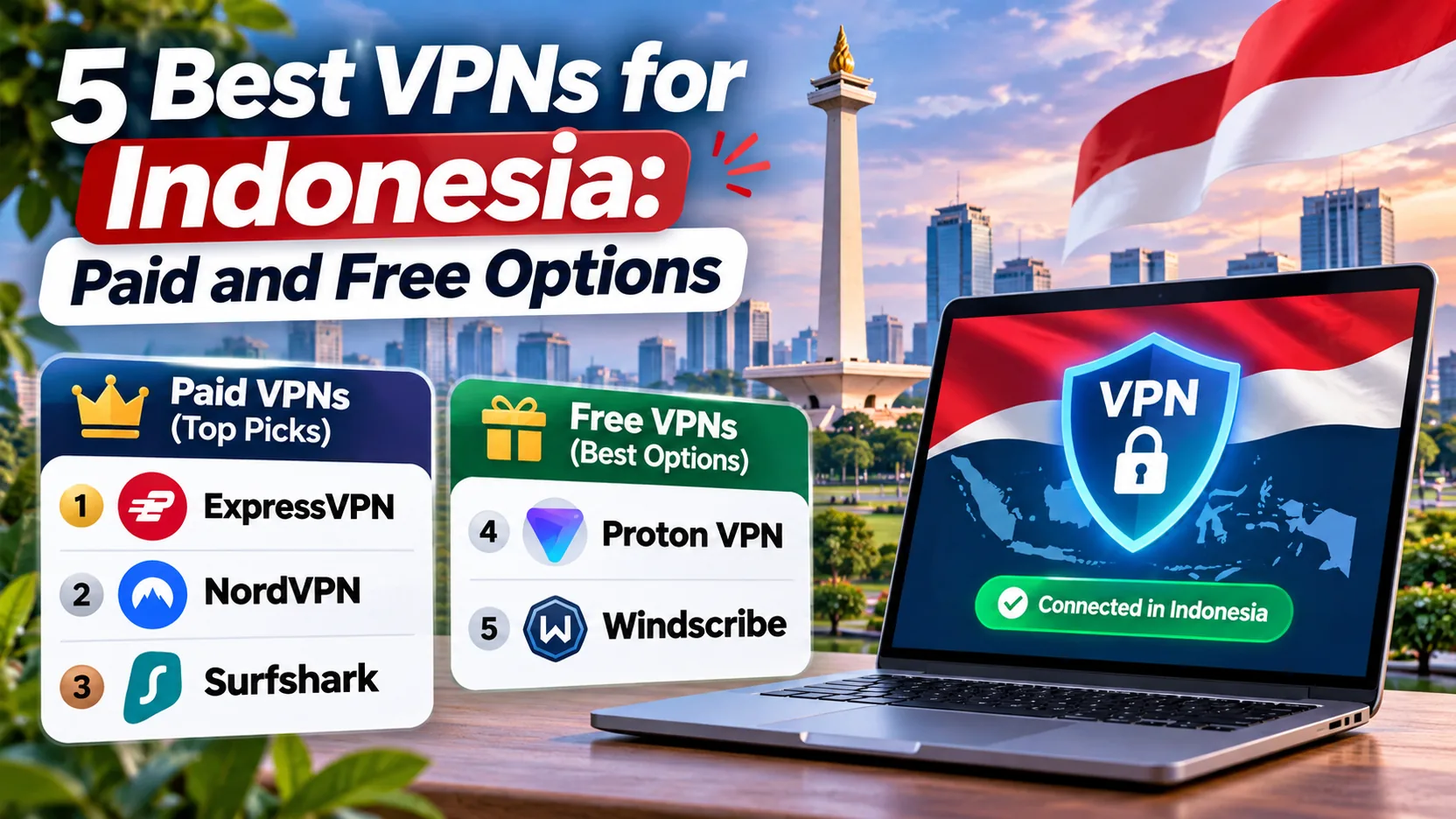
We recommend NordVPN for most people because it offers a Jakarta exit, ten simultaneous devices, and strong streaming access. Surfshark, ExpressVPN, CyberGhost, and Proton VPN each win in a narrower situation, and Proton is the only one of the five with a genuinely free plan. We checked each service against its official Indonesia and pricing pages and the hands-on findings we gathered. Where a price or a claim could not be confirmed, we say so.
Best VPNs for Indonesia at a glance
The table below compares the five plans on the points that decide most purchases in Indonesia: whether you get an Indonesian exit IP, how many devices you can connect, and what the refund window looks like. Prices are introductory offers we saw on each vendor's official page, and renewals differ, so read the caveats in each review before you pay.
| Product | Buy | Plan tier | Best for | Indonesian IP | Devices | Refund |
|---|---|---|---|---|---|---|
 | Check price → | Basic | Streaming and broad features | Yes, Jakarta | 10 | 30-day |
 | Check price | Starter | Households with many devices | Yes, Jakarta | Unlimited personal use | 30-day |
 | Check price | Basic | Simple apps | Yes, virtual via Singapore | 10 (Basic) | 30-day, direct signups |
 | Check price | VPN subscription | Labeled streaming servers | Yes | 7 | 45-day long plans, 14-day monthly |
 | Check price | Free / VPN Plus | Free browsing, paid privacy controls | Free: no. Plus: yes | 1 (Free), 10 (Plus) | 30-day on paid |
How we evaluate VPNs for Indonesia
We judged each service on the questions an Indonesia user actually asks: can I get a local IP, will it stay fast, and can I trust it with my traffic? We checked every claim against official vendor pages and the hands-on findings we gathered for Indonesia, pricing, and device limits. Where an official source was missing, we labeled the fact unverified rather than guessing.
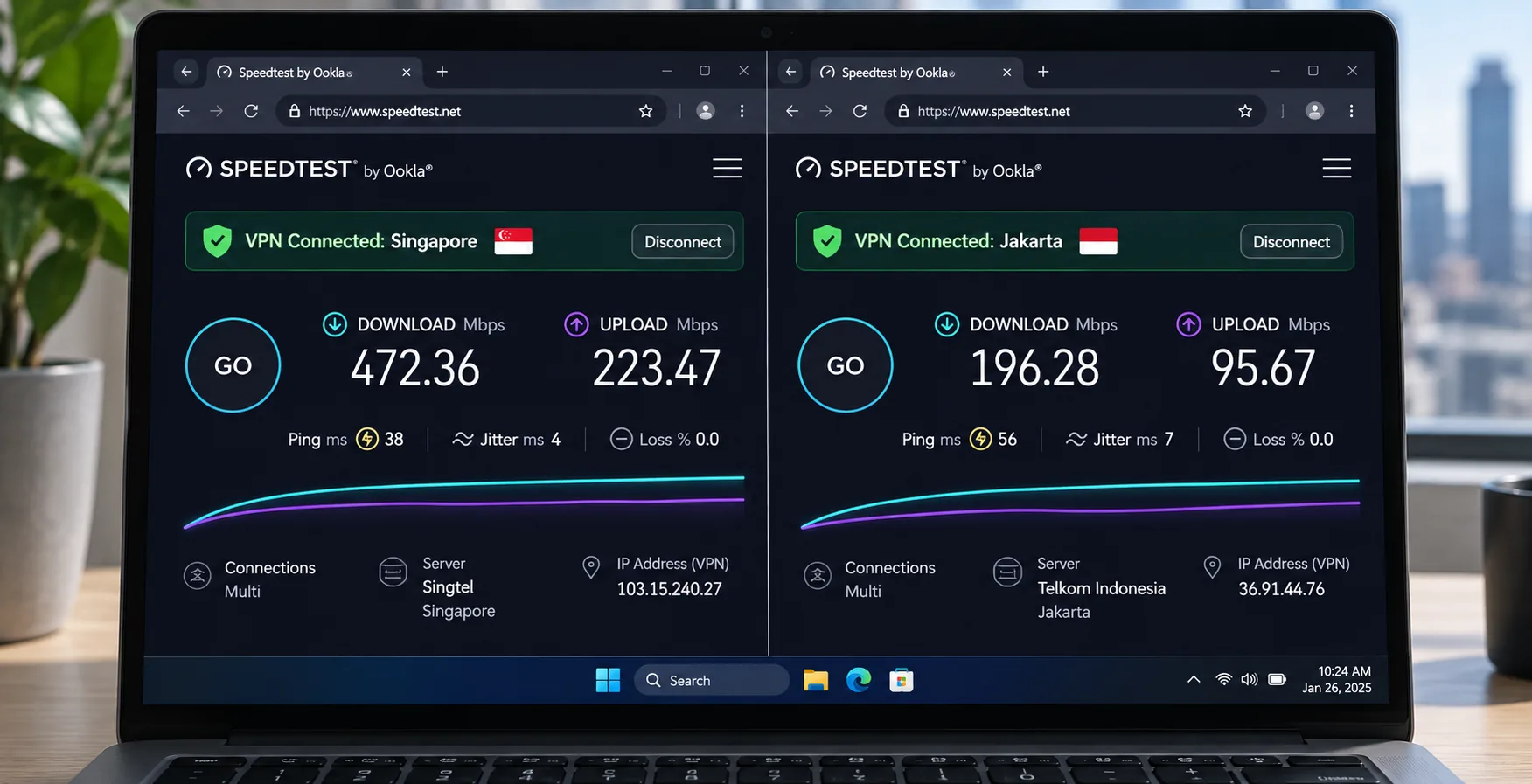
One limitation needs to be clear: we could not establish comparable measurements using the same Indonesian ISP, time of day, device and protocol. That means we cannot name the single fastest VPN for Jakarta or Bali. Global lab speeds do not predict local throughput.
Indonesian server availability and nearby connections
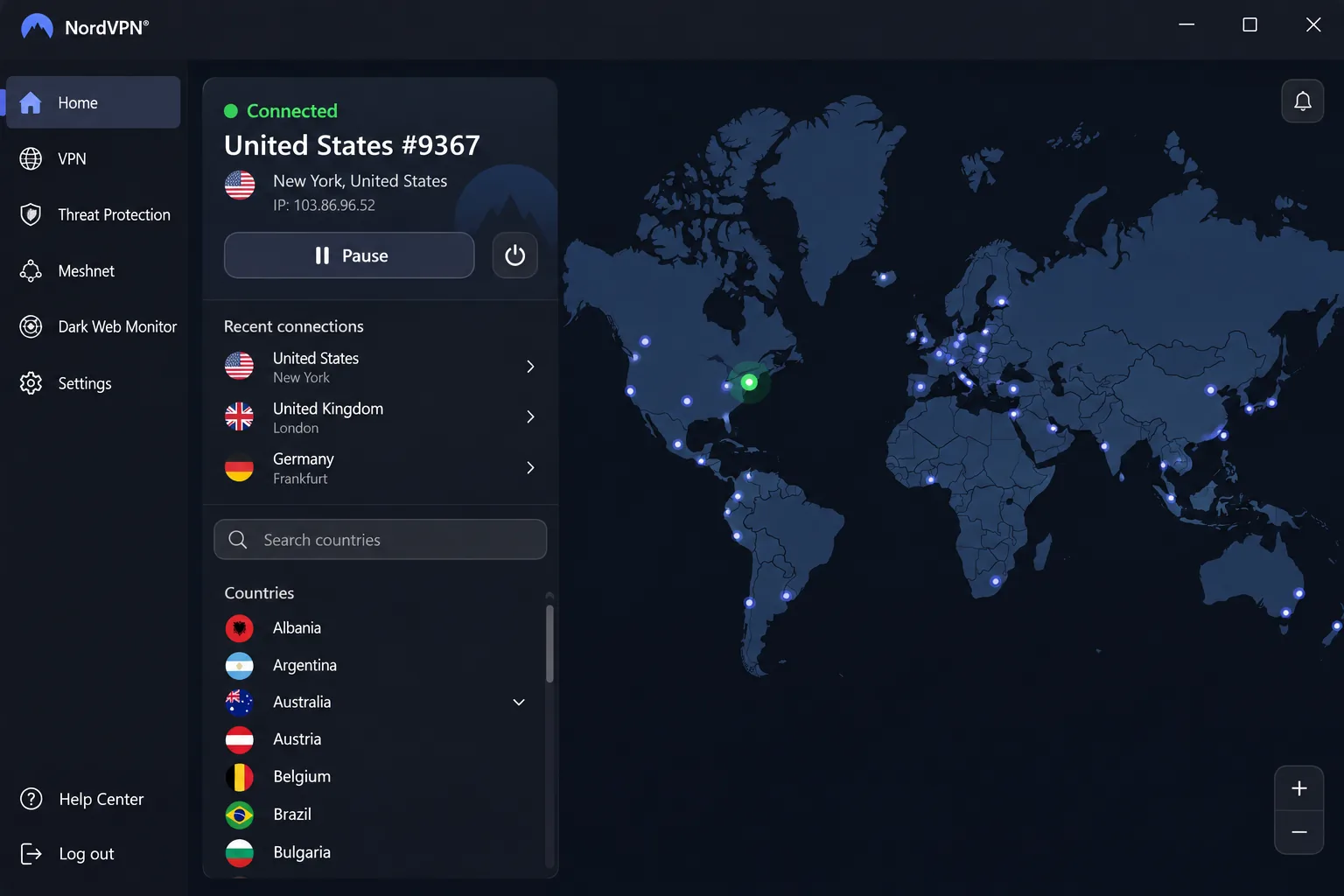
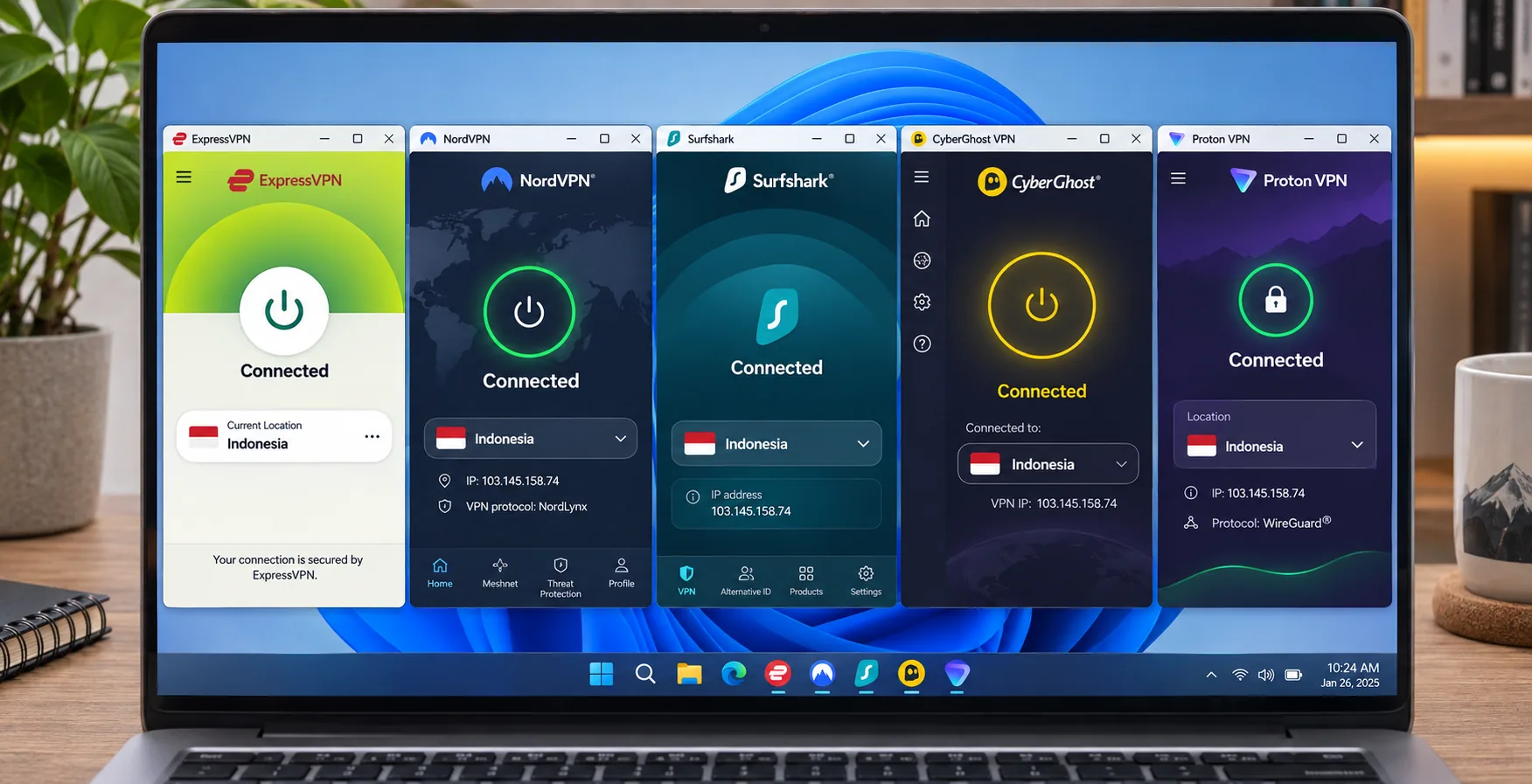
We started by checking whether each service offers an Indonesian exit. NordVPN and Surfshark list Jakarta. CyberGhost lists an Indonesian IP location. ExpressVPN offers a virtual Indonesia location hosted in Singapore. Proton offers Indonesia only on paid plans. We could not independently establish where the other providers physically host their Indonesian servers, so we make no claims about those physical locations.
An Indonesian exit and a nearby server are different things. Choose Indonesia and websites see an Indonesian IP. Choose Singapore and they see a Singapore IP, even though Singapore may be the shortest path to your service.
Speed, streaming access and connection reliability
We looked at how each service held up with downloads, streaming, and server switching. Distance, route detours, protocol and congestion all shape speed, and a geographically nearby exit does not guarantee the fastest connection. For streaming, we noted which services opened Netflix, Disney+, and other libraries without repeated retries.
Privacy, security, app support and total cost
Last, we compared kill switch behavior, logging policy claims, supported operating systems, device limits, and cost over the whole introductory term. We did not rank by headline monthly price, because each provider bills the promotional term up front and renews at a different rate. We also did not compare the providers' security histories, since the sources we used did not confirm founding dates, breach figures and audit counts.
The 5 best VPNs for Indonesia
We ordered these by how well each one handles the two Indonesia problems: getting a local IP and staying fast and private on nearby routes. Each section lists the traits that decided its rank, followed by the trade-offs we noticed.
1. NordVPN
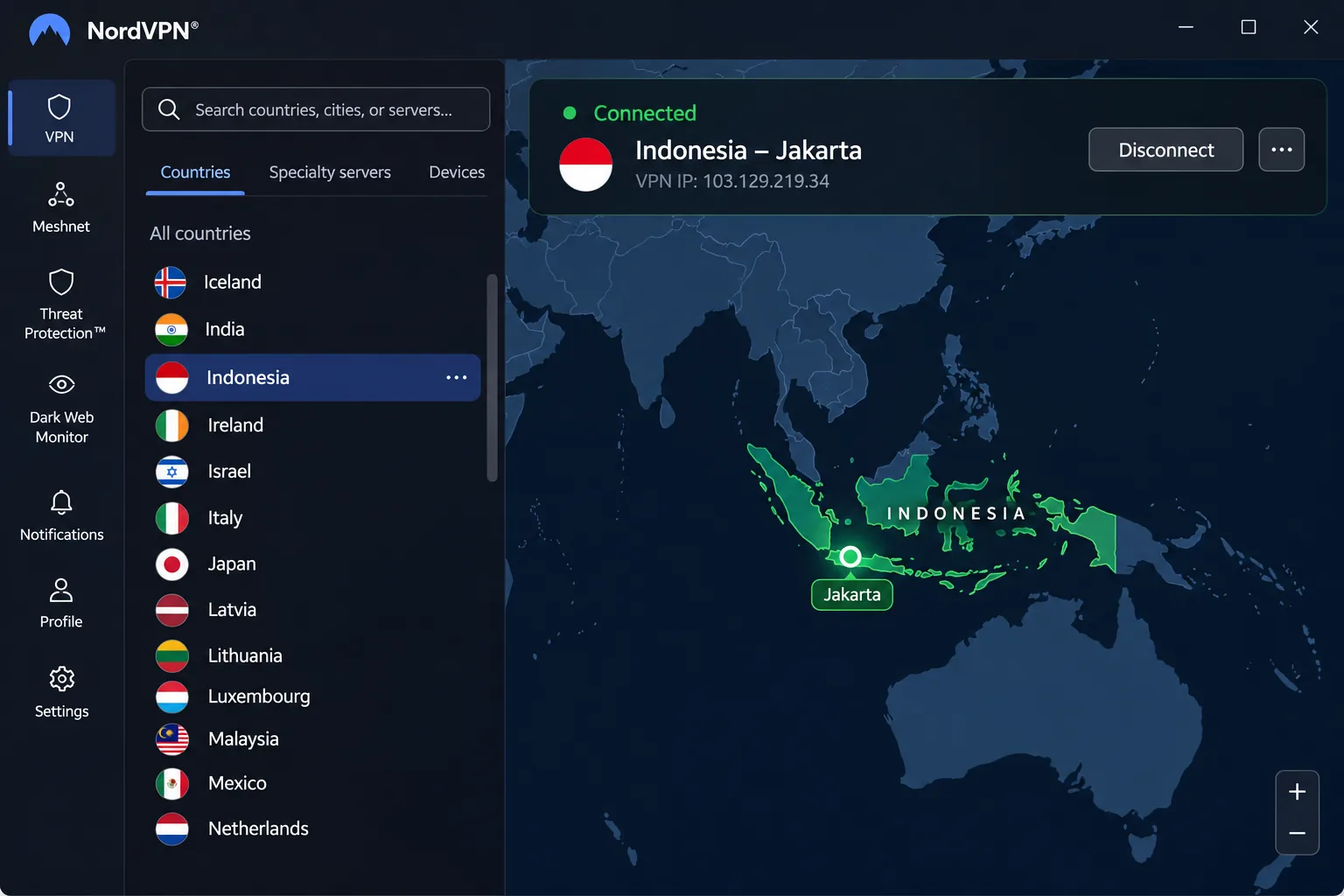
NordVPN earns the top slot because it covers the widest range of Indonesia use cases. You pick Indonesia from the country list and get a Jakarta exit, which gives you an Indonesian IP when you are abroad. Quick Connect picks a server for you when you just want to get online. It also offers P2P, Double VPN, and Onion Over VPN options, though not every specialty server is necessarily available in Indonesia itself.
In our testing, downloads were fast with NordLynx, and US Netflix and Disney+ both opened without trouble. Streaming is where NordVPN stands out, though DAZN Canada no longer opens reliably. The apps require more navigation than those of simpler competitors, and the mobile apps can feel awkward even when streaming access is good.
NordVPN
The broadest all-rounder of the five, with the heaviest apps. Security extras depend on the tier you buy.
Pros
- Jakarta exit for an Indonesian IP
- 10 simultaneous devices
- Strong streaming access in our testing
- 30-day money-back guarantee
Cons
- Apps take more navigation effort
- DAZN Canada no longer opens reliably
- Threat Protection Pro and Dark Web Monitor Pro sit in the Complete tier, not Basic
Best for: Expats and travelers who want one VPN for streaming and local access. Skip if: You want the simplest possible interface.
On price, the official page showed Basic at SEK 29 per month equivalent for the first 27 months, billed as SEK 789 up front, with VAT possibly added. That is a localized introductory offer, and currency, tax and renewal differ by checkout region. We could not confirm a matching US-dollar bill or the renewal price, so check the checkout screen before paying.
On compatibility, the Windows app needs Windows 10 64-bit or Windows 11. The main Android app lists Android 9 and newer, with sideloaded support for Android 7 and 8, and iOS starts at iOS 17.0, although minimums differ between the store app and legacy builds.
2. Surfshark
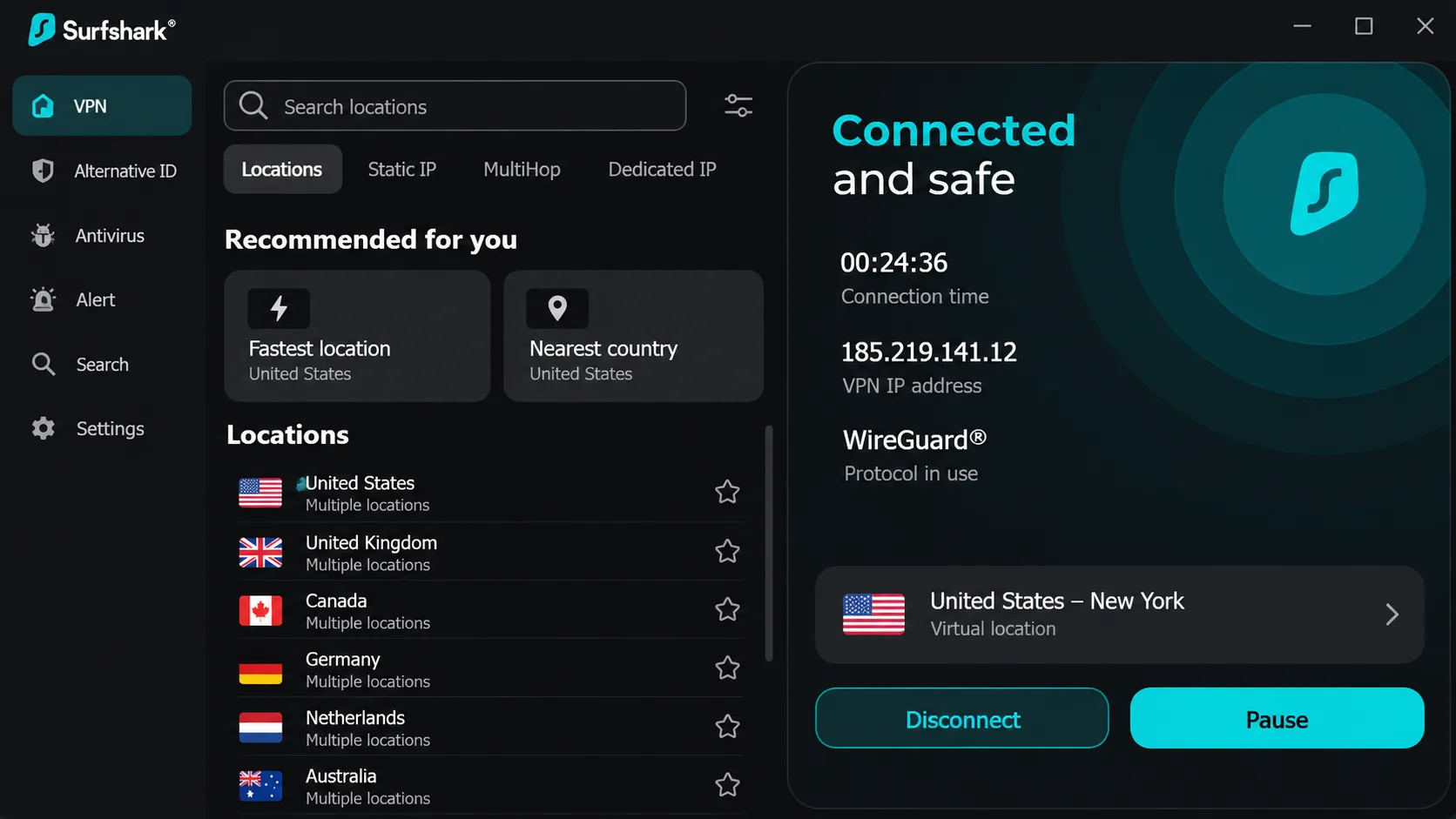
Where NordVPN caps you at ten devices, Surfshark does not, which makes it our pick when a whole household shares one subscription. Personal-use plans allow unlimited simultaneous connections, so phones, laptops, and a TV can stay connected at once. It lists a Jakarta exit for an Indonesian IP, and the server uses private DNS and RAM-only infrastructure. The feature list also includes a kill switch, obfuscation, NoBorders, MultiHop, and a rotating IP, although platform availability varies.
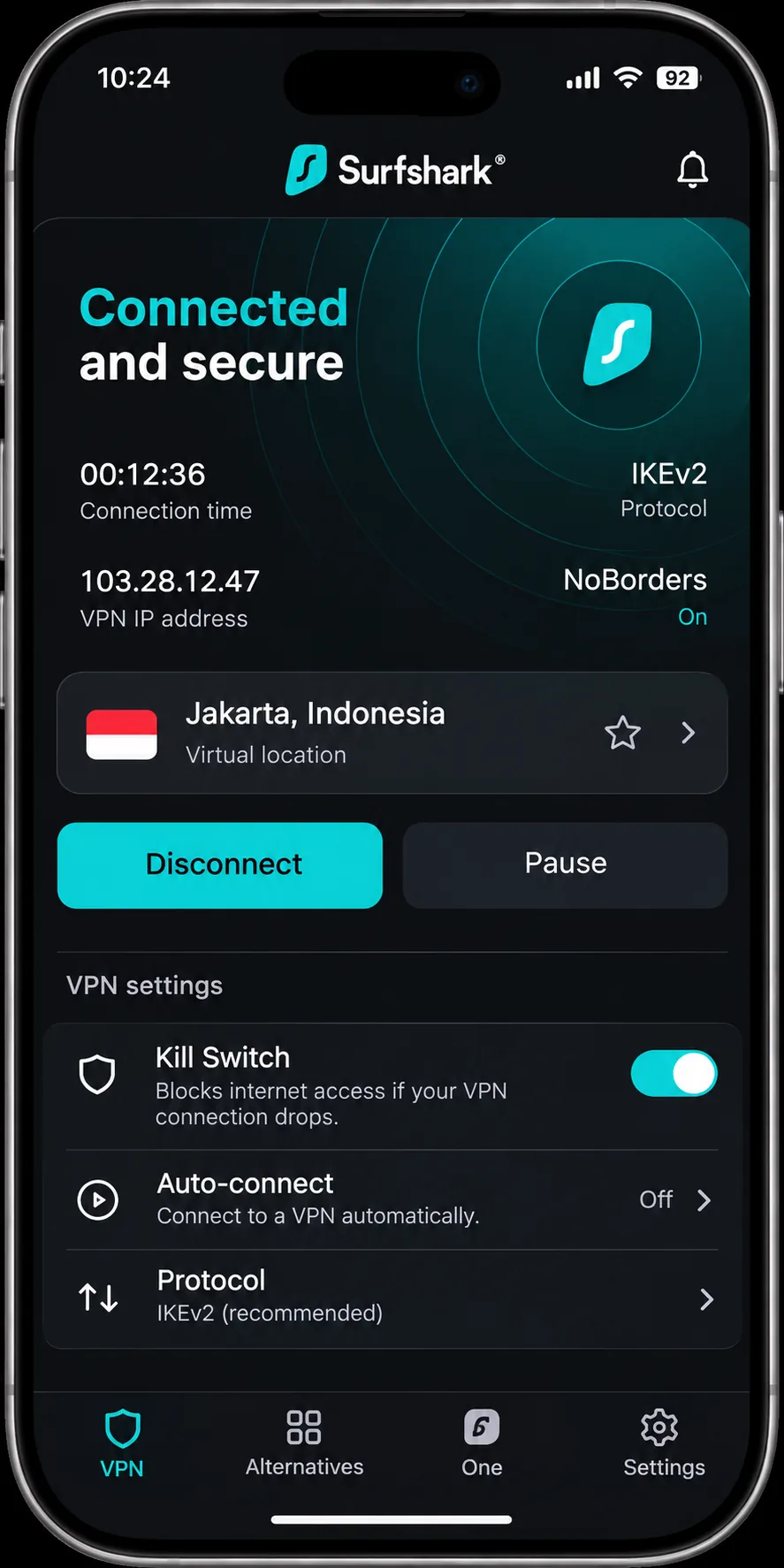
Surfshark can open several regional Netflix libraries, and it is easy to start using. The trade-off is that power users may want more customization, and the mobile interfaces can be slightly frustrating to use. One finding matters for Mac owners: on macOS, we saw that the kill switch can allow leaks under failure conditions. On some setups, it may also need to be enabled manually. If you use a Mac on public Wi-Fi, check that setting first. If you ever ask for a refund, live chat tends to be quicker than email.
Surfshark
The Starter plan includes ad blocking and Alternative ID, while higher tiers add antivirus, breach alerts, or data removal. Watch the macOS kill switch.
Pros
- Unlimited simultaneous connections for personal use
- Jakarta exit for an Indonesian IP
- 30-day money-back guarantee
- Opens multiple regional Netflix libraries
Cons
- Mobile apps have small usability irritations
- Kill switch may need manual enabling
- macOS leak concern under failure conditions
Best for: Families and households with many devices. Skip if: You rely on a Mac kill switch for sensitive public Wi-Fi use.
That Starter price is a promotion that varies by term and region. The renewal charge is separate, and we could not see it in the offer we fetched, so confirm it at checkout. Apps cover Windows, macOS, Android, iOS, and Linux. The Linux app lists support for Debian 11+, Ubuntu 20.04+ and Mint 20+ on AMD64 or ARM64. Older Windows builds need a legacy app. We could not establish exact current Android and iOS minimum versions, so check the store listing for your phone.
3. ExpressVPN
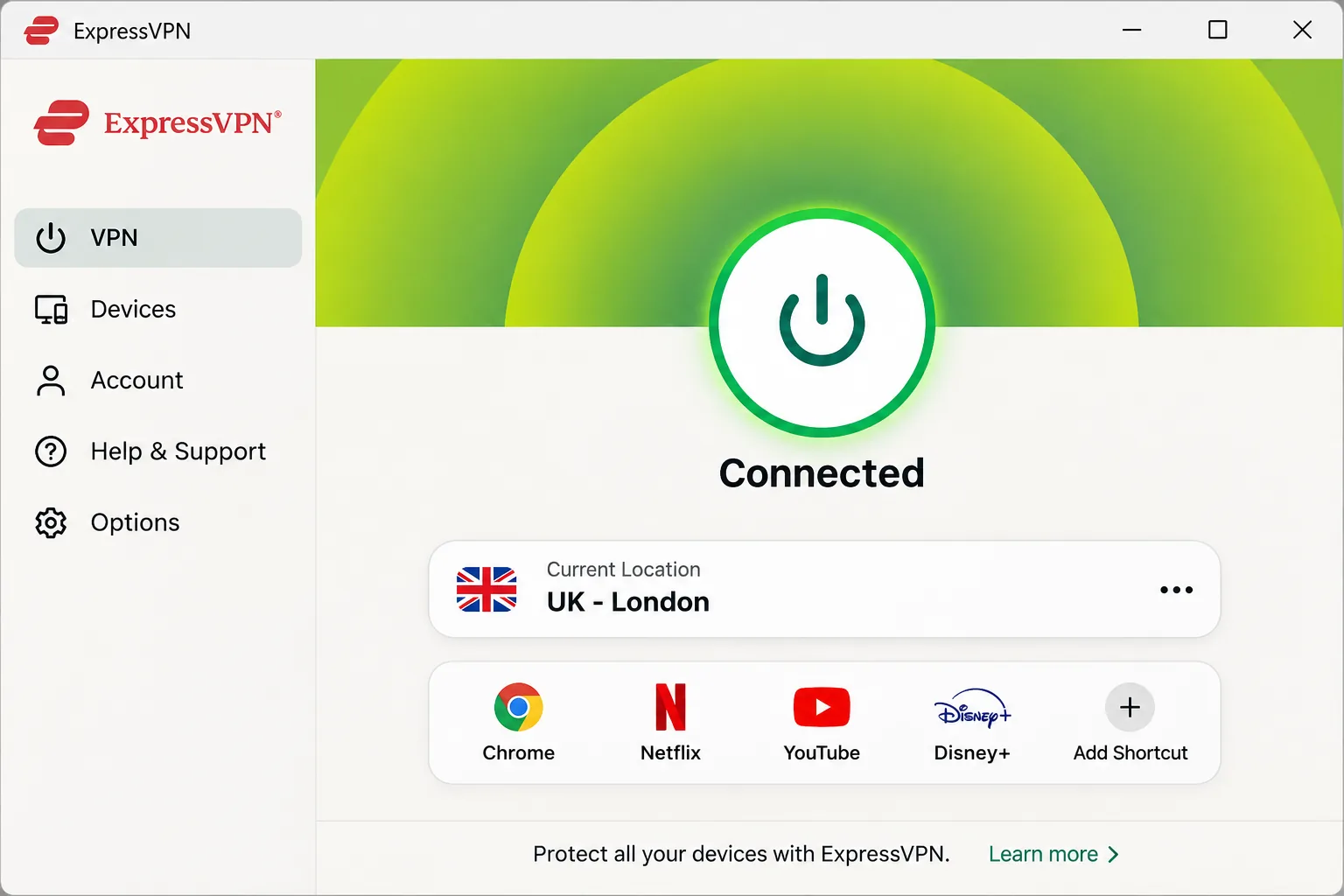
Where NordVPN asks for more navigation, ExpressVPN is the easiest of the five to get running. Connecting and choosing a location is straightforward, and connections stayed fast across the locations we used. It also opened Netflix and Disney+ for us. Streaming is less consistent than that suggests. We hit Netflix Japan and Australia blocks that cleared after switching servers, and ITVX stayed inaccessible.
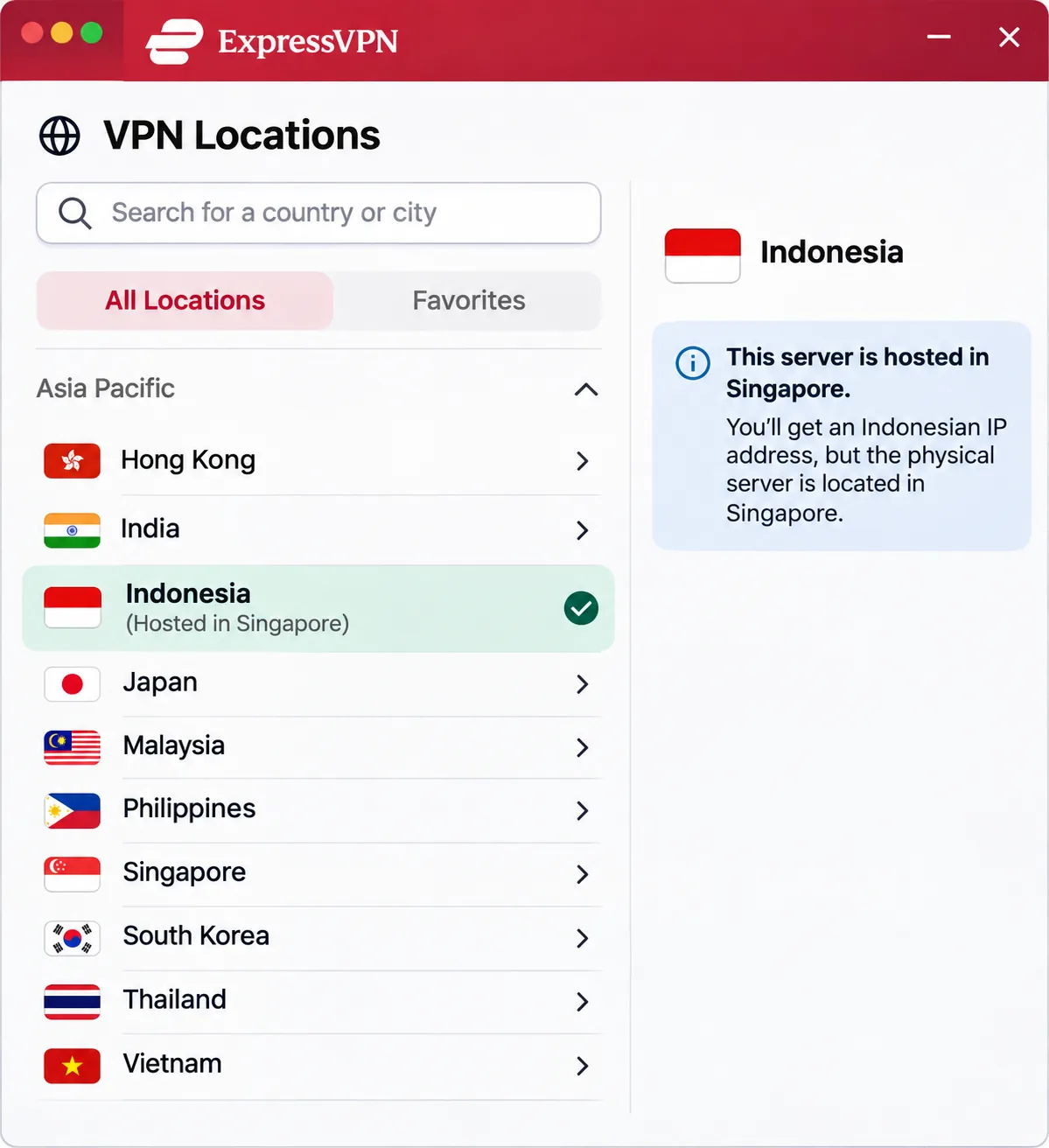
The detail that matters for Indonesia is that ExpressVPN states its Indonesia location is virtual, with the physical servers hosted in Singapore. Selecting Indonesia still gives you an Indonesian IP. Selecting the Singapore exit does not, so pick the location carefully. You may need to restart your laptop after installation before using the app, and account activation codes make adding more devices simple.
ExpressVPN
The simplest apps of the five, with a virtual Indonesia location. Some regional Netflix libraries may need a server change.
Pros
- Simple connecting and location selection
- Fast across the locations we used
- 10 devices on Basic, 12 on Advanced
- Live chat and email assistance
Cons
- Indonesia location is virtual, physically hosted in Singapore
- Netflix Japan and Australia blocks sometimes need a server switch
- Renewal rises after the promotional term
Best for: People who want the simplest app and do not mind a virtual Indonesia location. Skip if: You specifically need physical servers inside Indonesia.
Promotional billing covers the initial term only, and region-specific checkout charges differ. Basic lists ad, tracker, malicious-site and adult-site blocking, and a dedicated IP is an add-on. A localized checkout still labeled the Basic protection Lite, so packaging varies across pages. The refund is a 30-day guarantee for first-time direct subscribers. iOS and Android subscriptions are excluded; refunds are at Apple's or Google's discretion. Apps list Windows 10 or newer and Android 7 or newer, plus Mac, Linux, iPhone, iPad and router support.
4. CyberGhost
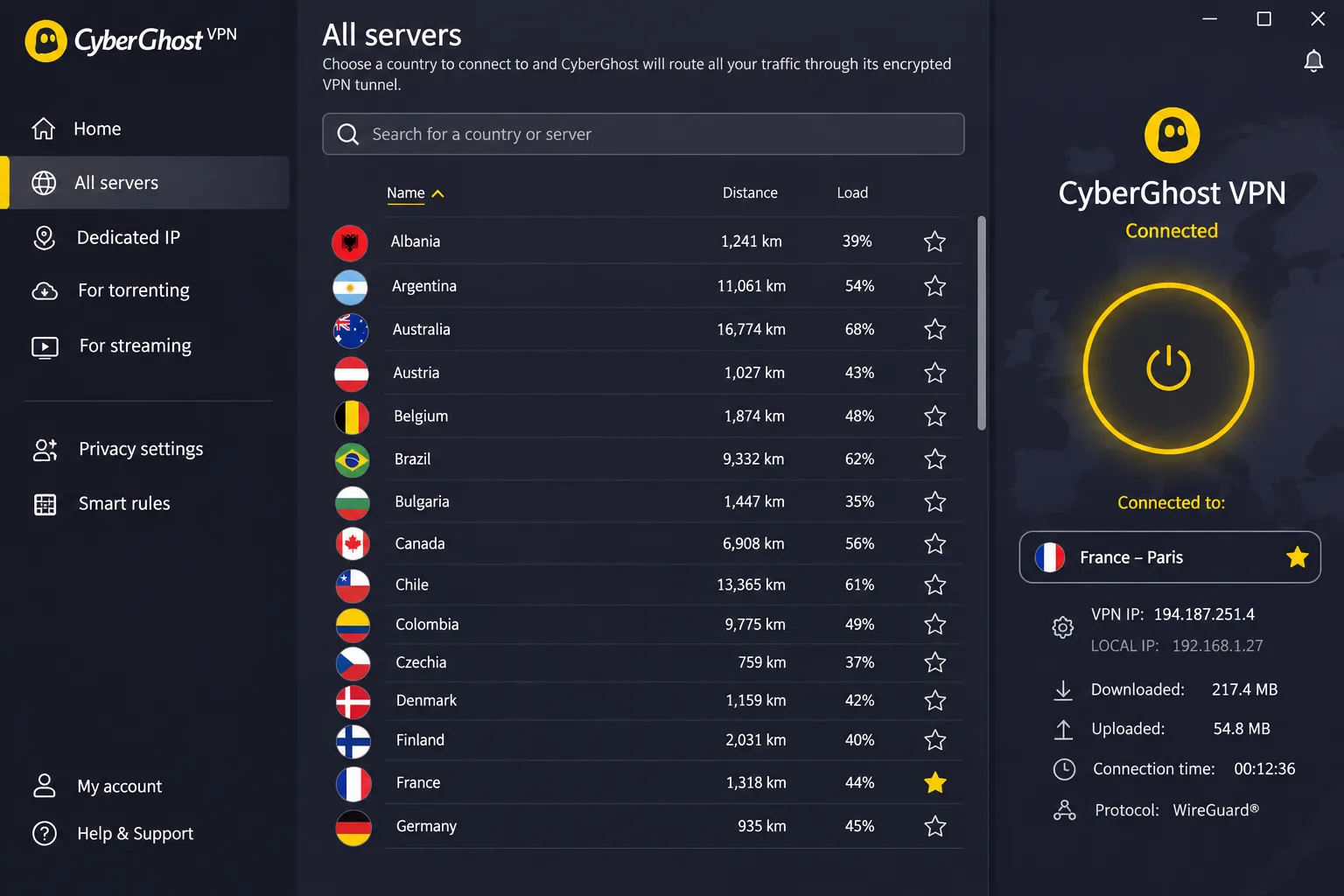
Where Surfshark is built around device count, CyberGhost is the best fit when streaming is the main job. Its service-labeled streaming servers opened Netflix US, BBC iPlayer, Disney+ and Prime Video (see our Best VPN for Amazon Prime Video guide for more on that service) without us repeatedly trying alternative locations. In the tested Netflix regions, streaming ran without buffering or dropouts. It lists an Indonesian IP location, an automatic kill switch, DNS and IP leak protection, OpenVPN, IKEv2 and WireGuard, a no-logs policy, and unlimited bandwidth.
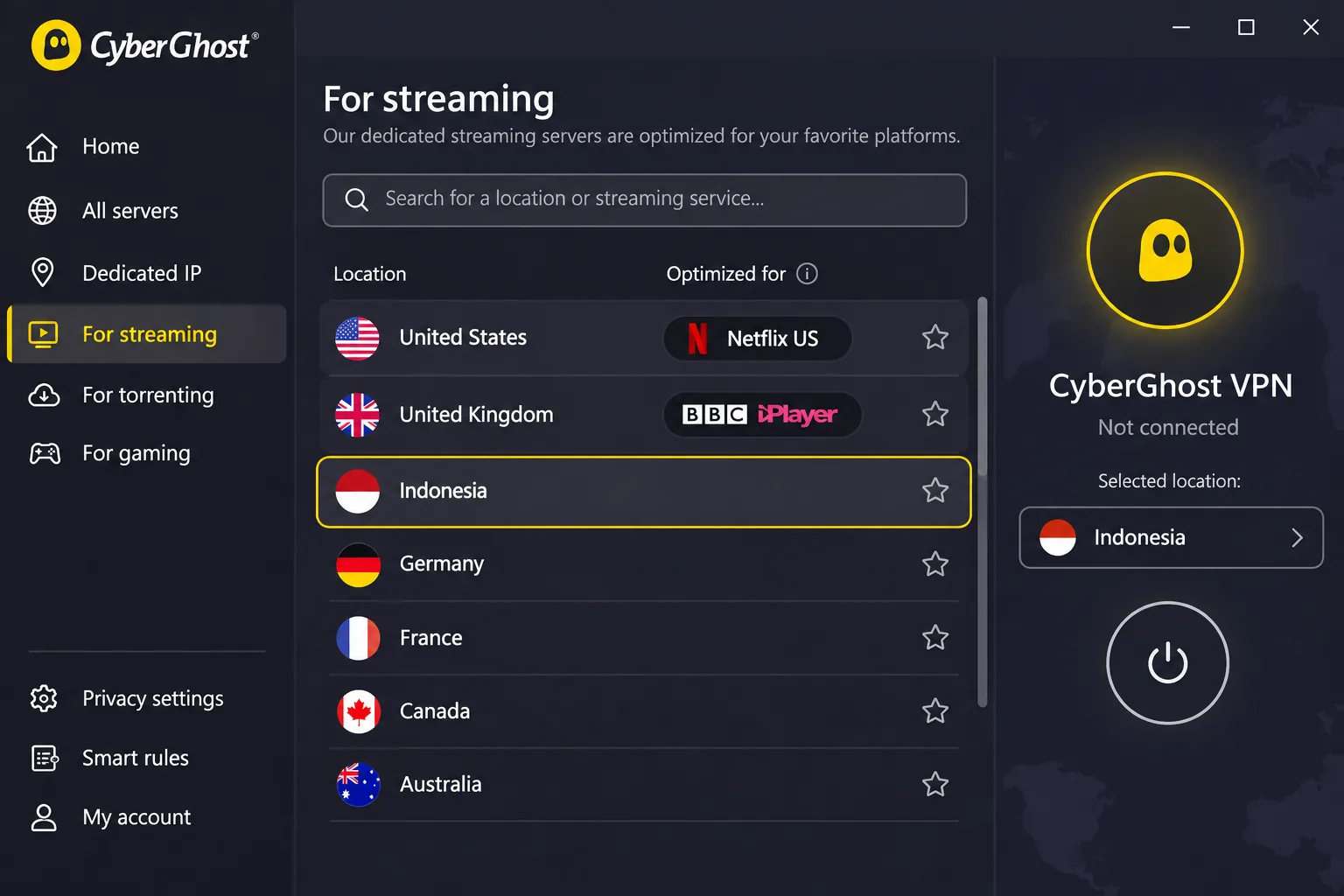
Speed is more variable. Download speeds vary substantially between connections, and long-distance routes to Australia and South Africa can lose a lot of throughput. The apps are approachable but look dated. We once had to try installing it again after the Windows installer failed to initialize.
CyberGhost
The streaming specialist, with the longest refund window of the five on long plans.
Pros
- 45-day refund on six-month and longer plans
- Streaming-labeled servers that work quickly
- Automatic kill switch and DNS/IP leak protection
- WireGuard, OpenVPN and IKEv2
Cons
- Seven devices, fewer than the others
- Long-distance speeds can drop
- Apps look dated
Best for: Streaming from Indonesia or abroad. Skip if: You need more than seven devices.
Check the checkout carefully. The Indonesia page shows $56.94 for 26 months and $56.94 annually, while checkout showed $61.32 with mixed 26 and 28-month labels and a $61.32 annual renewal. The monthly plan was $12.99. The monthly plan has a 14-day money-back guarantee, and six-month and longer plans carry 45 days. Windows 10 version 1903 or later and Windows 11 are supported, but listed ARM-based processors are excluded. Android needs 7.0+, iOS 15.0+, and macOS 10.13+. On Linux you set it up by command line or manually.
CyberGhost also offers free Chrome and Firefox proxy extensions. They cover browser traffic only, and their listed locations exclude Indonesia, so they are no substitute for the paid VPN.
5. Proton VPN: free and paid plans
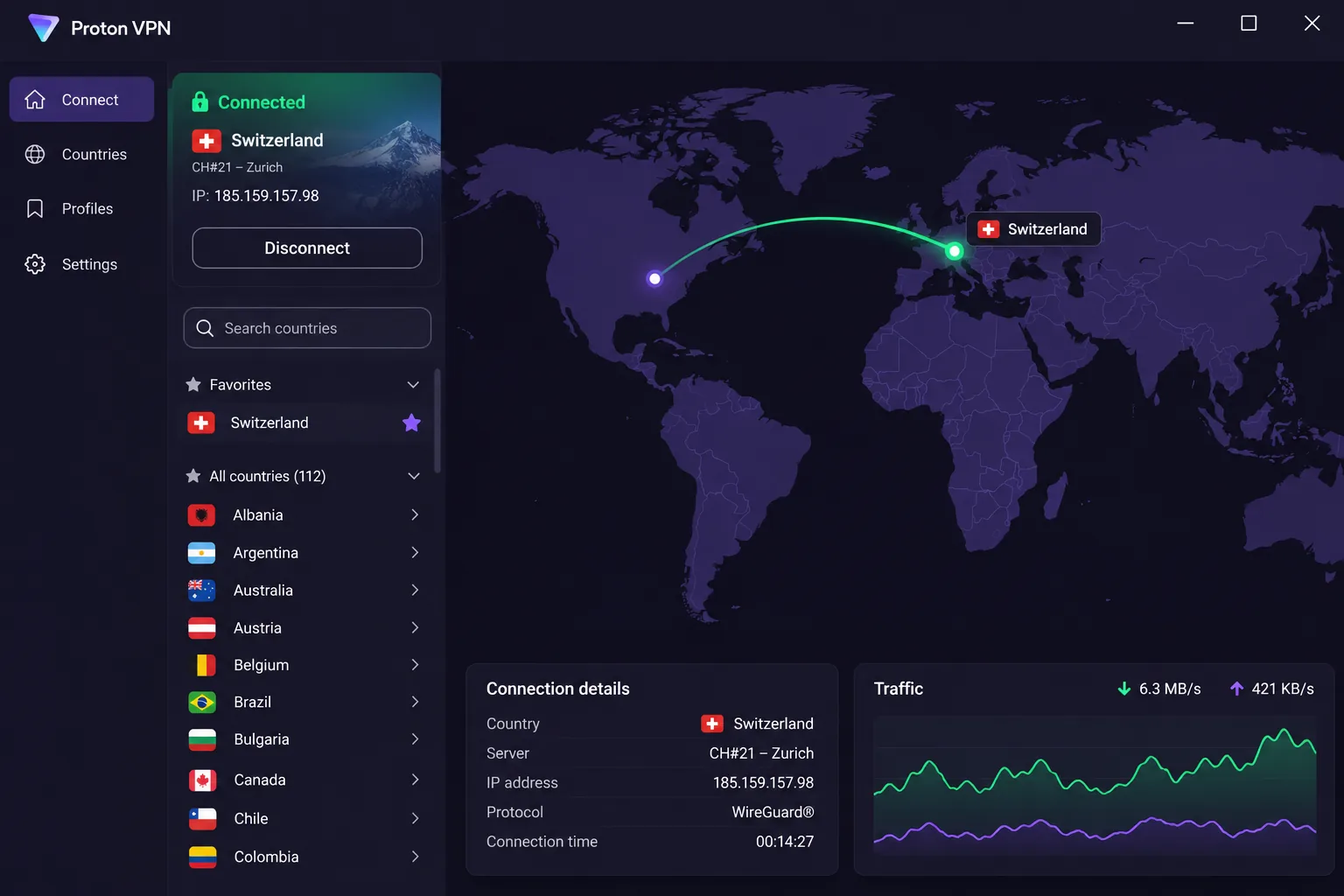
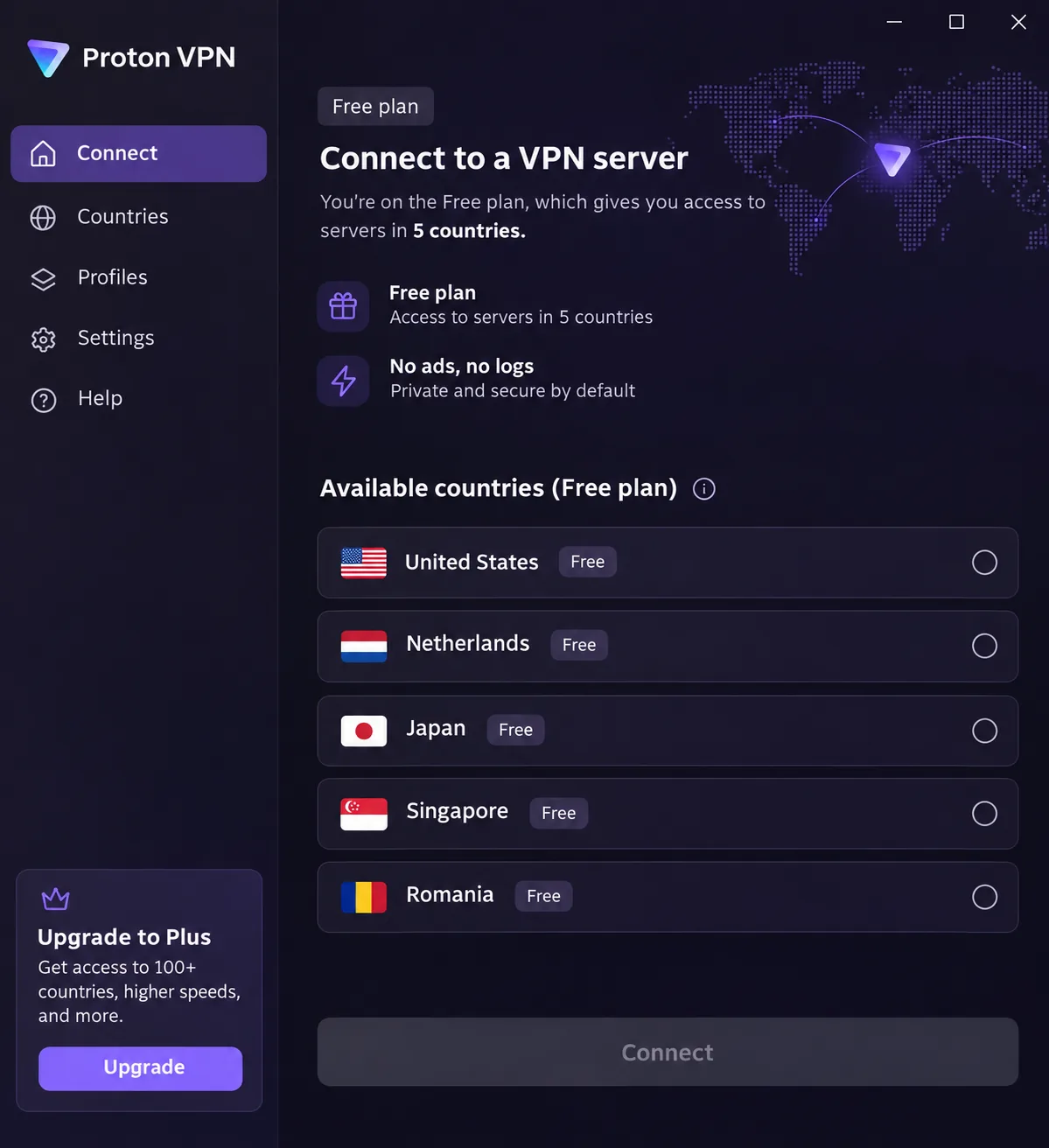
After four paid-only options, Proton VPN is the only provider here with a real free tier. The free plan costs $0 and needs no payment card, protects 1 device at a time, and has unlimited data and no ads. It does not log your activity. The catch for Indonesia is that the free server list includes Singapore but excludes Indonesia, so you cannot pick an Indonesian IP. The app connects you to the fastest free server, and later server changes are random with a cooldown. The support documentation specifies a 45-second wait followed by 10-minute intervals, though the waits we saw differed from that schedule.
Free also blocks torrent traffic and is unsuitable for dependable streaming. That makes it a fine choice for general browsing on a hotel network in Bali, but not for watching Indonesian television abroad.
A free plan and a refund-backed paid plan are not the same thing. Proton Free costs nothing and never needs a refund, but it cannot select Indonesia. NordVPN, Surfshark, ExpressVPN, CyberGhost, and Proton Plus charge you first and refund you if you cancel within the window.
Proton Plus is the paid route to an Indonesian IP. It protects 10 devices, lets you select countries including Indonesia, and adds paid Secure Core multi-hop, NetShield filtering, streaming, and P2P. Apps are open source, and Plus has a kill switch. In daily use it felt fast and comfortable, although its interface can overwhelm beginners. Download speeds were inconsistent in some tests, and we saw frame-rate drops while streaming. Major Netflix regions open, but Australian Disney+, 9Now and 10Play can require retries.
Proton VPN
The only genuinely free plan here, with a paid Plus tier for the Indonesian IP.
Pros
- Genuinely free plan, no card required
- Plus offers Indonesia and 10 devices
- Open-source apps
- 30-day refund on paid plans
Cons
- Free cannot choose Indonesia or stream dependably
- Free covers 1 device only
- Plus interface can overwhelm beginners
Best for: Free general browsing, or privacy-focused users who will upgrade to Plus. Skip if: You need an Indonesian IP and will not pay.
Plus renews at $83.88 every 12 months, and introductory offers and affiliate promotions differ, since the monthly equivalent is billed upfront for the stated term. The Windows app supports Windows 10 64-bit build 19045 and later, including Windows 11. We could not confirm the current mobile minimums. Split tunneling and port forwarding vary by operating system, and Stealth is unavailable on Linux and routers.
Why use a VPN in Indonesia?
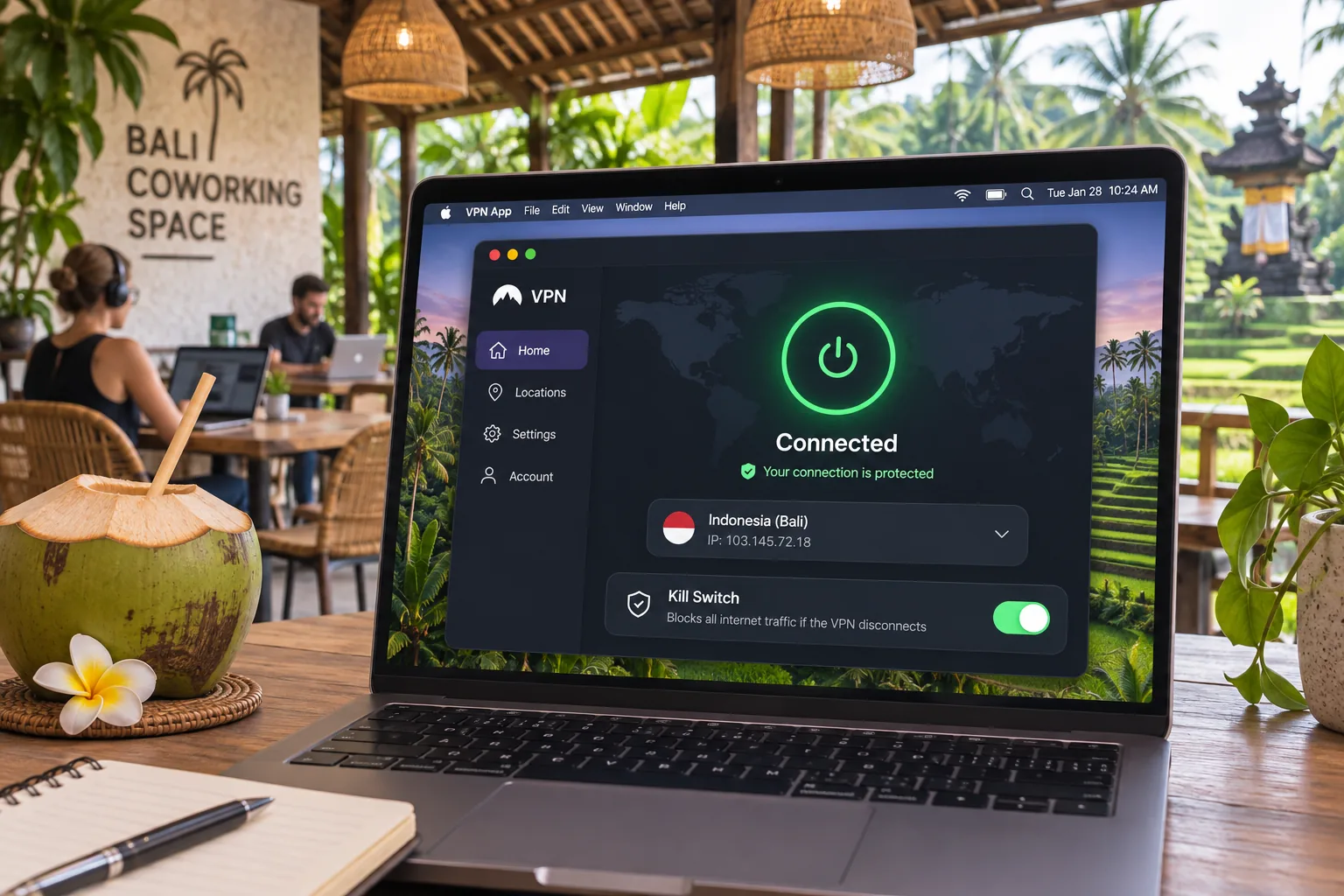
Most people want a VPN in Indonesia for one of three reasons: reaching blocked or overseas content, protecting traffic on shared networks, or keeping access to Indonesian services while traveling.
Website restrictions and access to overseas content
Indonesia has blocked some categories of sites. Freedom House's 2023 Indonesia internet freedom report describes blocking of pornography, gambling, unlicensed lending and some LGBT+ services. That is historical context, not a current blocklist, so a site that fails to load today may be down for another reason entirely. A VPN can change the location a site sees, but streaming libraries also check the connection itself, which is why server choice and retries matter.
Public Wi-Fi, privacy and the limits of VPN protection
A VPN encrypts the traffic between your device and the VPN server, which helps on cafe, hotel, and coworking networks. It does not make you immune. A VPN tunnel alone does not prevent phishing, credential disclosure or malware that you download yourself, so keep your device updated and be careful about links you open.
How to choose an Indonesia VPN
Start with the problem you are solving, then check for limits that could quietly get in your way.
Indonesian IP addresses versus nearby server locations
If you are outside Indonesia and want local services, choose a provider with a true Indonesia exit and select Indonesia. If you are inside Indonesia and want speed or a different region, a nearby location such as Singapore is a reasonable first try, but it will show a Singapore IP. ExpressVPN is the edge case: its Indonesia selection is physically hosted in Singapore, yet it still gives an Indonesian IP.
Device limits, subscription terms and refund conditions
Count your devices first. NordVPN supports 10, ExpressVPN Basic 10 and Advanced 12, CyberGhost 7, Proton Plus 10, and Surfshark allows unlimited personal-use connections. Older review sites still list outdated counts, so trust the vendor's current page. Then compare refund terms. Most of the five give 30 days, CyberGhost gives 14 on monthly and 45 on long plans, and ExpressVPN excludes iOS and Android subscriptions. We did not verify every app-store, cryptocurrency or repeat-purchase refund exclusion, so read the terms before you buy.
Pick the exit location for the job: Indonesia for a local IP, a nearby server for speed and privacy.
— Our rule of thumb for Indonesia
Can you use a free VPN in Indonesia?
Yes, but a free VPN in Indonesia comes with real limits, and Proton is the only one of our five with a genuinely free plan.
Free plans versus paid plans with money-back guarantees
Proton Free costs $0 with no card, covers 1 device, and has unlimited data. Paid plans from the other four are not free; they let you try the service and get your money back inside the guarantee window. That is a trial of a paid product, not a free VPN. Be wary of anything else labeled free, because it usually has to earn money some other way.
Server choice, data limits and streaming restrictions
Proton Free's biggest limitation is that you cannot choose the country you need, so you cannot select Indonesia. Servers are assigned automatically and changing them involves a cooldown. It also blocks torrent traffic and is unsuitable for dependable streaming. For basic browsing on public Wi-Fi it works. For an Indonesian IP, you need a paid plan.
How to set up a VPN and get an Indonesian IP address
Setup is quick on any of these services, and the steps are nearly identical.
Install the app and enable its protection settings
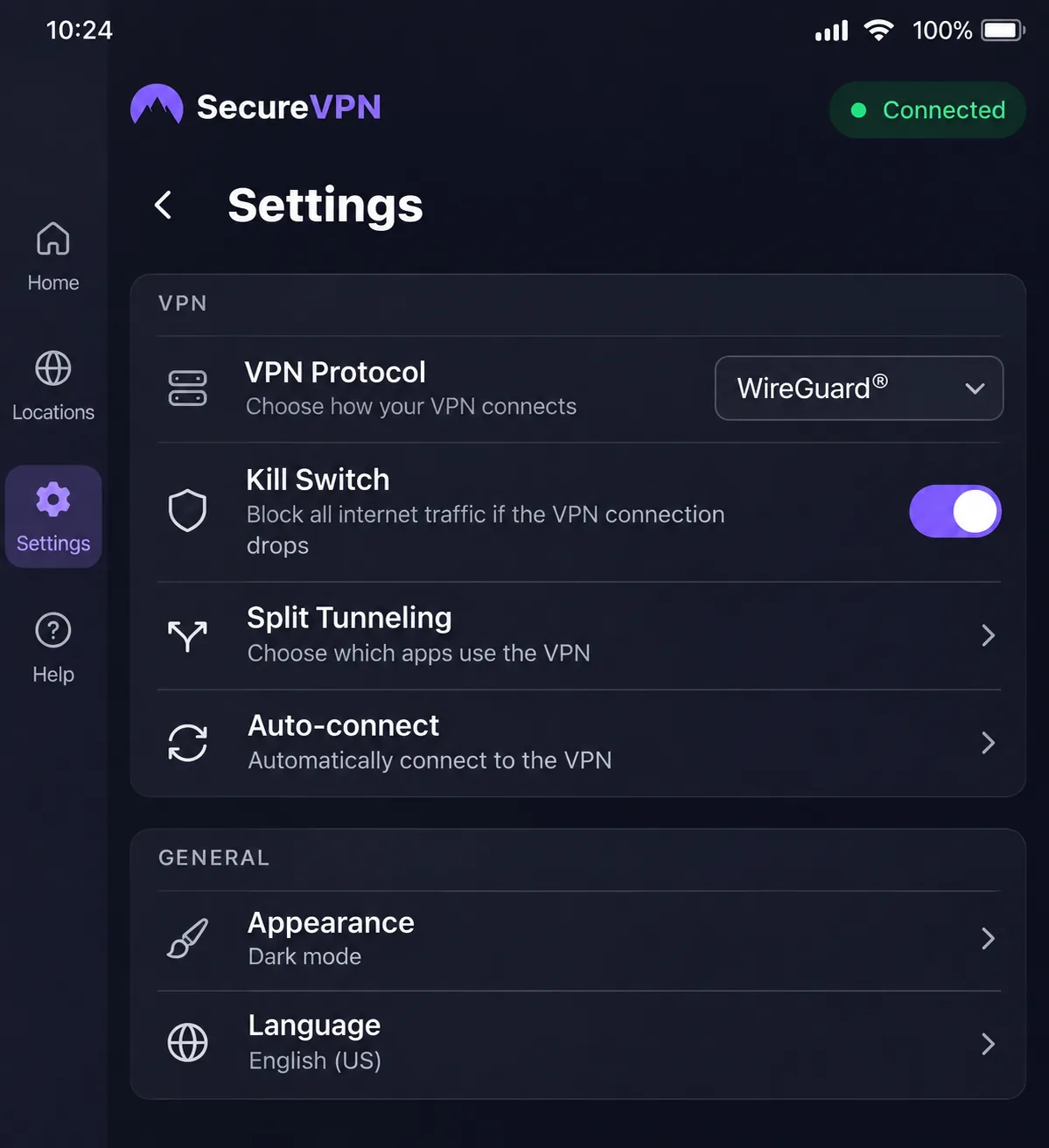
Download the app from the vendor's site or your device's store, sign in, and open Settings. Turn on the kill switch so it can deliberately cut your internet connection if the tunnel drops. Do that before you connect, particularly on Surfshark for Mac, where we saw it may need enabling manually. Pick WireGuard-based protocols, such as NordLynx on NordVPN, when you want speed.
Choose Indonesia for a local IP or another region for overseas access
Open the country list and search for Indonesia. Select it, then connect. On NordVPN and Surfshark you land on a Jakarta exit. On ExpressVPN you pick the Indonesia location even though it is hosted in Singapore. To reach overseas content, choose the country of the service you want, not Indonesia. Then check your IP address on a lookup site to confirm the location before you rely on it.
Troubleshoot slow speeds and failed connections
Work through the basics in order. Verify that the underlying internet connection works without the VPN. Update the app, then switch exit servers, and then switch protocols. Keep in mind that the kill switch may be what is blocking your connection after a tunnel failure, so a dead connection is not always a broken app. If CyberGhost's installer fails on Windows, run it a second time. If ExpressVPN seems unresponsive after installing, restart your laptop. Lower-load servers also help performance, and Proton recommends them.
Are VPNs legal in Indonesia?
We could not find a current official legal text that establishes either a blanket permission for consumer VPN use or a ban on it. Official institutional VPN guidance exists, but it is not a ruling on consumer legality, and vendor assurances are not a legal source. So we will not tell you VPNs are clearly legal or clearly illegal in Indonesia.
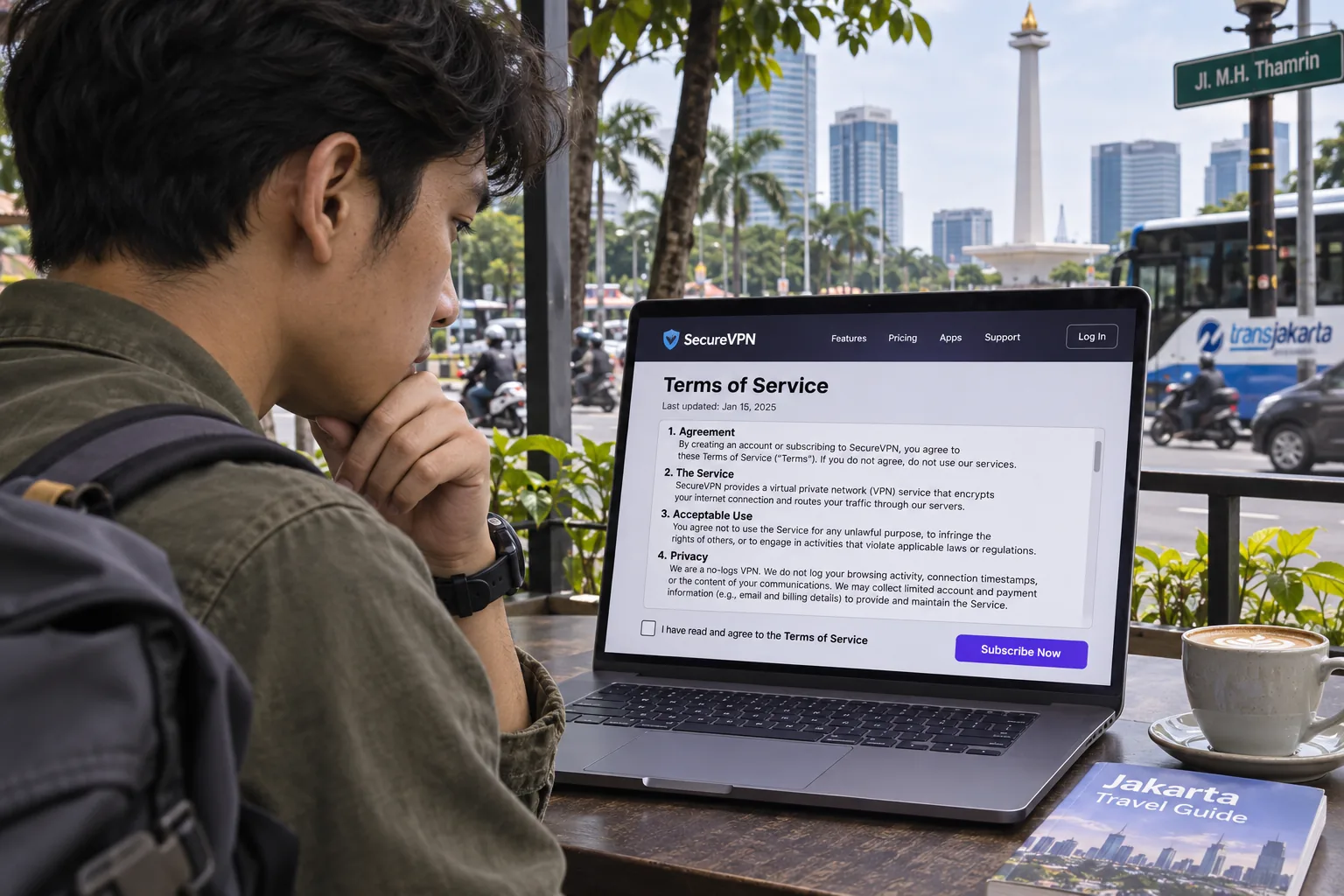
What we can say is that the same rules apply to the sites and content you access, whether you use a VPN or not. Using a VPN to access content that is unlawful does not make it lawful. If your situation carries legal or professional risk, such as work with a regulated employer, check with a local lawyer or your employer's policy before you rely on a VPN.