
If you are heading to Honduras with a laptop, working from a hostel, or logging into your bank on hotel Wi-Fi, you need a VPN that protects your traffic on networks you do not control. Our top pick is NordVPN, and the choose-by-job list further down shows where ExpressVPN, Surfshark, Proton VPN, and Private Internet Access (PIA) fit better. We chose them based on server coverage, device limits, privacy features, app support, and total subscription cost.
One distinction matters before you buy. Using a VPN while you are in Honduras is a different job from getting a Honduran IP address. The first is about encryption and privacy, and any good provider handles it. The second depends on whether a provider lists Honduras as a server location, and we checked each official list rather than assuming.
Best VPNs for Honduras at a glance
The table below sums up each provider. The promotional prices shown at checkout change often, so treat these as a snapshot and confirm at checkout.
| Product | Buy | Best for | Honduras IP | Devices | Subscription terms | Key limitation |
|---|---|---|---|---|---|---|
 | General travel and streaming | Yes, virtual, hardware in the US | 10 | Basic $94.23 for the first 27 months, then $139.08/year | Features vary by platform | |
 | Simple apps | Yes, labeled virtual | 10 Basic, 12 Advanced | Basic $83.72 for the first 28 months, then $99.95/year | Fastest Lightway mode is mostly on Windows | |
 | Many devices | No Honduras entry on the official list | Unlimited | EUR 67.23 for the first 27 months, renewal varies | No listed Honduras exit | |
 | Free plan or advanced controls | Yes, Smart Routing, hardware in Miami | 10 paid, 1 Free | Free tier available, paid total varies | Denser controls, Free has no chosen exit | |
 | Detailed configuration | Yes, per official announcement | Unlimited | Annual $47.88 upfront and at renewal | Clunky app, slow support |
The 5 best VPNs for Honduras
1. NordVPN
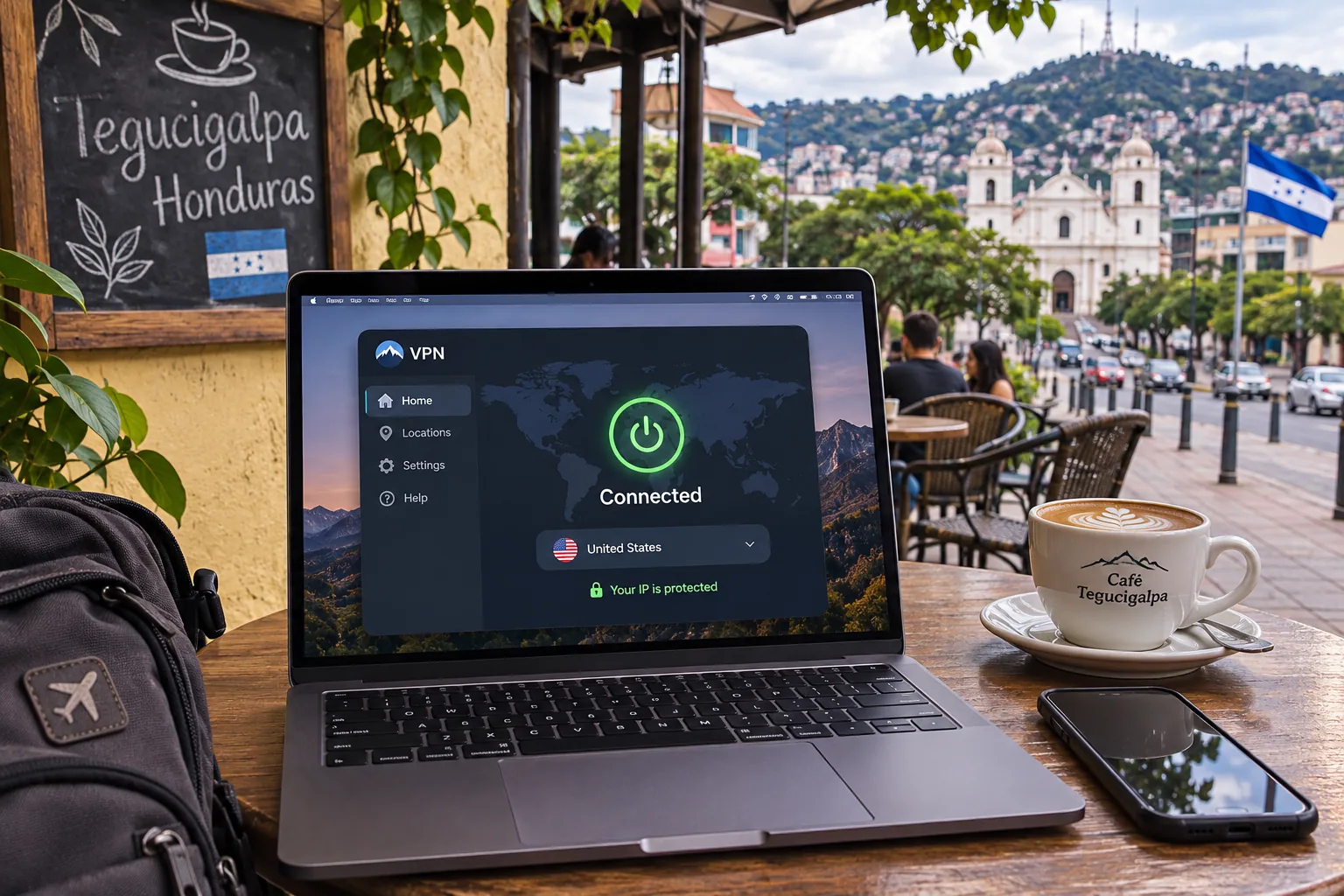
NordVPN is the provider we would start with for most visitors. It lists Honduras in its country list, and its official Honduras server page states the exit is a virtual IP hosted in the United States. You get a Honduran-looking address with unlimited bandwidth, but the hardware sits in the US.
The paid plan covers 10 simultaneous devices, which is enough for a phone, laptop, tablet, and a travel partner's gear. The current Android app needs Android 9 or later, and the iPhone and iPad app needs iOS 17.0 or later. Older Android 7 and 8 phones have a sideloaded alternative. Security tools include NordLynx, a kill switch, split tunneling, and Double VPN, though some extras depend on your tier and platform.
In daily use NordVPN unblocks streaming sites reliably. The mobile interface can feel cramped on a small screen. Features also vary by platform, making it frustrating to switch between a phone and a laptop. It also offers fewer customization controls than PIA.
The displayed Basic plan price was equivalent to $3.49 a month, billed at $94.23 for the first 27 months and renewing at $139.08 a year. Promotions, regional plans, and taxes change these numbers. A 30-day money-back guarantee gives you time to test it on your own connection.
Pros
- 10 devices on one plan
- Reliable streaming unblocking
- Broad security toolkit
Cons
- Cramped mobile interface
- Fewer customization controls than PIA
2. ExpressVPN
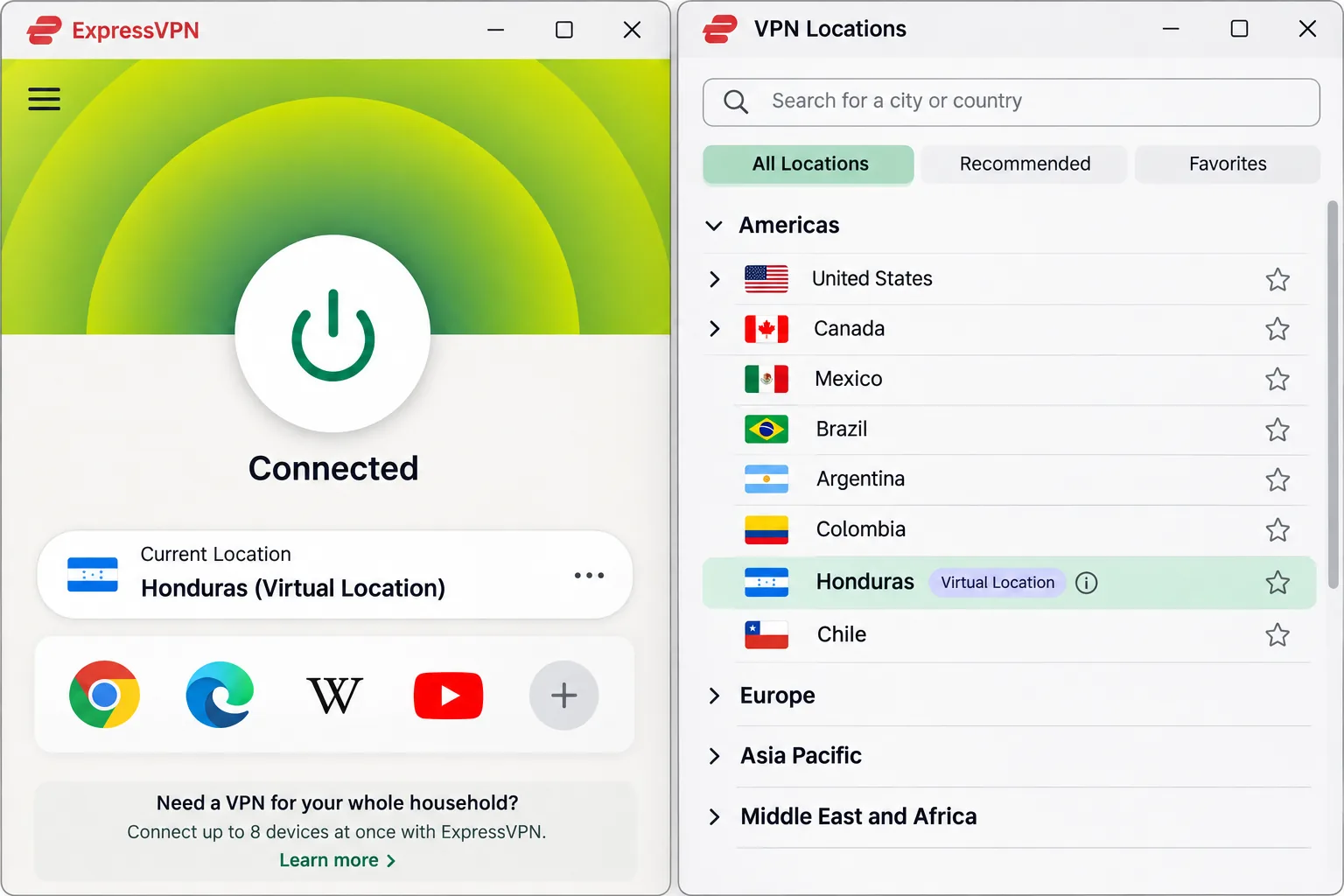
Where NordVPN packs in options, ExpressVPN keeps things simple, making it the easiest choice for a first-time VPN user. Its apps are straightforward, so you can install, connect, and travel without reading a manual. Its official server list includes Honduras and labels it a virtual location, so you get the same caveat as NordVPN.
Basic covers 10 simultaneous devices and Advanced covers 12. The Android app requires Android 7 or later and the iOS app requires iOS 15 or later, which makes it the friendliest pick for older phones. It runs the Lightway protocol, uses RAM-only servers, and includes a kill switch and split tunneling on supported platforms. It also unblocks a broad range of streaming services across platforms.
The weak spot is speed consistency. The fastest Lightway Turbo performance is concentrated on Windows, and standard Lightway is less impressive on other platforms. The displayed Basic price was equivalent to $2.99 a month: $83.72 for the first 28 months, then $99.95 a year. The offer and subscription tier affect the total. New users get a 30-day money-back guarantee.
Pros
- Beginner-friendly apps
- Honduras on the official server list
- Supports older Android and iOS versions
Cons
- Honduras location is virtual
- Best speeds mostly on Windows
3. Surfshark
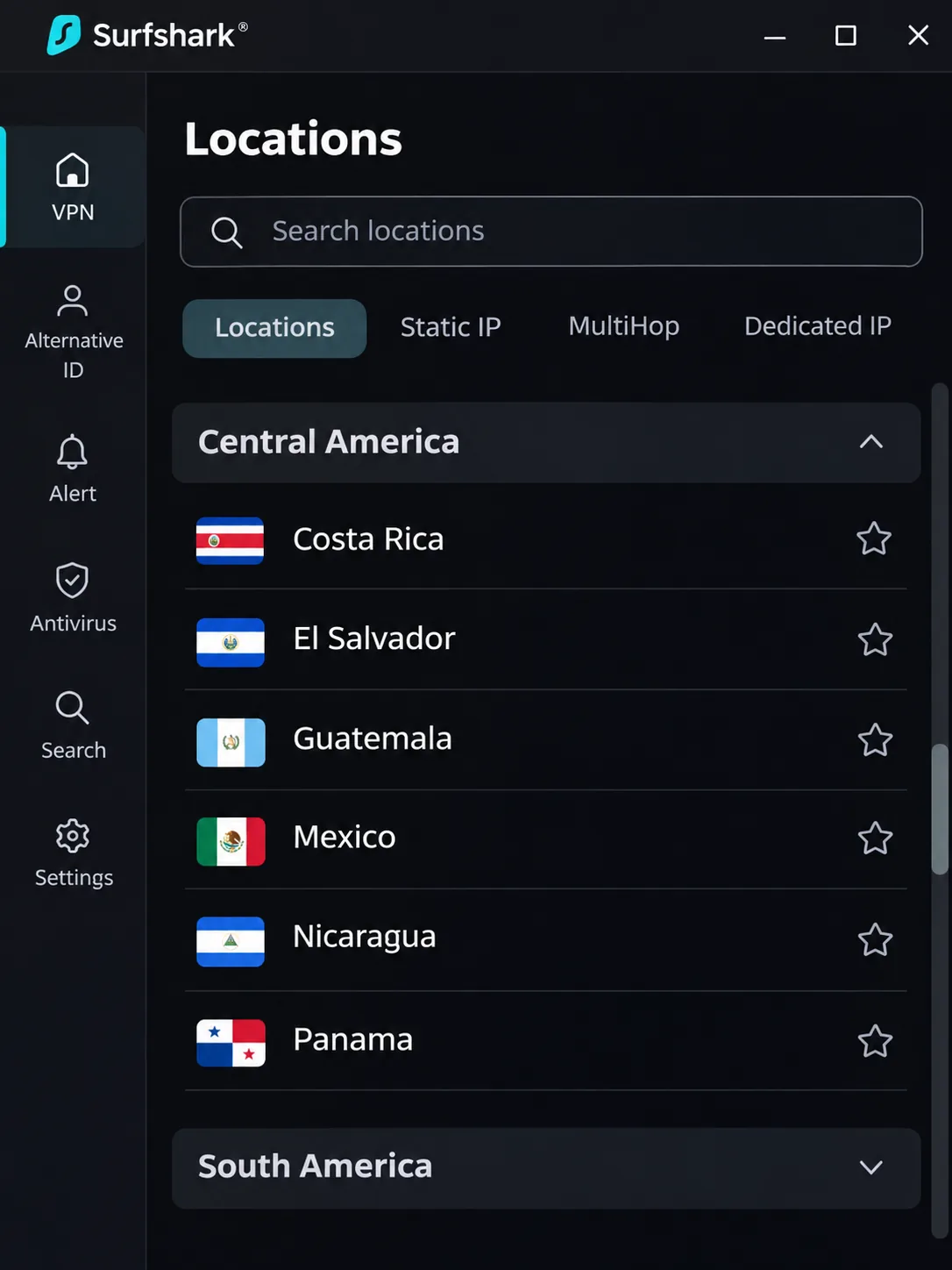
If capacity matters more than simplicity, Surfshark is the pick when you have a pile of devices to cover. Paid subscriptions allow unlimited simultaneous connections, so a family with several phones and tablets is covered on one plan. The app is easy to learn and very fast over short distances, though longer-distance connections are less impressive.
For Honduras, there is a catch. Surfshark's official location list includes Mexico but has no Honduras entry. If a Honduran exit IP matters to you, this is not the right choice. A Mexican server is a nearby-country option, not a Honduran address.
Streaming is uneven. Surfshark works well with Netflix and BBC iPlayer, while other services are less consistent, and Amazon Prime Video access depends on the region. Its extras include a kill switch, CleanWeb ad and tracker blocking, the Bypasser split tunneling feature, and MultiHop. The Starter offer we saw was equivalent to EUR 2.49 a month, or EUR 67.23 for the first 27 months. VAT may apply, and renewal has separate terms. A 30-day money-back guarantee applies.
Pros
- Unlimited devices on paid plans
- Fast on short-distance connections
- Easy to learn
Cons
- No Honduras server listed
- Streaming access varies by region
4. Proton VPN
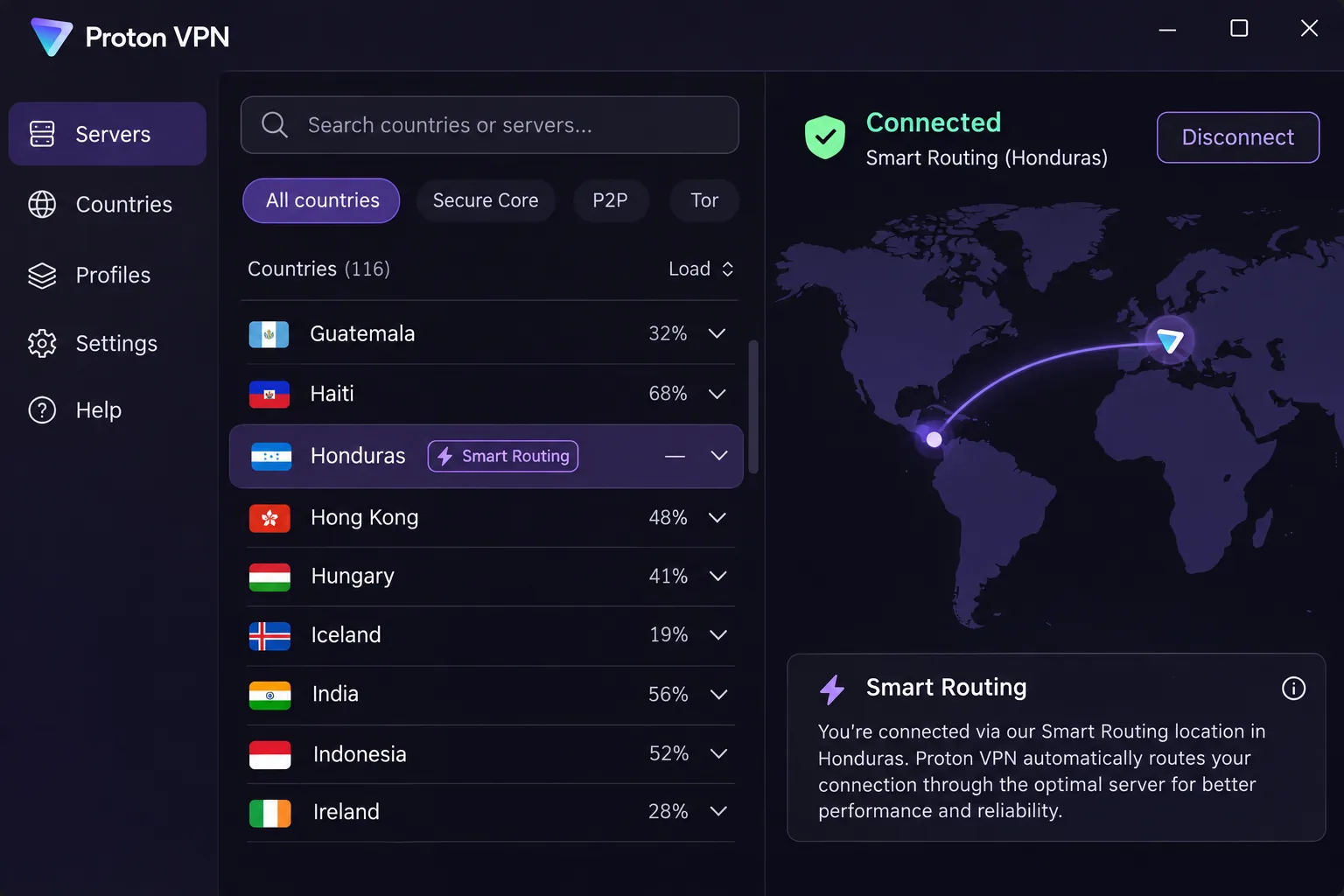
Proton VPN is the best choice if you want a free option or more advanced privacy tools. The free plan has unlimited data and no artificial speed cap, and it is useful for privacy without a subscription. It protects 1 device at a time and assigns servers automatically, so you cannot choose Honduras on it.
On paid plans, Proton's Smart Routing explanation says Honduras is hosted physically in Miami, with the apparent exit location in Honduras. VPN Plus covers 10 simultaneous devices. The apps are open source, the no-logs policy is independently audited, and features include WireGuard, Stealth on supported platforms, Secure Core multihop, NetShield, and a kill switch.
Daily browsing feels fast and comfortable, and streaming unblocking works well. The denser controls take longer to learn than those in NordVPN or ExpressVPN. Availability of some paid features also varies across apps. The paid price is hard to pin down. The pricing page showed $3.49 a month in its comparison table, but the offer components carried placeholders, so check the total at checkout. Paid plans carry a 30-day money-back guarantee, and you must both cancel and request the refund inside that window.
Pros
- Real free plan with no data cap
- Independently audited no-logs policy
- Honduras exit through Smart Routing
Cons
- Denser controls take time to learn
- Free plan cannot pick a location
5. Private Internet Access
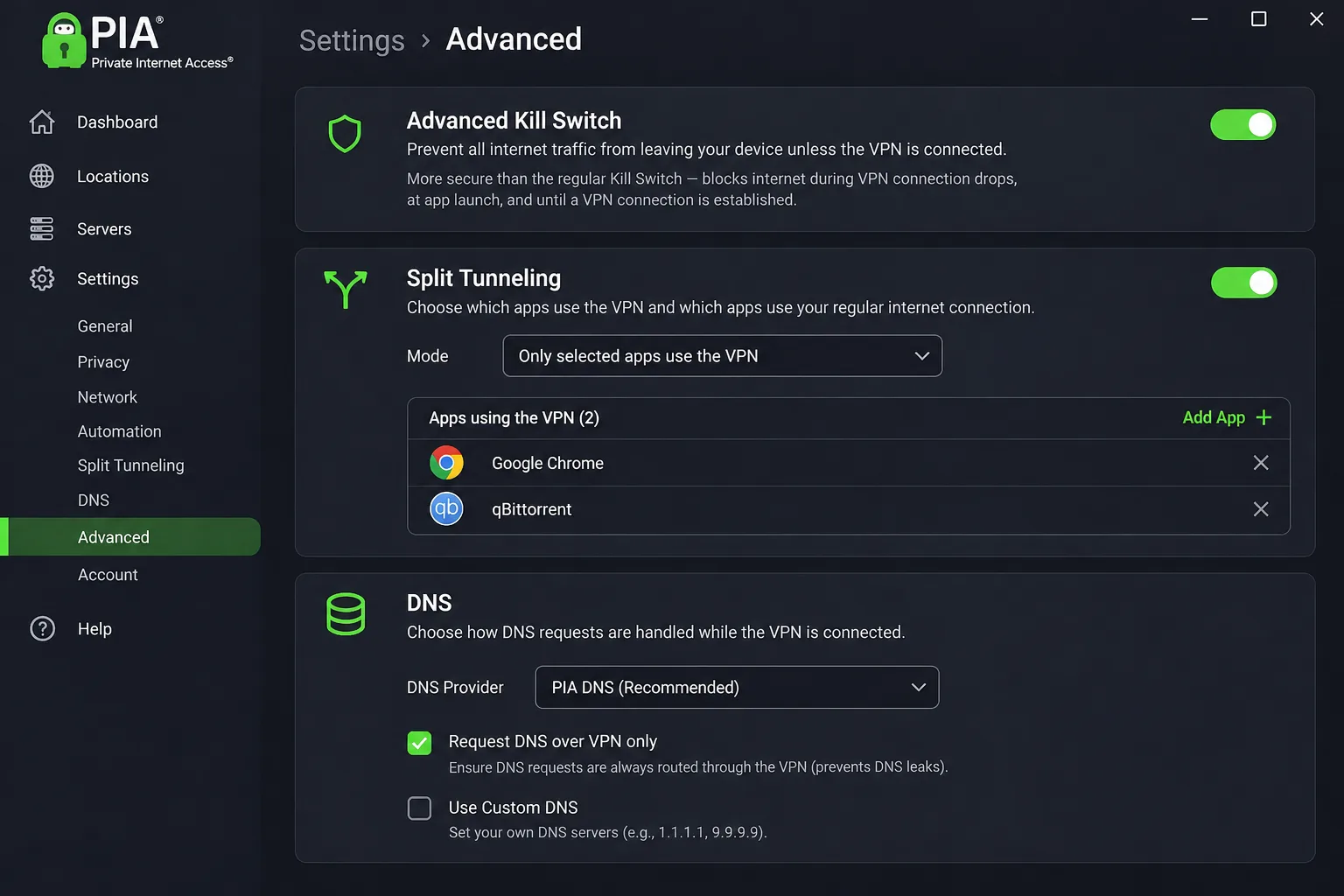
PIA suits people who like to tweak settings. It exposes many useful controls, including WireGuard, OpenVPN, an Advanced Kill Switch, split tunneling, MACE, port forwarding, and configurable DNS. Paid plans allow unlimited simultaneous devices.
PIA's expansion announcement adds Honduras, but it does not say whether that location is virtual or physical, so we cannot tell you where the hardware sits. The public server list also warns that some locations may be missing while updates roll out.
The experience is rougher than with the other providers. The app can feel clunky, speeds can be underwhelming, and support replies can be slow. Some knowledge-base articles are also outdated, making troubleshooting harder. The price is the draw. The annual offer showed $3.99 a month equivalent, with $47.88 billed for the first year and the same amount at renewal. A monthly plan was $11.95, and a longer multi-year offer was displayed too. Terms and taxes change the final charge. New subscribers get a 30-day money-back guarantee.
Pros
- Unlimited devices
- Deep customization
- Low annual price
Cons
- Clunky app and modest speeds
- Honduras hosting type unconfirmed
Which VPN should you choose for Honduras?
Pick by the job you need done.
- Best overall for travel: NordVPN, for its balance of device limit, security tools, and streaming.
- Easiest to use: ExpressVPN, if you want simple apps and support for older phones.
- Most devices: Surfshark or PIA, both with unlimited connections.
- Free or privacy-first: Proton VPN, since the free plan has no data cap.
- Tinkerers: PIA, for the deepest settings and the lowest annual price.
If you only need protection on shared Wi-Fi, any of the five works. If you specifically need an address that looks Honduran, skip Surfshark.
Why use a VPN in Honduras?
A VPN encrypts the traffic between your device and the VPN server, so people on the same local network cannot read it. That is the core benefit and the reason most visitors buy one.
Public Wi-Fi, mobile data, and remote work
Hotels, cafes, coworking spaces, and airports all run shared networks. On those, a VPN keeps your banking logins, email, and work sessions away from anyone watching the network. Remote workers also benefit from a consistent connection to company tools.
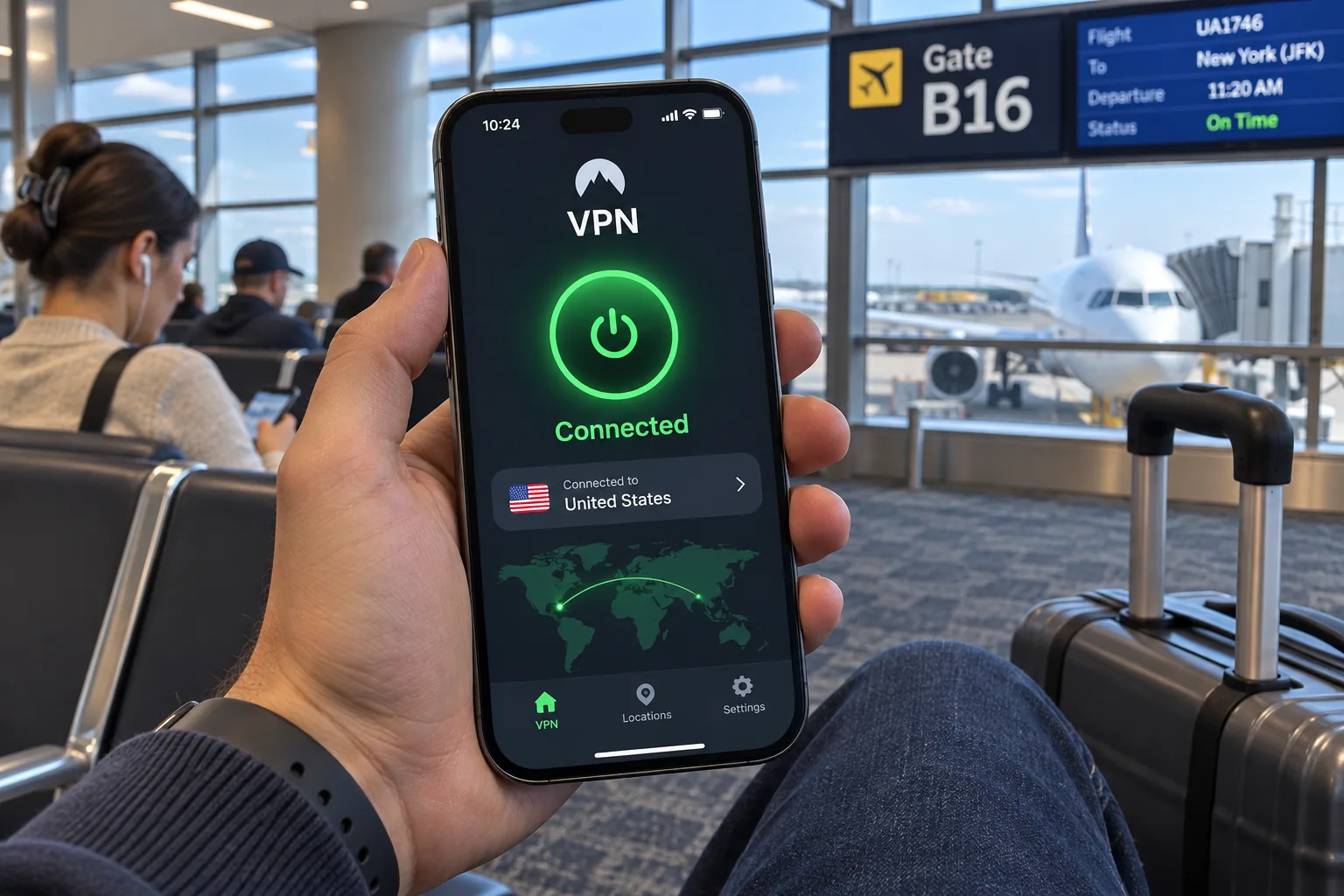
On mobile data, the gain is smaller because cellular connections are harder for strangers to snoop on, but a VPN still stops your carrier and apps from seeing which sites you visit.
Streaming access and the limits of VPN protection
A VPN can help you reach familiar streaming libraries while traveling, but results vary by service and over time. Websites and apps may block VPN traffic outright. When that happens, split tunneling lets you exclude the affected service so it runs outside the VPN while everything else stays protected.
A VPN does not make you anonymous. It encrypts traffic between your device and the VPN server, but it does not stop cookie or fingerprint tracking, and it cannot speed up a throttled connection.
How to choose a VPN for Honduras
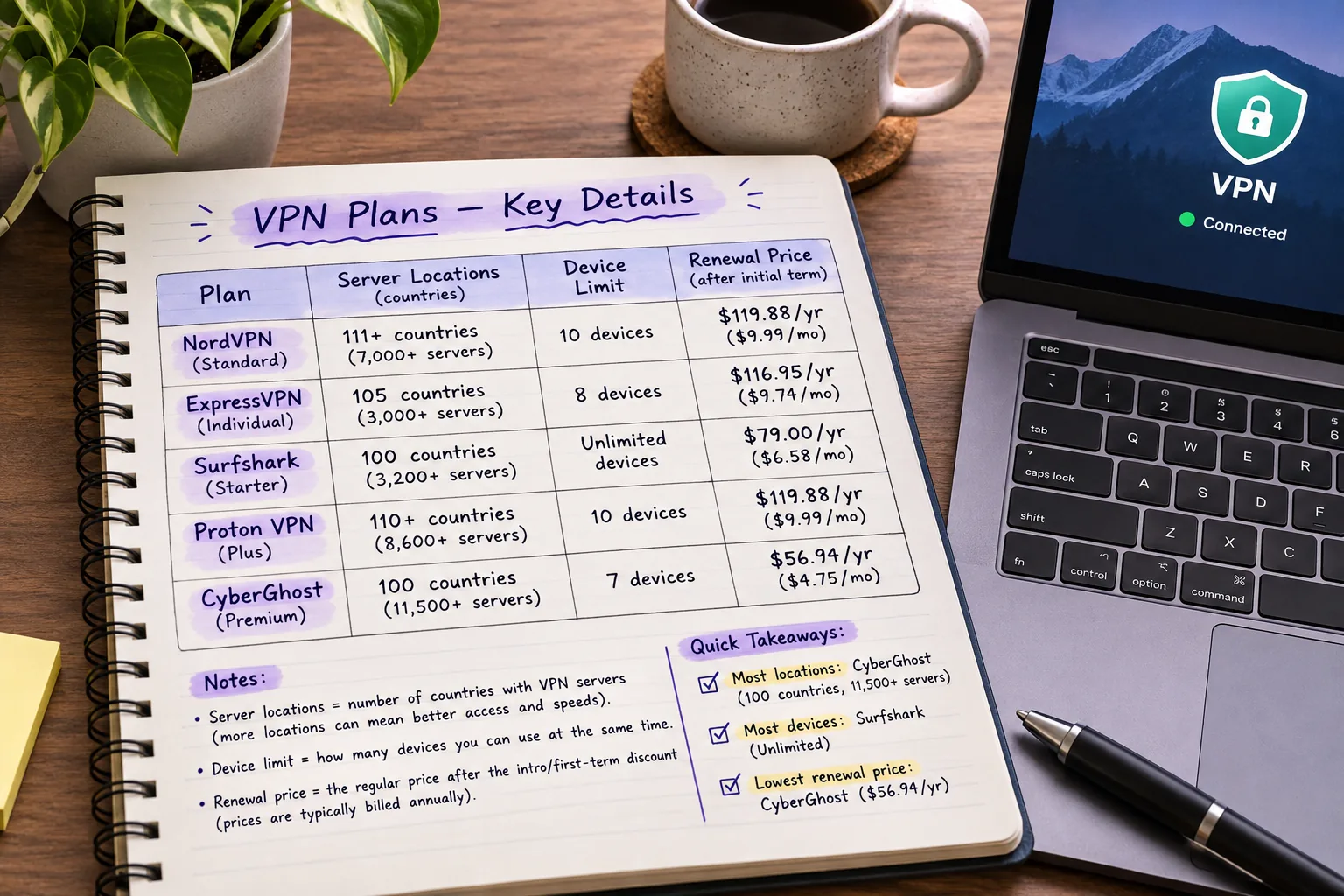
Start with the features that decide whether the VPN stays out of your way during a trip.
Server locations, connection speed, and reliability
Check the official server list for Honduras, then check nearby options such as Mexico if a local address is optional. Speed matters most on longer routes, so a server far from your location will feel slower. We could not find a reliable, comparable dataset of Honduras-specific speeds or reconnection rates across these five providers, so we do not publish one. Test during the money-back window instead.
Privacy protections, app support, and total subscription cost
Look for a kill switch, an audited no-logs policy, and apps for every device you carry. Compare the total subscription cost rather than the advertised monthly price, because renewal prices are usually higher than the introductory offer. NordVPN renews at $139.08 a year after the intro term, while PIA's annual price stays at $47.88.
Can you get a Honduras IP address?
This question covers four different things, and confusing them leads to bad purchases.
- Using a VPN while in Honduras. This is just encryption on the local network. It needs no Honduran server.
- A Honduran exit IP. This makes websites see you as being in Honduras. NordVPN, ExpressVPN, Proton VPN, and PIA list Honduras. Surfshark does not.
- Virtual versus physical location. A virtual location assigns an IP associated with Honduras while the hardware is elsewhere. NordVPN's is hosted in the US, Proton's in Miami, and ExpressVPN labels its location virtual. PIA has not said.
- A nearby-country server. Surfshark's Mexico server gives you a Mexican address. It is useful for general privacy but it is not a Honduran IP.
A global country count is not evidence of Honduran hardware. Providers advertise many countries, and a listed country can still be a virtual location.
How to set up and troubleshoot a VPN in Honduras
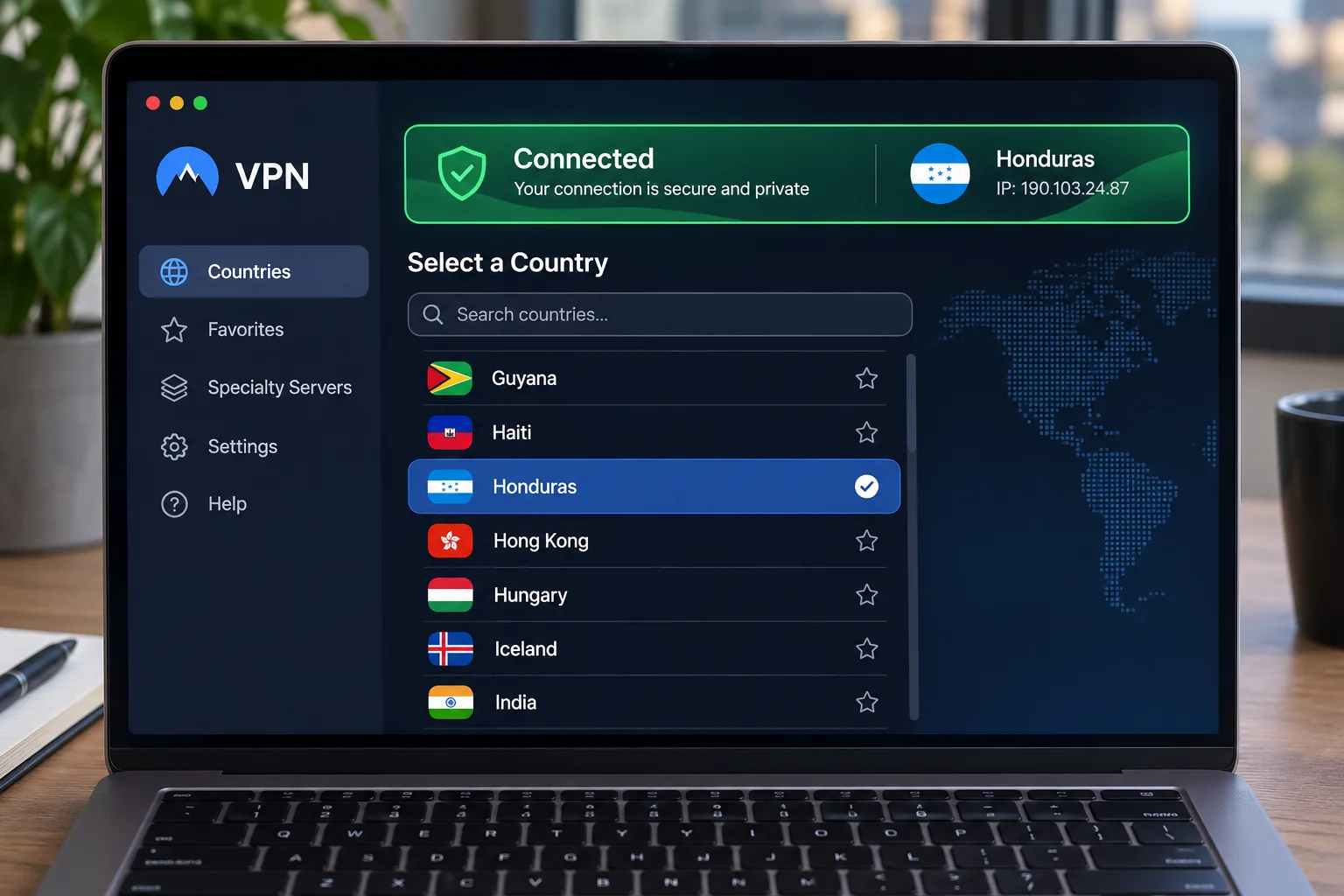
Install the app, choose a server, and check your connection
Install the app before you travel, because hotel Wi-Fi can be slow for large downloads. Sign in, choose a server, and connect. Then visit an IP-lookup page to confirm the address and country shown. Turn on the kill switch so your traffic stops if the VPN drops. On a phone, check that your operating system version meets the app requirements, such as Android 9 for NordVPN or iOS 15 for ExpressVPN.
Fix slow speeds, connection drops, and hotel Wi-Fi problems
Public Wi-Fi often requires a browser sign-in before a VPN can connect. If the VPN seems stuck, turn the always-on blocking off, load the sign-in page, log in, and reconnect. Expired portal sessions can require a fresh login.
For slow speeds, switch to a closer server or try another protocol such as WireGuard. If one app refuses to work over the VPN, exclude it with split tunneling. Keep in mind that no VPN can fix a weak underlying connection.







