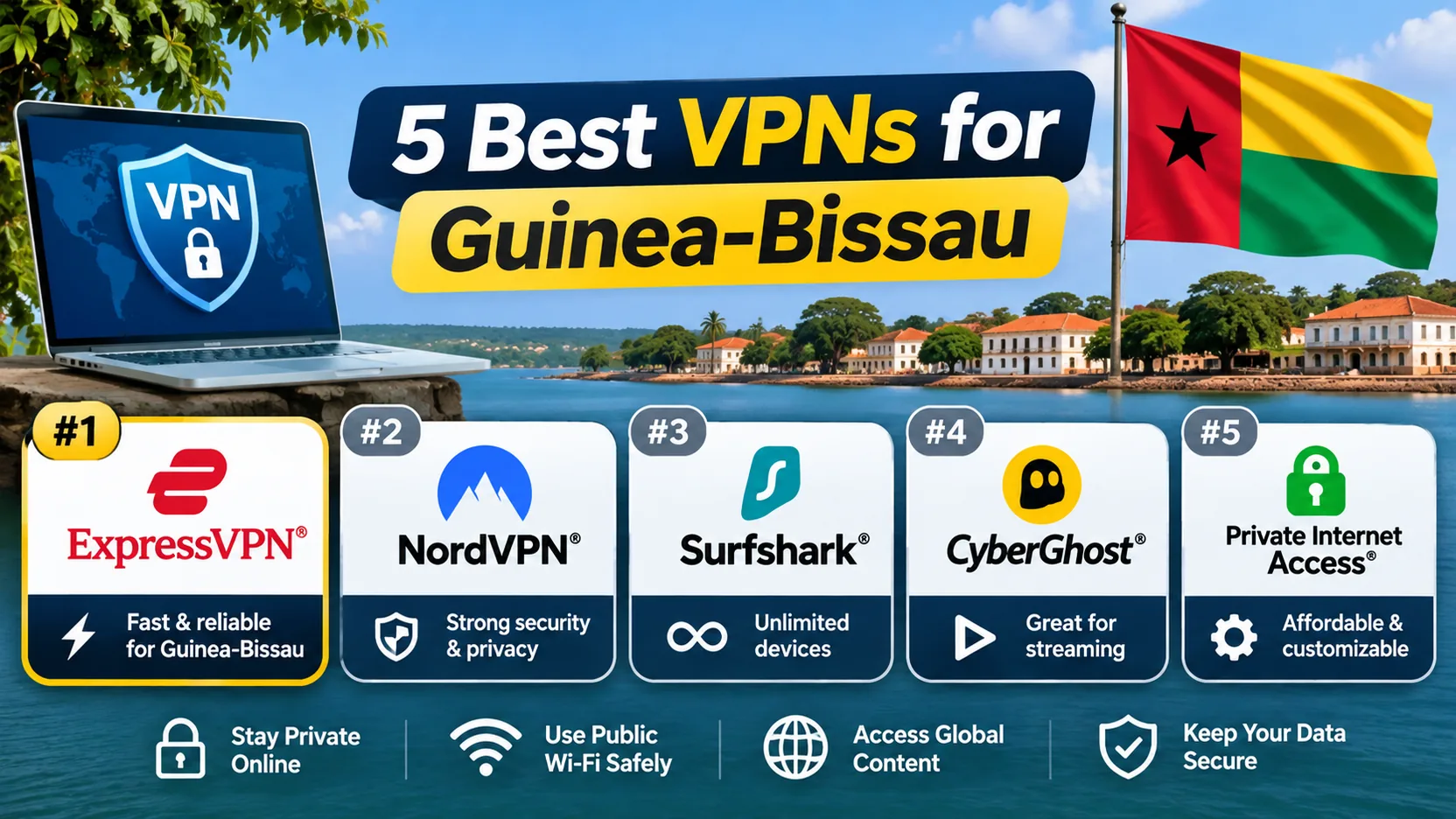
If you want private internet access in Guinea-Bissau, the best VPN is one with reliable apps, an audited privacy policy and nearby servers. None of the five below lists a Guinea-Bissau server, so we ranked them on privacy, apps and plan terms.
Best VPNs for Guinea-Bissau at a glance
We ordered this shortlist by editorial judgment, not by measured local speeds. We found no Guinea-Bissau carrier benchmarks for any of these services.
| Provider | Buy | Best for | Server/protocol options | Limitation | Plan terms |
|---|---|---|---|---|---|
 |
Check price → | Streaming and responsive daily use | Senegal, Nigeria; NordLynx, OpenVPN | Cramped mobile controls | Paid; 30-day guarantee |
 |
Many devices | Nigeria; WireGuard, OpenVPN, IKEv2 | Slower on distant servers | Paid; 7-day trial, 30-day guarantee | |
 |
Unlimited-data free tier | Senegal (paid); WireGuard, Stealth | Free server choice is restricted | Free and paid; 30-day guarantee | |
 |
Simple apps and support | Virtual Ghana; Lightway, WireGuard | Fewer advanced privacy controls | Paid; 30-day guarantee, first-time buyers | |
 |
Detailed configuration | Johannesburg, Marrakesh; WireGuard, multihop | Complex settings | Free and Premium; 30-day guarantee |
Our five VPN picks for Guinea-Bissau
1. NordVPN
NordLynx gave us responsive connections, and streaming ran without buffering, though individual streaming services can still reject a connection. NordVPN lists servers in Senegal and Nigeria, and Deloitte assessed its no-logs claims. The mobile controls feel cramped, and the renewal price jumps. It offers a 30-day refund, and its main Android app needs Android 9.
2. Surfshark
Surfshark supports unlimited simultaneous devices, so one plan covers a whole household. The apps are easy to navigate, and Netflix and BBC iPlayer work well. Access to some other streaming services is less consistent, and long-distance servers fall behind nearby ones. A 7-day trial and a 30-day guarantee help, but renewal brings a substantial price jump. Android 7.0 is the minimum.
3. Proton VPN
Proton offers a continuing free plan with unlimited data and no ads. Free users get the fastest available server first, but subsequent server selections are random. The apps are open source, and independent Securitum audits cover the no-logs policy. The paid plan is fast and streams well, but the advanced controls take time to learn. Proton VPN plan pricing varies by offer, so check the renewal bill.
4. ExpressVPN
ExpressVPN has the most beginner-friendly apps of the five, and its support is helpful. Streaming access generally works well. The trade-off is fewer advanced privacy controls than rivals. Its Ghana location is virtual, and the 30-day guarantee excludes renewals and app-store purchases.
5. hide.me
hide.me suits experienced users, with split tunneling, multihop and unusually detailed settings. The free tier has unlimited data but allows one connection, while Premium allows 10. Beginners may find the settings overwhelming. On the Windows build we read about, ordinary traffic could briefly pass outside the tunnel when switching servers.
How to choose a VPN for Guinea-Bissau
Privacy, mobile reliability and server location
Start with privacy. Pick a service whose no-logs policy has been audited, and remember that such an audit has a narrower scope than a full security review. Then check your phone: confirm the app supports your Android version before paying. Finally, compare nearby countries. A Senegal or Ghana label does not prove a short physical route, so use the money-back window to test speed on your own network.
What a VPN can and cannot do for your connection
A VPN encrypts traffic between your device and its server, and websites see the server's IP address. It cannot add a mobile data allowance or fix a weak signal. On cellular data it still uses your allowance and adds some overhead.
Connect to the nearest listed country first. If streaming or speed suffers, try another server before you blame the service.
How to set up a VPN in Guinea-Bissau
- Create an account with the provider and download its official app.
- Sign in and connect automatically, or choose a listed server.
- Open a site that shows your IP address and confirm it changed.
- If content will not load, switch servers and retest.