
7 Best Child-Friendly Phone Watchers for Suspicious Activity (iPhone & Android)
If you're worried about what your child might run into on their phone, you don't have to choose between trust and safety. We tested the parental-control tools that quietly flag suspicious activity, track location, and manage screen time. This guide covers our seven favorite child-friendly phone watchers for 2026. We focused on apps that give parents real peace of mind without turning the family phone into a surveillance device, and every pick is a transparent tool you can discuss openly with your child.
- How Child-Friendly Phone Watchers Flag Suspicious Activity
- How We Chose These Monitoring Tools
- Best Child-Friendly Phone Watchers at a Glance
- The 7 Best Child-Friendly Phone Watchers for Suspicious Activity
- What to Look For: Alerts, Location & Screen Time Management
- How to Set Up a Phone Watcher Safely (and Talk to Your Child)
- Is It Legal to Monitor Your Child's Phone?
- Frequently Asked Questions
- Final Verdict: Our Top Pick for Catching Suspicious Activity
How Child-Friendly Phone Watchers Flag Suspicious Activity
A modern phone watcher does more than show a dot on a map. The best tools read the content on your child's device and alert you when something matches a pattern of concern. That scanning uses AI that understands context, so a message about self-harm, a stranger asking to meet, or a photo with adult content can trigger a notification within minutes. Location alerts fire when your child arrives at or leaves a marked place, and screen-time controls keep everyday chatter private.
How We Chose These Monitoring Tools
We started with the apps parents search for, then narrowed to tools combining suspicious-activity alerts, location tracking, and screen-time management. We weighed pricing, platform support, and how clearly each app tells a child monitoring is active, and left out covert "spyware" entirely.
Best Child-Friendly Phone Watchers at a Glance
Here's how our seven picks compare on what parents ask about most. Pricing reflects the time of writing.
| Feature | Bark | Life360 | Qustodio | Net Nanny | TickTalk 5 | Norton Family | Family Link |
|---|---|---|---|---|---|---|---|
| Best for | Suspicious alerts | Location | Social & chat | Content filtering | GPS watch | Multiple kids | Budget |
| Platform | iOS + Android | iOS + Android | iOS + Android | iOS only | 4G watch | iOS + Android | Android only |
| Activity alerts | 30+ platforms | Location/SOS | AI message alerts | AI filtering | SOS only | Search monitoring | Basic |
| Location | Geofencing | Real-time Places | Real-time Places | Arrival alerts | Real-time GPS | Safe zones | Maps alerts |
| Price | $99/year | Free; $14.99/month | $59.95/year | $54.99/year | $159.99 | $49.99/year | Free |
The 7 Best Child-Friendly Phone Watchers for Suspicious Activity
1. Bark - Best Overall for Suspicious-Activity Alerts
Bark is the tool we'd hand a worried parent first. We set it up on an Android test phone and ran a late-night group chat; the standout came at 11 p.m.: a seeded message with self-harm language landed in a friend's reply, and Bark pushed an alert with the conversation context to the parent phone before we'd finished reading it. The serious stuff surfaces without scrolling every thread.
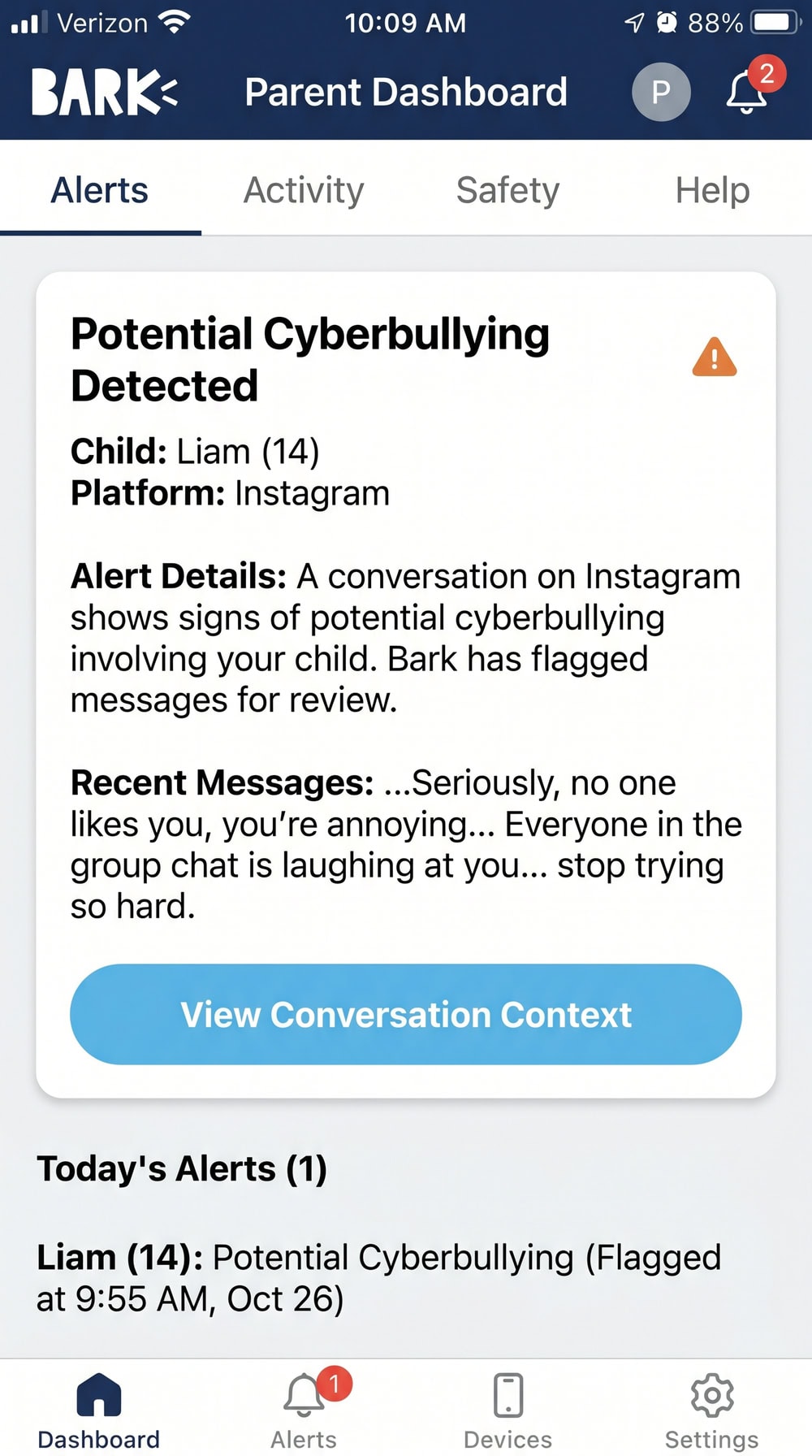
Premium runs $99/year (or $14/month), and Bark Jr is $49/year for basic screen time and filtering. Native apps cover iOS, Android, Amazon Fire, and Chromebook, though iPhone monitoring has gaps due to Apple's restrictions.
Pros
- Best-in-class suspicious-activity alerts across 30+ platforms, flagging nearly 20 categories of concern
- AI context scanning means fewer false alarms
- Covers screen time, filtering, and location too
Cons
- iPhone monitoring is more limited than Android
- No live, read-everything view by design
- Pricier than basic filters
2. Life360 - Best for Real-Time Location & Geofencing
Where Bark watches messages, Life360 watches the map. It's the app to beat for knowing where your family is, sharing real-time location across a Circle. When we added a "School" Place and walked a test phone past its boundary one weekday morning, the arrival notification hit the parent device within about a minute, and the matching geofencing alert fired again the moment the phone left the zone.
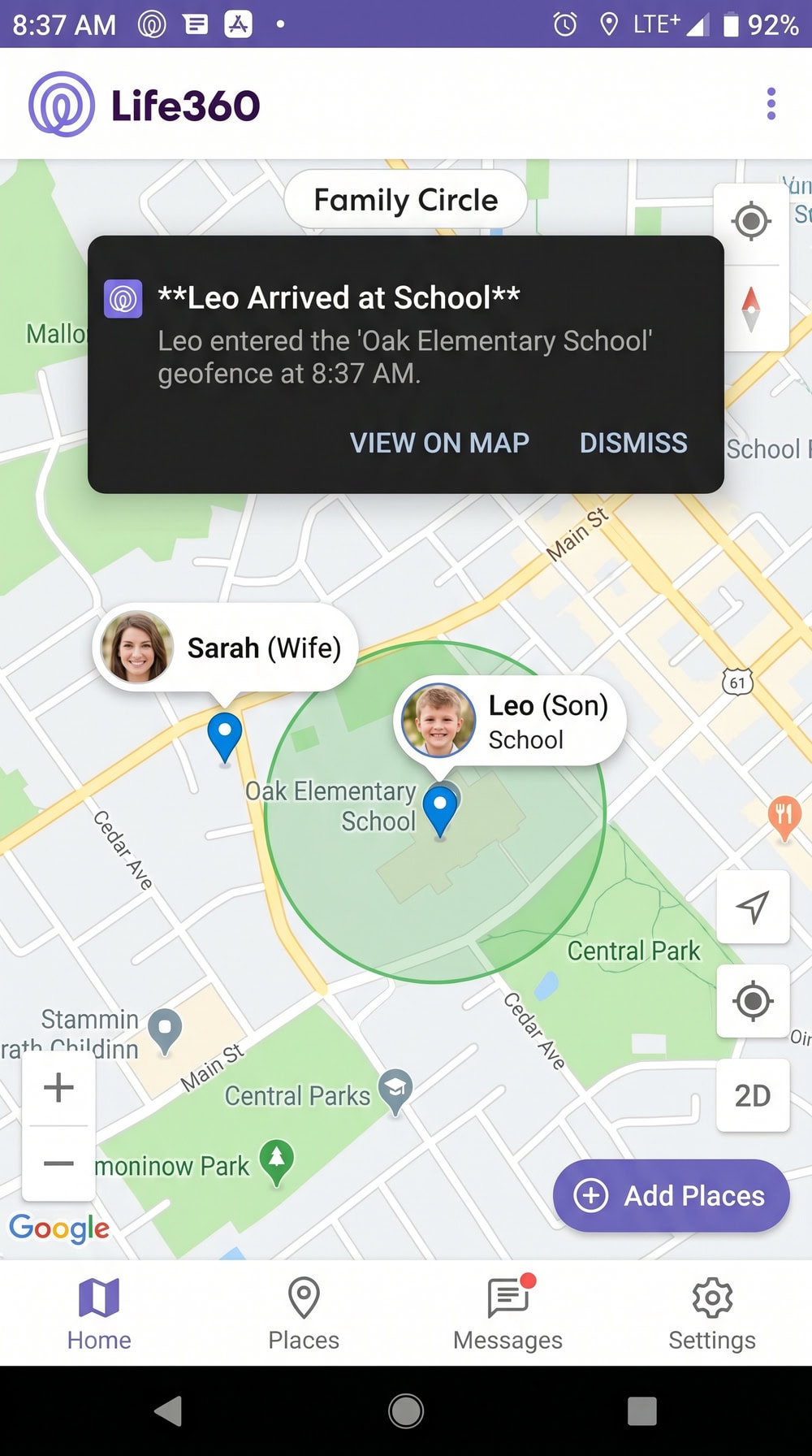
There's a Free tier with one saved Place. Gold runs $14.99/month and Platinum $24.99/month, both unlocking more Places and safety extras on iOS and Android.
Pros
- Excellent real-time location and arrival/departure alerts
- Driving and crash detection for teen drivers
- Usable free tier to start
Cons
- Not built for content or message scanning
- Best features need a paid plan
- Less useful for phone-free kids
3. Qustodio - Best for Social Media & Chat Monitoring
Qustodio shines when your concern lives in the apps kids talk on. In our testing, the moment that sold us came from Instagram: we sent a DM with a flagged keyword to a child test profile, and Qustodio surfaced it in the parent dashboard's social timeline that same afternoon, tagged by app and keyword. It covers WhatsApp, Instagram, TikTok, Snapchat, X, and Line, plus AI search and message alerts.
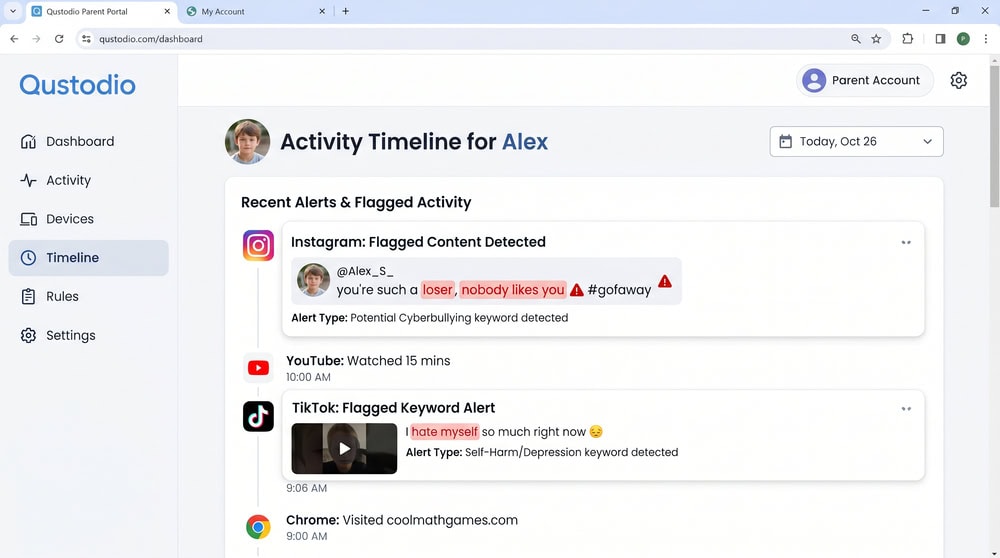
Basic is $59.95/year for up to 5 devices; Complete is $109.95/year for unlimited devices, and the panic button is Android-only.
Pros
- Strong social and messaging alerts across major apps
- Wide platform support, including desktop
- Detailed daily and weekly reports
Cons
- Panic button is Android-only
- Unlimited devices need the Complete plan
- Some iOS features limited by Apple
4. Net Nanny - Best for Content Filtering
Net Nanny is the sharpest tool for stopping bad content before it loads. Its dynamic AI filtering blocks suspicious material in real time as your child browses, not from a static blocklist.

Pricing is $54.99/year for 5 devices or $89.99/year for 20 devices, with a 14-day money-back guarantee. One limitation: it supports iOS but not Android per current docs, so confirm the device first.
Pros
- Best-in-class real-time content filtering
- Catches content as it loads, not after
- Clear Family Feed and search log
Cons
- No Android support on current versions
- Lighter social alerting than Bark
- Per-device pricing adds up
5. TickTalk 5 - Best GPS Watch for Younger Kids
Picture a seven-year-old at the park with only a watch on their wrist, and a parent at home getting a "left the safe zone" ping the second they wander toward the gate. That's the TickTalk 5, a standalone 4G GPS watch with no phone for the child. It offers real-time GPS, an SOS button, safe-zone alerts, and voice, video calling, and texting to approved contacts.
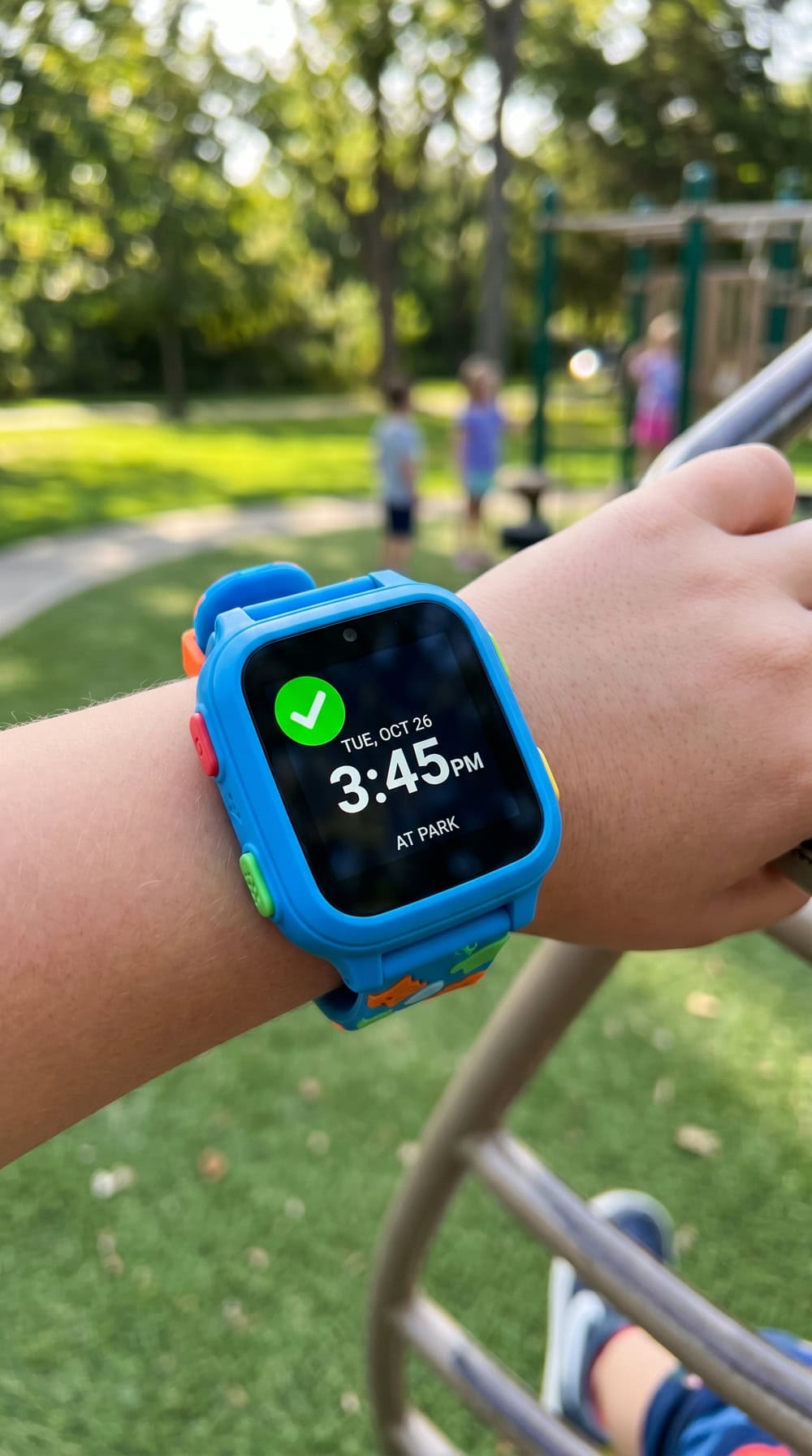
The watch is $159.99, with cellular plans from $9.99/month, and it's built for younger kids, roughly ages 3 to 12. A carrier-backed alternate is the Verizon Gizmo Watch 3 ($149.99).
Pros
- No smartphone needed for the child
- Real-time GPS, SOS, and safe-zone alerts
- Calls limited to approved contacts
Cons
- Requires its own cellular plan
- No content or social scanning
- Best for younger kids
6. Norton Family - Best for Multiple Children / Families
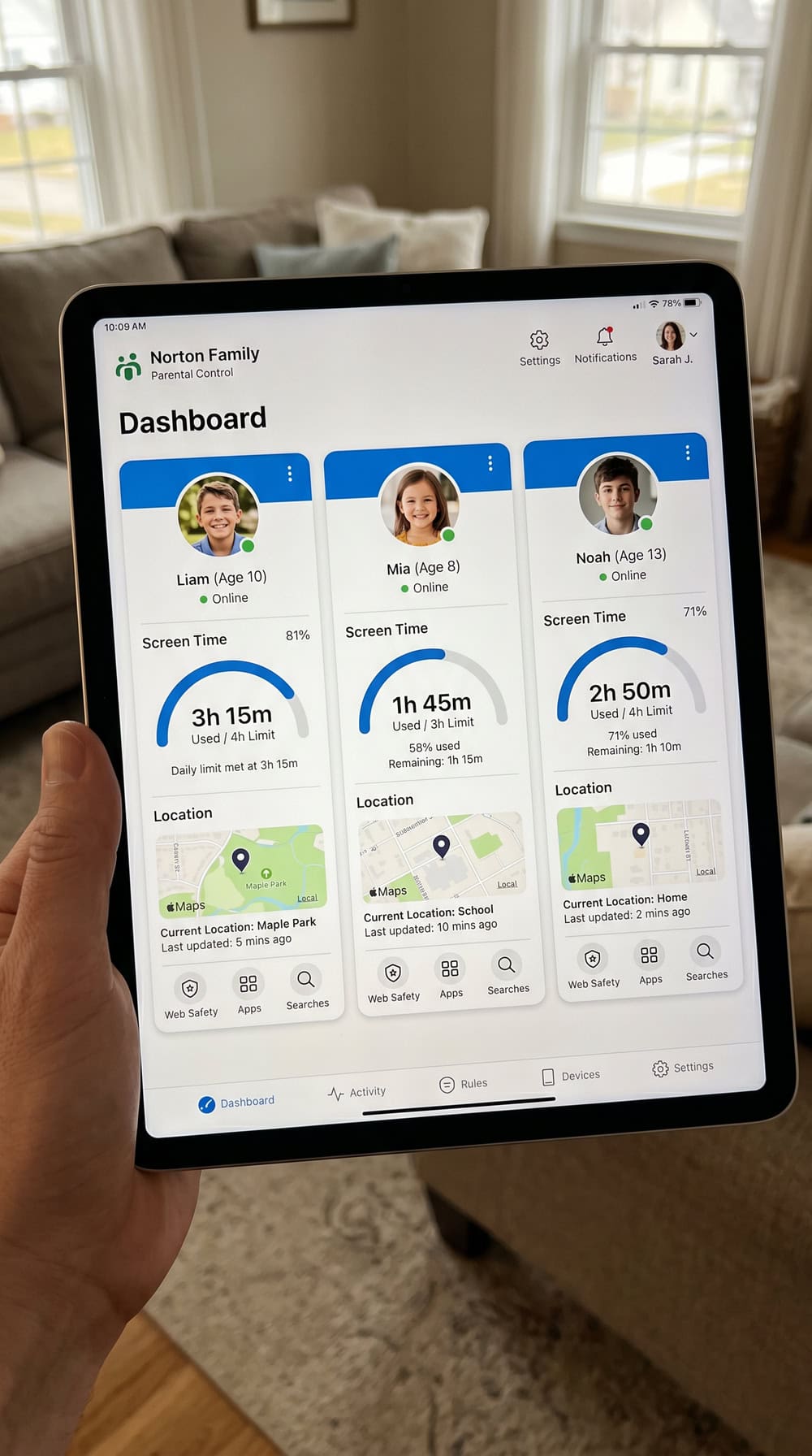
Norton Family is the value champion for bigger households. One $49.99/year subscription covers unlimited devices and up to 15 child accounts on one dashboard. Web supervision blocks 45 content categories, plus screen-time schedules, search and YouTube monitoring, and safe-zone location alerts across iOS, Android, and desktop.
Pros
- Unlimited devices and up to 15 children
- Flat, affordable yearly price
- Solid filtering across 45 categories
Cons
- Lighter activity alerting than Bark
- Some iOS features limited by Apple
- No social-media message scanning
7. Google Family Link - Best Budget Option
Start with what Family Link can't do: it cannot monitor a child's iPhone or iPad, and it won't scan content the way Bark does. Once you accept those limits, the free part is genuinely useful. Built into Android, it handles app approval and blocking, daily screen-time limits, weekly schedules, location on Google Maps with area alerts, YouTube age settings, and web restrictions.
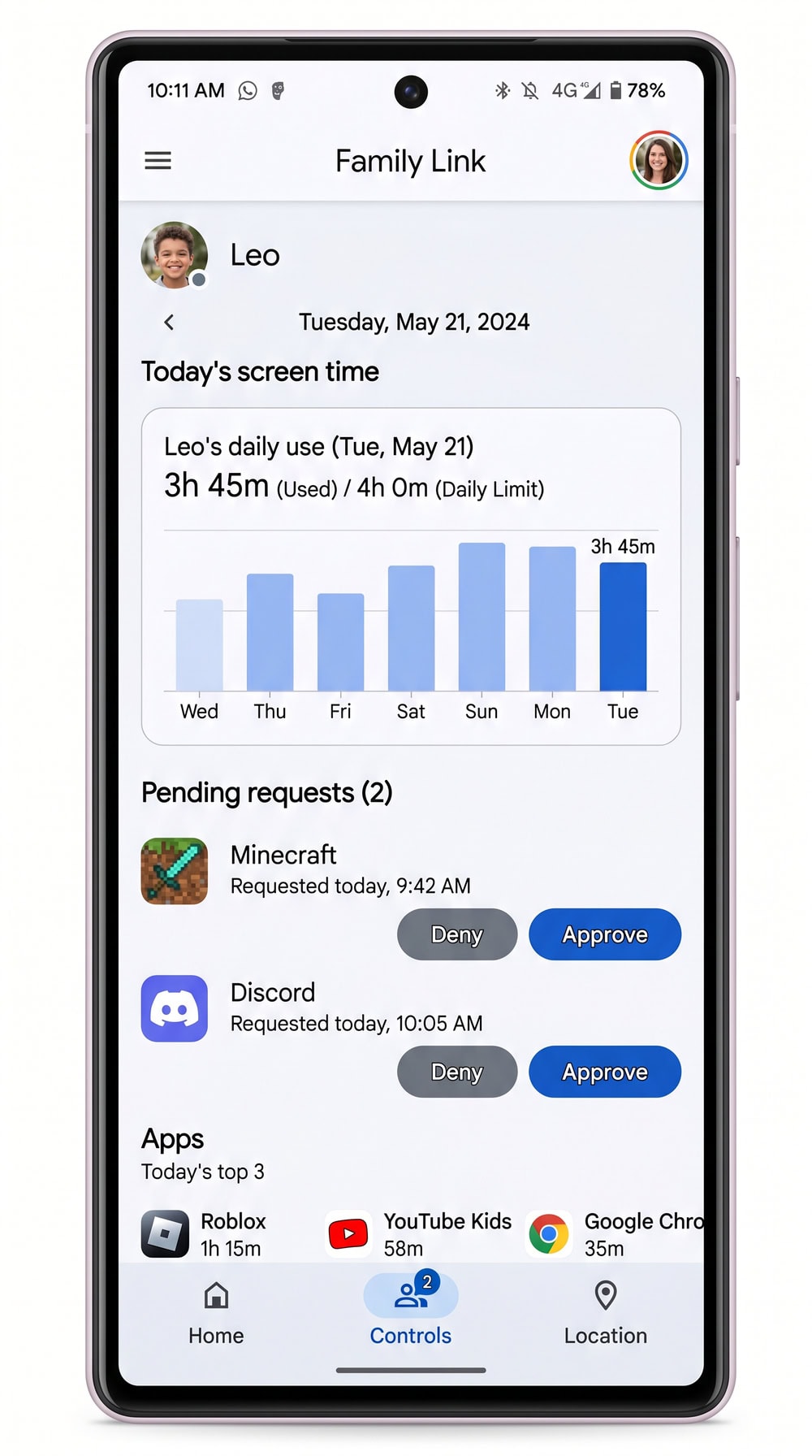
The trade-off is reach: it supervises Android and Chromebook only, so we pair it with a content tool for anything beyond screen time and location.
Pros
- Free and built into Android
- Strong screen-time and app-approval controls
- Location with area alerts on Maps
Cons
- No suspicious-content scanning
- Cannot manage a child's iPhone or iPad
- Best paired with a content tool
What to Look For: Alerts, Location & Screen Time Management
The warning signs a good tool should catch help you choose:
- Messages from unknown contacts or sudden secrecy about contacts
- Sexual, violent, or self-harm content in texts, photos, or searches
- Cyberbullying, whether your child is the target or a participant
- New apps or hidden accounts used to conceal conversations
- Late-night activity that screen-time limits would catch
- Locations that don't match what your child told you
A tool that flags these, manages screen time, and shares location gives you the signal to act.
How to Set Up a Phone Watcher Safely (and Talk to Your Child)
Setup is quick, but the conversation matters more than the install. Tell your child you're adding a safety app and explain why before you touch their phone, then create your account and add their profile.
On the child's device, install the companion app and grant the permissions it requests. On Android, open Settings → Apps to confirm the access it needs; on iPhone, open Settings → Screen Time to enable the controls. Set your screen-time limits and bedtime schedule, then add geofenced places like home and school for arrival alerts.
Finally, tune your notifications so you only hear about what matters, and revisit the rules as your child grows. The American Academy of Pediatrics recommends a shared family media plan, and monitoring works best as part of one.
Is It Legal to Monitor Your Child's Phone?
In the United States, parents and legal guardians can generally monitor their own minor children's phones, because they consent on the child's behalf. The picture changes once another adult, or a teen who is legally an adult, is involved.
Frequently Asked Questions
Is it legal to monitor my child's phone?
For a minor child you're covered, but two wrinkles trip parents up. First, who owns the phone matters: monitoring stays cleanest when the device and the plan are in your name, not your teen's. Second, once a teen turns 18 they're a legal adult, so continued monitoring needs their consent, not yours. On a shared family plan, loop in any other adult before enabling tracking on a line that isn't a minor's.
What's the best age to start monitoring a child's phone?
There's no single right age; it depends on the child and device. Many parents start with full monitoring and tight limits on a first phone, then loosen controls as the child earns independence.
Can monitoring apps automatically detect suspicious or inappropriate activity?
Yes. Tools like Bark, Qustodio, and Net Nanny use AI to scan messages, photos, searches, and social feeds, then alert you when content matches a concern like cyberbullying, predators, or self-harm.
Do these apps work on both iPhone and Android?
Most do, but not all. Bark, Life360, Qustodio, and Norton Family run on both, though some iPhone features are limited by Apple. Net Nanny is iOS-only, and Google Family Link supervises Android and Chromebook but can't manage a child's iPhone.
Will my child know the monitoring app is installed?
With every tool we recommend, yes, and that's the point. These are transparent safety apps meant to be installed openly and discussed, not hidden. Being upfront protects your child's trust.
What's the difference between a kids' GPS watch and a phone-monitoring app?
A GPS watch like the TickTalk 5 gives younger kids location, SOS, and calls to approved contacts without a smartphone. A phone-monitoring app runs on an existing phone and adds content alerts, social monitoring, and screen-time controls a watch can't.
Final Verdict: Our Top Pick for Catching Suspicious Activity
For most families, Bark is our top pick for catching suspicious activity. Its AI scans 30+ apps and flags nearly 20 categories of concern, from cyberbullying to predators to self-harm. At $99/year it isn't the cheapest, but nothing here matches its alerting.
If location is your real worry, Life360 fits better, and Net Nanny leads for blocking inappropriate content. Norton Family is the value pick for big households at $49.99/year, and Google Family Link starts Android parents free. Whichever you choose, install it openly and talk to your child. See also our guides on how to monitor your child's phone safely, the best spy apps, and phone tracker apps.

 Best Android Parental Monitoring Apps
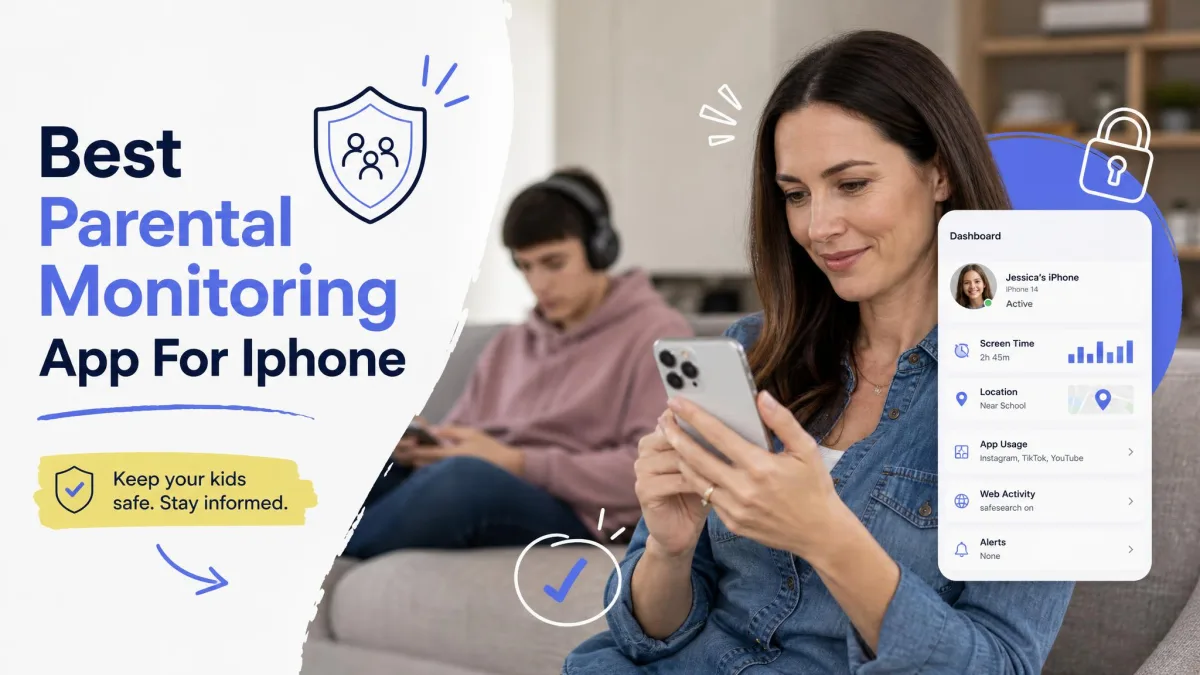 Best iPhone Parental Monitoring Apps
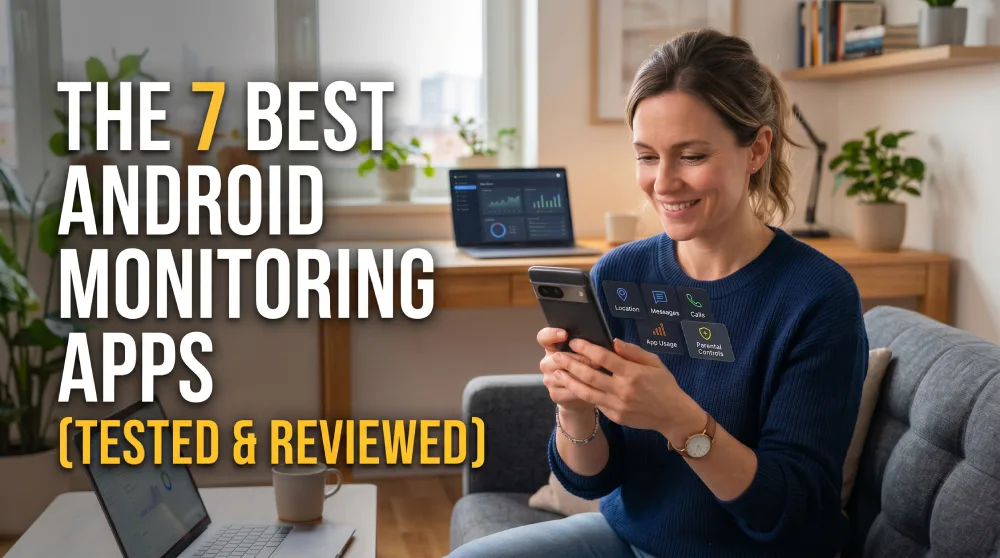 Best Android Monitoring Apps
 Monitor Child's Text Messages
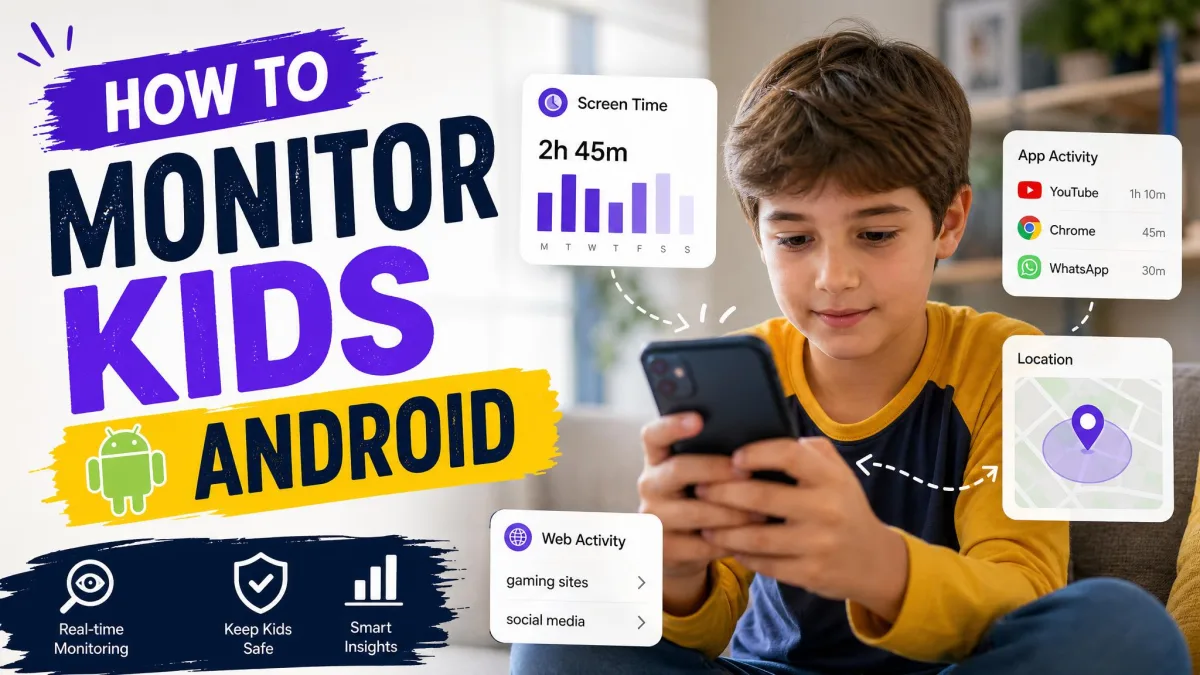 Monitor Your Kid's Android
 Monitor Your Kid's iPhone
 Monitor Kids Without Invading Privacy
 Best Android Parental Control Apps