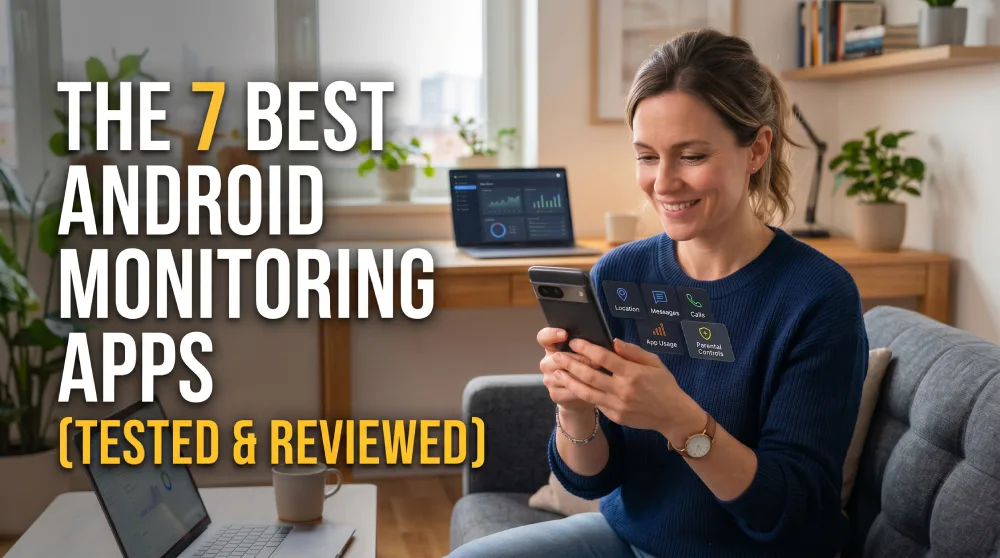
You handed your kid their first Android phone, and now you lie awake wondering who they talk to after lights-out. Or you manage a team of company devices and need to know the hardware is used for work, not side gigs. Either way, you want a quiet way to keep an eye on an Android phone without turning your life into a stakeout.
That is where a good monitoring app earns its keep. The right one runs in the background, pulls messages, location, and app activity to a dashboard you can check anywhere, and gives you peace of mind without a lot of fuss. The wrong one drains the battery, misses messages, or gets spotted on day one.
We set up and ran all six of these apps ourselves on real Android hardware over several weeks, watching how each one installed, synced, and held up in daily use. Below are the six best Android monitoring apps for 2026, ranked, compared, and tested, with honest notes on where each one slips.
How We Tested the Best Android Monitoring Apps
We do this work as the HTS review team, and monitoring software is a category we have followed for years. For this guide we bought or licensed all six apps ourselves, installed each one on Android test phones, and used them the way a parent or an employer actually would over several weeks.
We scored each app on the things that matter in daily use: how smoothly it installs, whether it truly runs no-root, how reliably data reaches the dashboard, how well stealth mode holds up, the depth of social media and location tracking, and how responsive support is when something breaks. Price and refund terms factored in too, because a monitoring app is a subscription you live with.
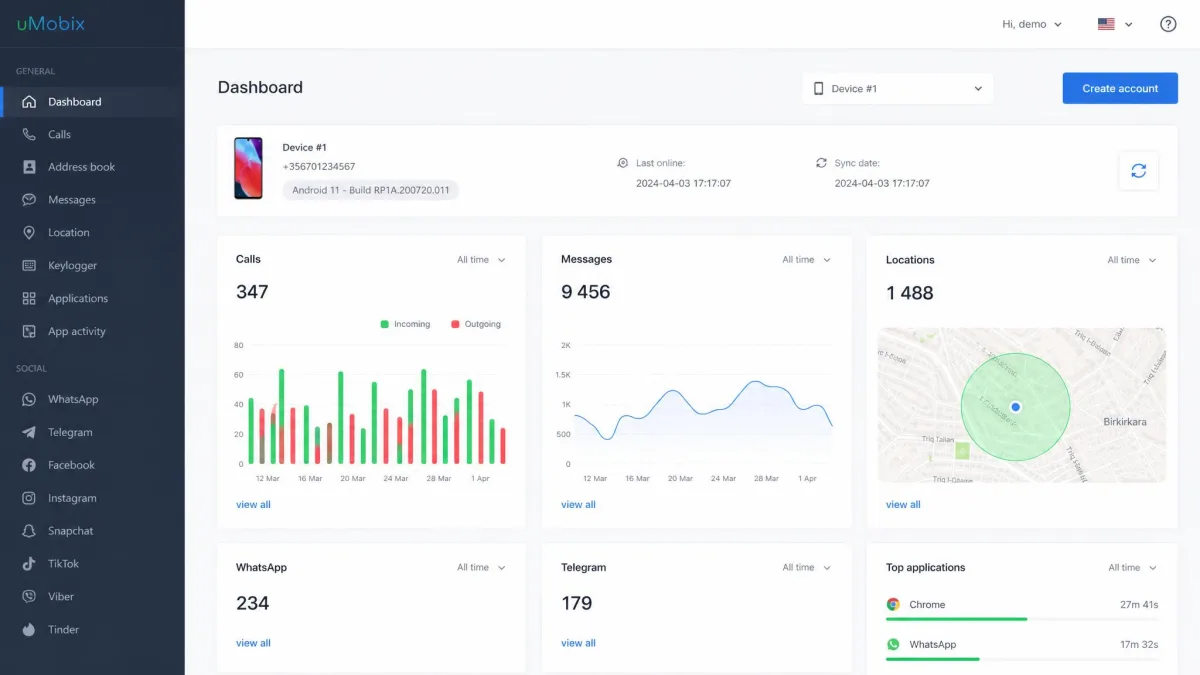
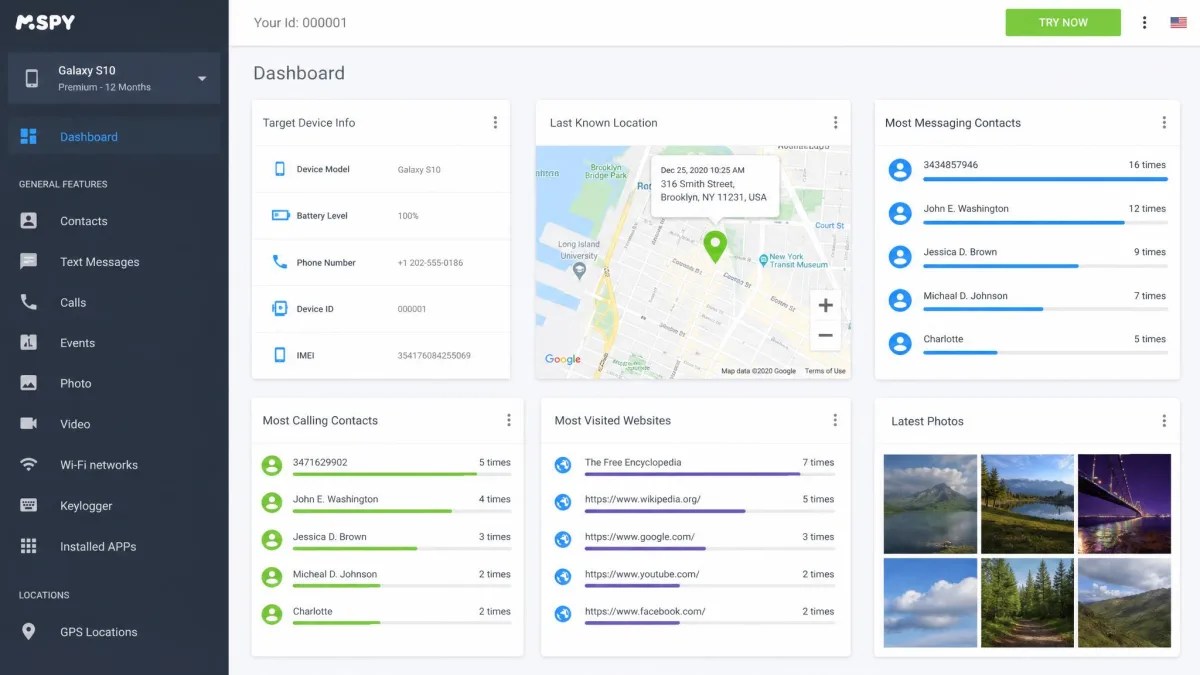
uMobix was the most reliable all-rounder we set up: it never crashed across a week of testing, and its data arrived promptly on the dashboard, which made it our top pick. mSpy had the broadest feature set and the cleanest no-root stealth, which makes it our top choice for parents. Others were more uneven, and we call that out plainly in each review.
What to Look For in an Android Monitoring App
Not every monitoring app is built for the same job, so the features you need depend on why you are watching a device in the first place. A few things separate the tools worth paying for from the ones that waste your money.
Start with no-root setup. Rooting an Android phone voids warranties, weakens security, and takes technical skill most people do not have. The best apps run their core tracking without root, and only ask for it for deep social media capture. mSpy, uMobix, Eyezy, and Spynger all handle core monitoring no-root, which keeps setup simple.
Stealth mode matters just as much. A monitoring app that shows an icon or a nagging notification defeats the point. In our testing, mSpy runs invisibly in the background, so children on the target phone typically never notice it.
Before you buy, confirm the target Android phone allows installs from unknown sources and that you can access it for a few minutes. Every app on this list needs brief physical access to the phone for the initial setup.
Then weigh reliability. An app that syncs late or drops its connection is worse than useless, because you make decisions on stale data. Sync speed, dashboard uptime, and support quality decide whether you actually trust what you see.
The best monitoring app is the one you forget is running: it stays quiet on the phone, keeps data flowing to your dashboard, and never makes you wonder whether you are looking at yesterday's messages.
Finally, think about price honestly. Monthly plans look cheap but cost far more over a year, and none of these apps is truly free. Match the plan length to how long you actually need to monitor.
Comparison Table: Features, Pricing and Platform Support
Here is how the six apps stack up on the things buyers ask about most: who each is best for, entry price, stealth, social coverage, platform support, and whether core monitoring runs without root.
| Product | Best for | Price from | Stealth mode | Social media coverage | Platform support | No-root core | Buy |
|---|---|---|---|---|---|---|---|
 |
Overall | $12.49/mo | ★★★★★ | Broad IM and social | Android 4.0+ / iOS | Yes | Check price → |
 |
Parents | $11.66/mo | ★★★★★ | WhatsApp, Snapchat, Instagram | Android + iOS | Yes (some features root) | Check price → |
 |
Smart alerts | ~$7.99/mo | ★★★★☆ | Broad IM and social | Android + iOS | Yes | Check price → |
 |
Employee/business | ~$4.99/mo | ★★★★☆ | IM and social | Android + iOS | Yes (some features root) | Check price → |
 |
Budget/privacy | $9.28/mo | ★★★★☆ | 16+ chat apps | Android + iOS | Yes | Check price → |
 |
Advanced features | ~$29.95/mo | ★★★★☆ | Broad IM and social | Android + iOS | Basic yes; advanced root | Check price → |
The Best Android Monitoring Apps Reviewed
We ranked these six by how they performed across setup, reliability, stealth, and value in our hands-on testing. Every price below reflects what we paid at the time of writing.
1. uMobix: Best Overall
uMobix
uMobix was the most dependable all-rounder we tested, which is why it is our top pick for most people. It runs on Android 4.0 and up with no root required, and it pairs real-time social and messenger tracking with call logs, GPS, and even deleted-data recovery. In our testing it never crashed across a full week, data arrived promptly on the dashboard, and support replied quickly when we had questions. It is not flawless: we saw occasional sync delays between the phone and the dashboard, especially with Instagram, and monitoring several children means buying a separate yearly subscription per device, as there is no family plan.
Pros
- Reliable, crash-free performance across a week of daily use
- Fast, responsive customer support
- Deep social and messenger tracking plus deleted-data recovery
Cons
- Occasional sync delays, especially with Instagram
- No family plan, so multiple devices get expensive
- No free trial
Best for: Anyone who wants reliable, real-time social and messenger tracking that just works. Skip if: You need to monitor several phones on one affordable plan.
For most people, this is the app to start with. It gives you dependable, real-time coverage with no root required, and its support answers fast when something looks off.
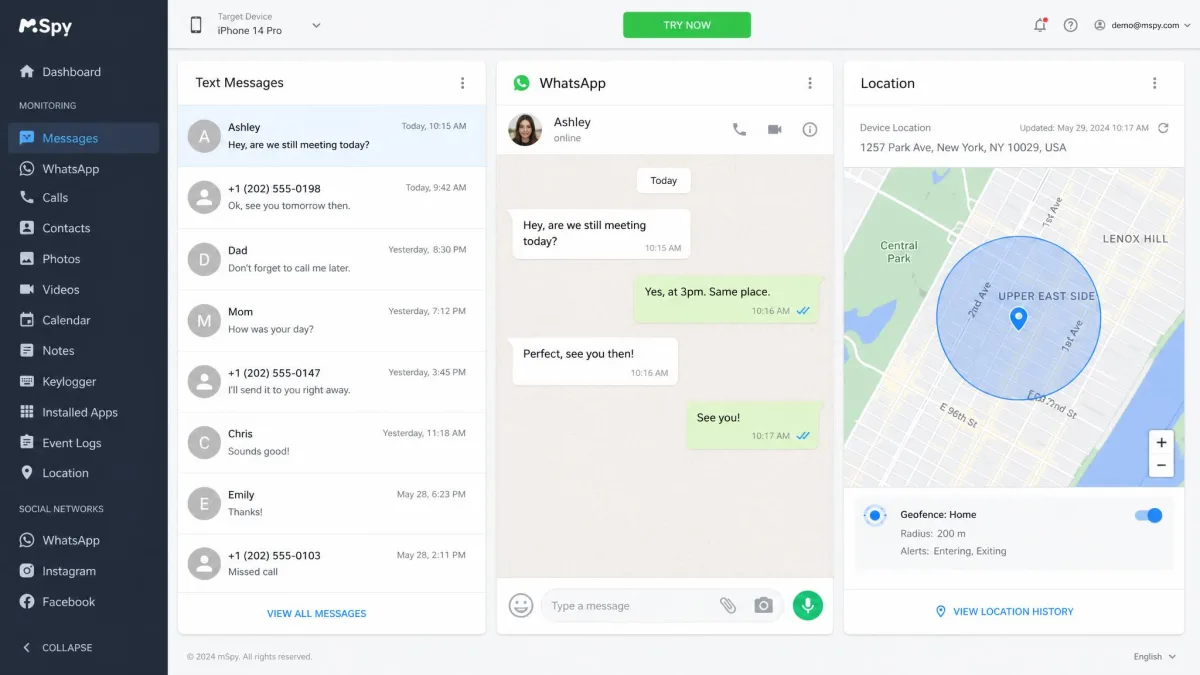
2. mSpy: Best for Parents
mSpy
mSpy had the broadest feature set and the cleanest no-root stealth of every app we set up, which makes it our top choice for parents who want maximum coverage in one app. We installed it on an Android test phone in a few minutes, and it ran invisibly in the background, so a child on the target device would typically never notice it. Core monitoring, including call and SMS logs, GPS location, geofencing, and browsing history, runs no-root, though some social apps like WhatsApp, Snapchat, and Instagram need root for full capture. Our one real gripe: mSpy occasionally lost its connection to the target device, and restoring the feed sometimes meant restarting the phone.
Pros
- Broadest feature set we tested, from keylogger to screen recorder
- Clean no-root stealth that stays hidden on the target phone
- Well-organized remote control panel that is easy to read
Cons
- Occasionally drops the device connection and needs a phone restart
- No free trial, only a limited refund policy
- Some social apps need root for full monitoring
Best for: Parents who want one reliable, full-featured app that just works. Skip if: You need advanced call or ambient recording without ever rooting.
For parents who want the widest possible coverage in a single app, mSpy is the one to beat, and it stays out of sight on the phone.
3. Eyezy: Best for Smart Alerts
Eyezy
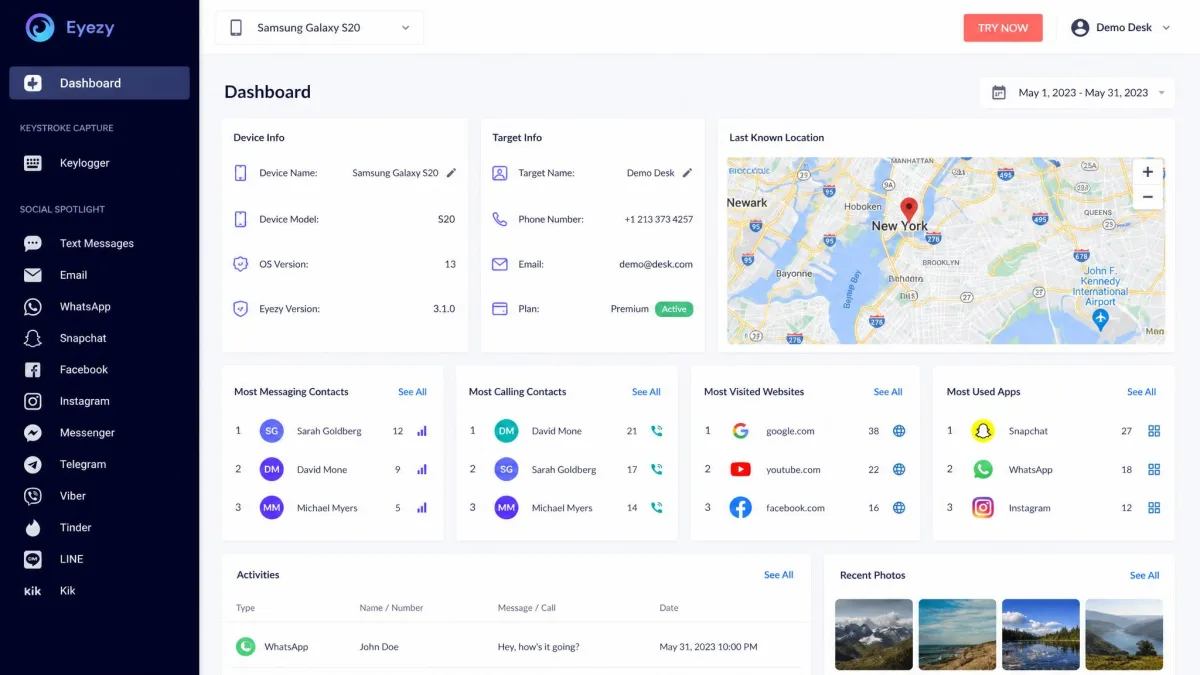
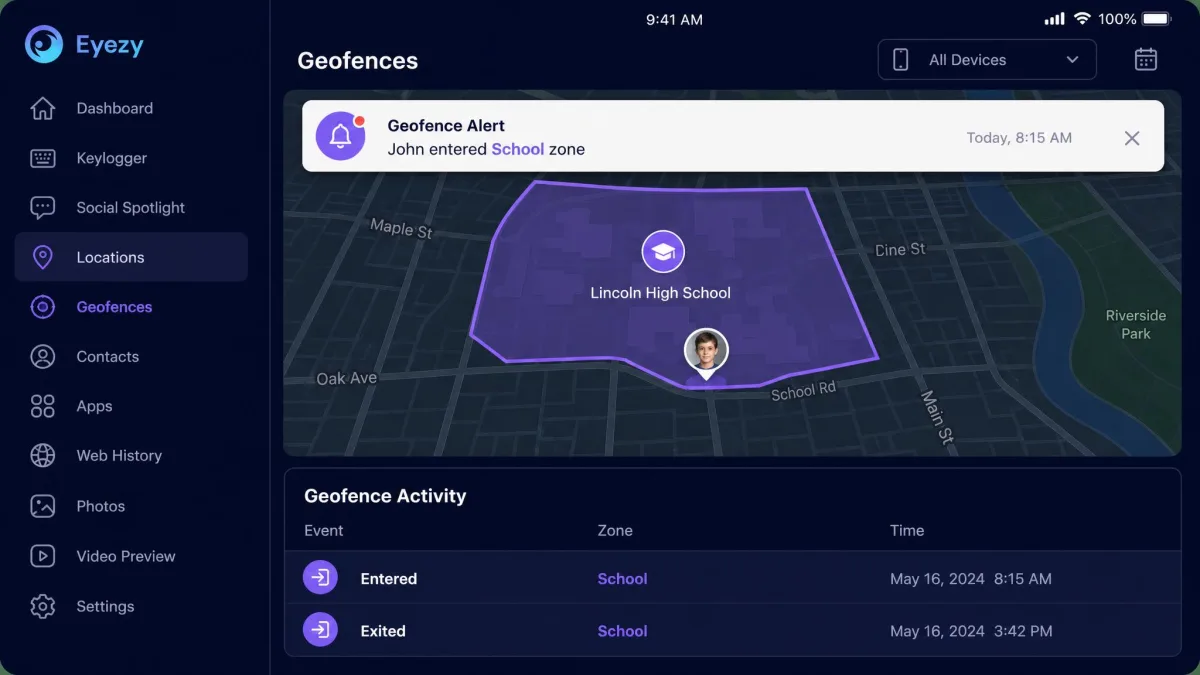
Eyezy is built around alerts that do the watching for you. Its geofencing tools, Plans Breaker and Pinpoint, flag when a phone enters or leaves places you mark, and its Magic Keylogger captures typed text. It covers social and messenger apps, GPS, browsing, and call and SMS logs, and iOS monitoring needs no jailbreak because it syncs from an iCloud backup. It is a smart toolkit, but reliability let us down: on one Android phone it stopped updating WhatsApp data for an entire day, and geofence alerts arrived about 20 minutes late. Eyezy advertises 24/7 support, yet chat messages can go unanswered and answers are hard to find.
Pros
- Standout geofencing and smart-alert tools
- Capable keylogger and broad app coverage
- No-jailbreak iOS monitoring via iCloud sync
Cons
- Syncing can stall for hours on Android
- Geofence alerts arrived roughly 20 minutes late in our testing
- Support can go quiet despite the 24/7 claim
Best for: Parents who want automatic location and keyword alerts. Skip if: You need rock-solid, minute-by-minute syncing.
Eyezy is the pick when you would rather be pinged about the important moments than scroll a feed all day, as long as you can live with occasional lag.
4. XNSPY: Best for Employee/Business Monitoring
XNSPY
XNSPY leans into the controls a business needs: watchlist alerts for specific words, contacts, or locations, remote screenshots and screen recording, plus remote lock and wipe for a lost or misused company phone. It works on both rooted and non-rooted Android, though some monitoring, screenshot, and recording features need root. In our testing, message-history updates could take longer to load and syncing slowed on weak connections. Installing it across multiple phones was time-consuming, and the Android rooting requirement was not always clear upfront. SmartCustomer's 487-review panel rates XNSPY 3.9/5, which matches our sense of a capable but uneven tool.
Pros
- Strong watchlist alerts and remote lock and wipe
- Remote screenshots and screen recording for oversight
- Works on both rooted and non-rooted Android
Cons
- Syncing slows on weak internet connections
- Rooting requirement is not always clear upfront
- Bulk install across many phones is time-consuming
Best for: Employers monitoring company-owned Android devices. Skip if: You want the fastest possible setup on a single phone.
For a business managing company hardware with disclosed monitoring, XNSPY's control features are the draw, provided you plan for the setup time.
5. Spynger: Best Budget / Privacy Pick
Spynger
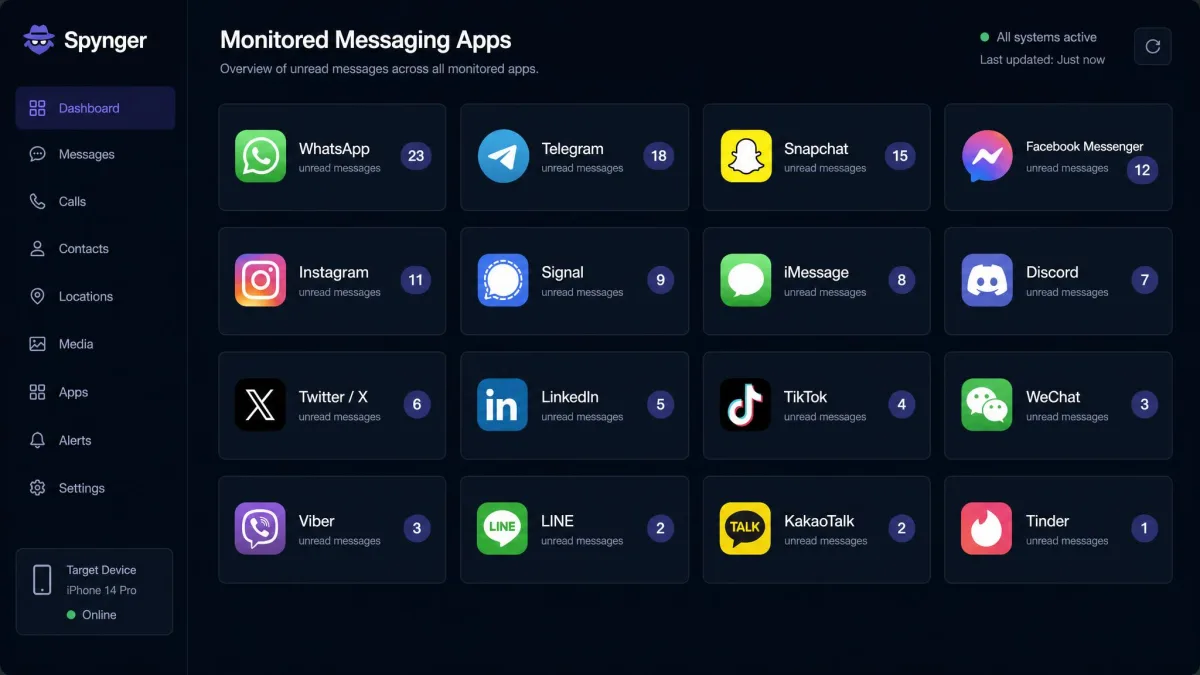
Spynger is the value pick, with hidden, no-root operation on Android and coverage of more than 16 messaging apps, including Tinder, WhatsApp, Telegram, and Snapchat. It installs fast: most of our Android setups ran in under 10 minutes, which is quicker than anything else on this list. It also carries a 30-day refund policy subject to conditions. The catch is consistency. Some Spynger features stopped working after a day or two in our testing, and customer service was slow to respond or silent when we needed help. At its annual price it is a fair deal, but you trade some reliability for the savings.
Pros
- Fast setup, often under 10 minutes on Android
- Covers 16+ chat and messaging apps
- Hidden no-root operation and a 30-day conditional refund
Cons
- Some features stopped working after a day or two
- Customer support was slow or unresponsive
- Reliability is less consistent than pricier picks
Best for: Buyers who want broad chat coverage on a tighter budget. Skip if: You need dependable, always-on monitoring with strong support.
Spynger makes sense if price and quick setup outrank polish, and you are willing to babysit it a little.
6. FlexiSPY: Best for Advanced Features
FlexiSPY
FlexiSPY is the power tool of the group, and it is not for everyone. Its three tiers climb from Lite through Premium, which adds call and ambient recording and camera access, to Extreme, which adds password cracking and remote camera on Android. Basic features work without root, but the most powerful ones require a rooted device. In our testing, setup was more technical than mainstream parental apps, and the standout features leaned on that rooted phone. It is also among the most expensive options, and its refund policy is conditional, covering only unresolvable install failures, not change of mind or an unsupported device.
Pros
- Deepest feature set, including call and ambient recording
- Remote camera and password cracking on the Extreme tier
- Genuine advanced monitoring for technical users
Cons
- Setup is more technical than mainstream apps
- Advanced features require a rooted Android
- Among the priciest options, with a conditional refund policy
Best for: Advanced users who need call recording and deep capture. Skip if: You want a simple, no-root app at a reasonable price.
FlexiSPY is worth it only if you truly need its advanced recording and capture, and you are comfortable rooting a phone to unlock them.
Which Android Monitoring App Is Right for You? (By Use Case)
The best app depends entirely on who you are and what you need to see. Here is how we would choose.
If you want one dependable app that covers everything and syncs in real time, get uMobix. It was the most reliable all-rounder we tested, with deep social and messenger coverage and support that answers fast when something looks off.
If you are a parent who wants the broadest feature set and the cleanest stealth in a single app, mSpy is the one to get. It has the widest coverage, stays hidden on the phone, and needs the least fiddling to keep running.
If you would rather get automatic alerts than watch a dashboard, Eyezy's geofencing and keyword alerts do the watching for you, as long as you can tolerate the occasional sync lag.
If you are an employer monitoring company-owned devices, XNSPY's watchlist alerts and remote lock and wipe are built for that job. Disclose the monitoring to your staff first.
If budget is tight and you still want broad chat coverage, Spynger installs fast and costs less, though you will forgive a few reliability hiccups.
And if you genuinely need advanced call recording or remote camera access, FlexiSPY is the only one here that reaches that depth, provided you will root the target phone.
How to Install an Android Monitoring App (Step by Step)
Setup is similar across these apps, and none of it is complicated once you have the phone in hand. Here is the path we followed every time.
First, buy your plan and check the welcome email for your login and setup instructions. Then, on the target Android phone, open Settings and allow installs from unknown sources, since these apps do not come from the Play Store.
Next, download the app from the link in your dashboard and install it. During setup you grant the permissions the app needs to read messages, location, and app activity. Most apps then hide their icon so the app runs quietly.
Finally, log in to your online dashboard from any browser and confirm data is flowing. Give it a little time on the first sync, then check that messages, location, and app activity all appear.
Stick with a no-root app like uMobix or mSpy unless you truly need a root-only feature. Rooting an Android phone is technical, voids the warranty, and weakens the device's security. You can always start no-root and only reconsider if a specific feature demands it.
The whole process usually takes ten to twenty minutes per phone. Spynger was our quickest, often under ten minutes, while XNSPY took longest when we set up several phones at once.
Free vs Paid Android Monitoring Apps
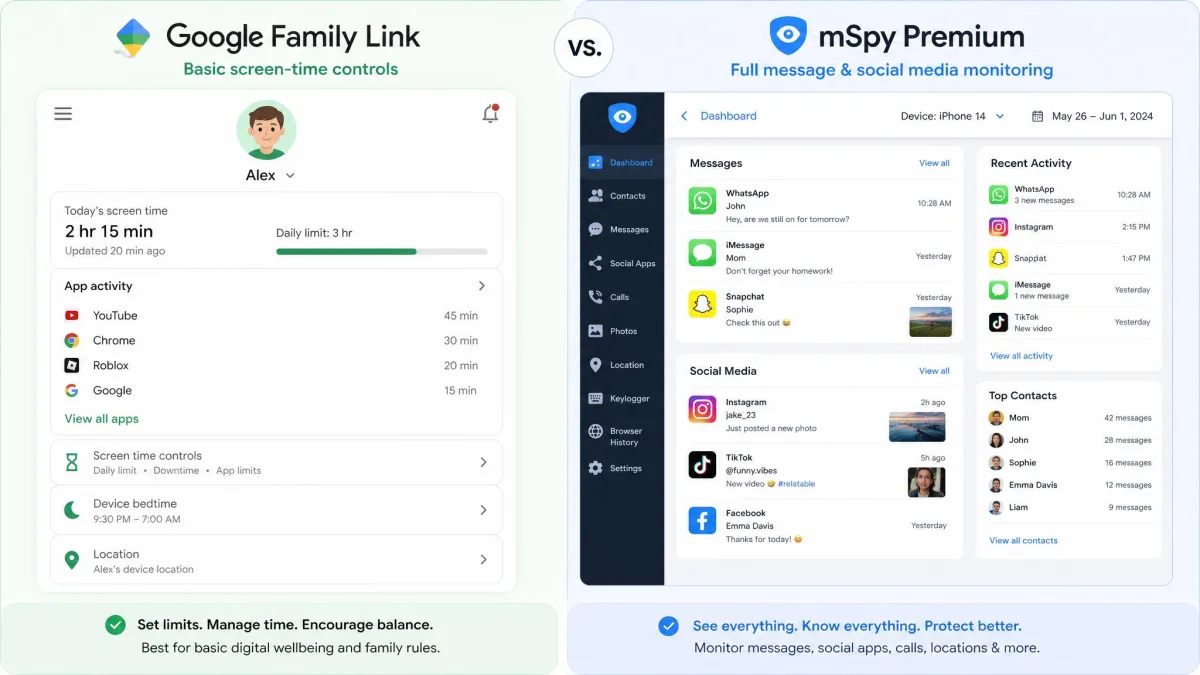
It is tempting to search for a free Android monitoring app, and free options do exist. Google's own Family Link is genuinely free and fine for screen-time limits, app approvals, and basic location. If that is all you need, start there.
But free monitoring tools stop well short of what the paid apps here do. They do not read messages inside social and chat apps, they rarely offer stealth mode, and many so-called free spy apps are unreliable or quietly harvest your data. In our testing, none of the free tools we have tried match the depth or dependability of the paid picks above.
Paid apps earn their subscription with real social media capture, reliable syncing, hidden operation, and support you can actually reach. If you only need light parental controls, free is fine. If you need to truly monitor a device, a paid app is the honest answer.
Is It Legal to Monitor an Android Phone?
This is the part no buyer should skip. Monitoring software is legal in many situations and illegal in others, and the line is about consent and ownership.
In general, you may monitor a device you own and a minor child you are the legal guardian of. Monitoring another adult's phone without their knowledge or consent, including a partner or an employee's personal device, can break the law. For company devices, most employers must disclose monitoring to staff first.
Intercepting someone's calls or messages without consent may violate the federal Wiretap Act, 18 U.S.C. § 2511. This software is intended to be used by parents to monitor their underage children. Laws vary by state and country, and this guide is not legal advice.
The practical rule is simple: monitor your own kids and your own company hardware, tell the people who should be told, and never install a hidden app on an adult's personal phone without their consent.
Common Mistakes Buyers Make
The biggest mistake we see is rooting a phone that never needed rooting. Most people only need core monitoring, which the top apps handle no-root, so rooting adds risk for a feature you may never use.
Another is buying a monthly plan out of habit. Monthly pricing is two to four times the annual rate on these apps, so if you will monitor for more than a month, the yearly plan saves real money.
People also overbuy on features. FlexiSPY's call recording is impressive, but a parent watching a teen rarely needs it, and uMobix or mSpy will do the job with far less setup.
Finally, buyers skip the refund fine print. Several apps here have conditional refunds, and FlexiSPY in particular refunds only unresolvable install failures. Read the terms before you pay, not after.
Frequently Asked Questions
Do Android monitoring apps require rooting the phone?
Can I install a monitoring app without physical access to the target phone?
Are there genuinely free Android monitoring apps?
Will a monitoring app drain the target phone's battery?
Is it legal to use these apps to monitor my child?
Which Android monitoring app is best for parents?
The Bottom Line
After setting all six up on real Android phones and living with them for weeks, uMobix is the app we would hand most people. It was the most reliable all-rounder we tested, syncing promptly with deep social and messenger coverage, and its support answered fast. Its only real weaknesses are occasional sync delays and no family plan for multiple devices.
The others each own a lane: mSpy for the broadest feature set and cleanest stealth, Eyezy for smart alerts, XNSPY for business oversight, Spynger for budget setups, and FlexiSPY for advanced recording. Choose by your use case, buy the annual plan, and above all monitor only devices and people the law allows.